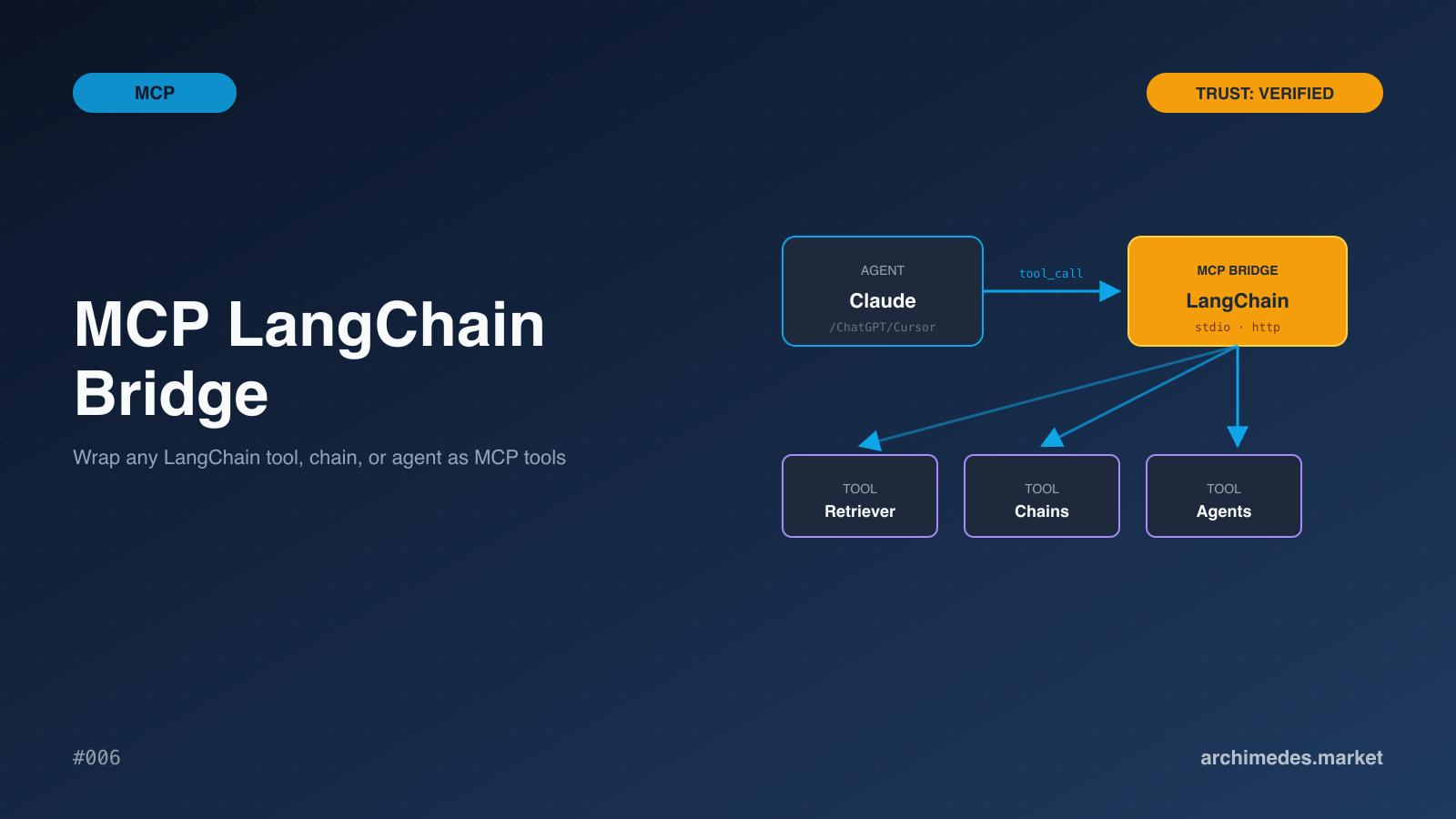
MCP Client Using LangChain / TypeScript
- agent-framework
Simple CLI MCP Client Implementation Using LangChain ReAct Agent / TypeScript
About
What is MCP Client Using LangChain / TypeScript?
This is a simple Model Context Protocol (MCP) client that demonstrates the use of MCP server tools by a LangChain ReAct Agent. It runs on Node.js 16+ and is intended for developers integrating MCP tools into LangChain-based applications.
How to use MCP Client Using LangChain / TypeScript?
Install dependencies with npm install, set up API keys in a .env file, and configure the LLM and MCP servers in llm_mcp_config.json5. Run the app with npm start. Verbose mode is available via npm run start:v, and command-line options via npm run start:h. At the prompt, press Enter to use example queries that invoke MCP server tools.
Key features of MCP Client Using LangChain / TypeScript
- Uses LangChain ReAct Agent to invoke MCP server tools.
- Supports multiple MCP servers via parallel initialization.
- Converts MCP tools into LangChain-compatible StructuredTool[].
- Supports LLMs from Anthropic, OpenAI, and Groq.
- Configuration uses JSON5 format with environment variable substitution.
- Built-in example queries for quick testing of tool invocations.
Use cases of MCP Client Using LangChain / TypeScript
- Integrating external MCP tools into LangChain agents for task automation.
- Rapidly prototyping and testing MCP server interactions from a CLI.
- Demonstrating parallel MCP server initialization and tool conversion.
- Comparing behavior across supported LLM providers (Anthropic, OpenAI, Groq).
FAQ from MCP Client Using LangChain / TypeScript
What makes this client different from Claude for Desktop?
The configuration format follows the same structure as Claude for Desktop, but uses the key mcp_servers (snake_case) instead of mcpServers, and it runs on LangChain’s ReAct Agent rather than proprietary AI.
Which LLMs are supported?
Anthropic, OpenAI, and Groq are currently supported via their respective API keys.
How do I set up MCP servers?
Configure them in llm_mcp_config.json5 using the same pattern as Claude for Desktop (with mcp_servers) and reference environment variables with ${...} notation.
Is there a Python version?
Yes, a Python version is available at the repository linked in the README.
What is the license?
MIT.
Details
- Author
- hideya
- GitHub stars
- 10
- Category
- agent-framework
- Repository
- hideya/mcp-client-langchain-ts
MCP Client Using LangChain / TypeScript 
This simple Model Context Protocol (MCP)
client demonstrates the use of MCP server tools by LangChain ReAct Agent.
It leverages a utility function convertMcpToLangchainTools() from
@h1deya/langchain-mcp-tools.
This function handles parallel initialization of specified multiple MCP servers
and converts their available tools into an array of LangChain-compatible tools
([StructuredTool[]](https://api.js.langchain.com/classes/_langchain_core.tools.StructuredTool.html)).
LLMs from Anthropic, OpenAI and Groq are currently supported.
A python version of this MCP client is available
here
Prerequisites
- Node.js 16+
- npm 7+ (npx) to run Node.js-based MCP servers
- [optional] uv (uvx)
installed to run Python-based MCP servers
- API keys from Anthropic,
OpenAI, and/or
Groq
as needed.
Setup
1. Install dependencies: npm install
2. Setup API keys:
cp .env.template .env
- Update
.env as needed.-
.gitignore is configured to ignore .envto prevent accidental commits of the credentials.
3. Configure LLM and MCP Servers settings llm_mcp_config.json5 as needed.
- The configuration file format
for MCP servers follows the same structure as
Claude for Desktop,
with one difference: the key name mcpServers has been changed
to mcp_servers to follow the snake_case convention
commonly used in JSON configuration files.
- The file format is JSON5,
where comments and trailing commas are allowed.
- The format is further extended to replace ${...} notations
with the values of corresponding environment variables.
- Keep all the credentials and private info in the .env file
and refer to them with ${...} notation as needed.
Usage
Run the app:
npm start
Run in verbose mode:
npm run start:v
See commandline options:
npm run start:h
At the prompt, you can simply press Enter to use example queries that perform MCP server tool invocations.
Example queries can be configured in llm_mcp_config.json5