
youtube_mcp
About
youtubemcp is an MCP server that transcribes YouTube videos. It requires an OpenAI API key and cookie-based authentication. It is designed for use with AI assistants like Claude Desktop.
Details
- Author
- format37
- GitHub stars
- 32
- Downloads
- 467
- Categories
- Media
Jump to
- YouTube video transcription via MCP
- Uses OpenAI API for transcription
- Cookie-based authentication for YouTube
- Runs as a Docker container
- Exposes an SSE endpoint
- Integrates with Claude Desktop

Setting up with Highlight
This MCP is not yet compatible with Highlight’s one-click setup. However, you can still use it with Highlight by following these steps:
- Download and install Highlight from highlightai.com/download
- Navigate to the plugins tab and select "Add Custom Plugin"
-
Configure the plugin with the settings below
Plugin Name
youtube_mcpCommand (node, npx, python, etc.)Please refer to the README for specific instructions on how to obtain API keys or other required environment variables.
- Enable "Start Automatically" if you want the plugin to start when Highlight launches





From the repository
Install by cloning the repository, extracting your YouTube cookies into cookies.txt, generating a MCP key, and setting environment variables. Run with ./compose.sh which starts a Docker container. Then configure a client (e.g., Claude Desktop) to connect via mcp-remote with an Authorization header.
Claude Desktop / Cursor
Paste into your MCP client config file to install this server.
{
    "mcpServers": {
        "youtube_mcp": {
            "youtube": {
                "command": "npx",
                "args": [
                    "mcp-remote",
                    "http://localhost:7001/sse",
                    "--header",
                    "Authorization:YOUR-TOKEN",
                    "--allow-http"
                ],
                "disabled": false
            }
        }
    }
}McpServers
{
    "youtube": {
        "command": "npx",
        "args": [
            "mcp-remote",
            "http://localhost:7001/sse",
            "--header",
            "Authorization:YOUR-TOKEN",
            "--allow-http"
        ],
        "disabled": false
    }
}
youtube_mcp
Youtube transcribation MCP serverDemo Video
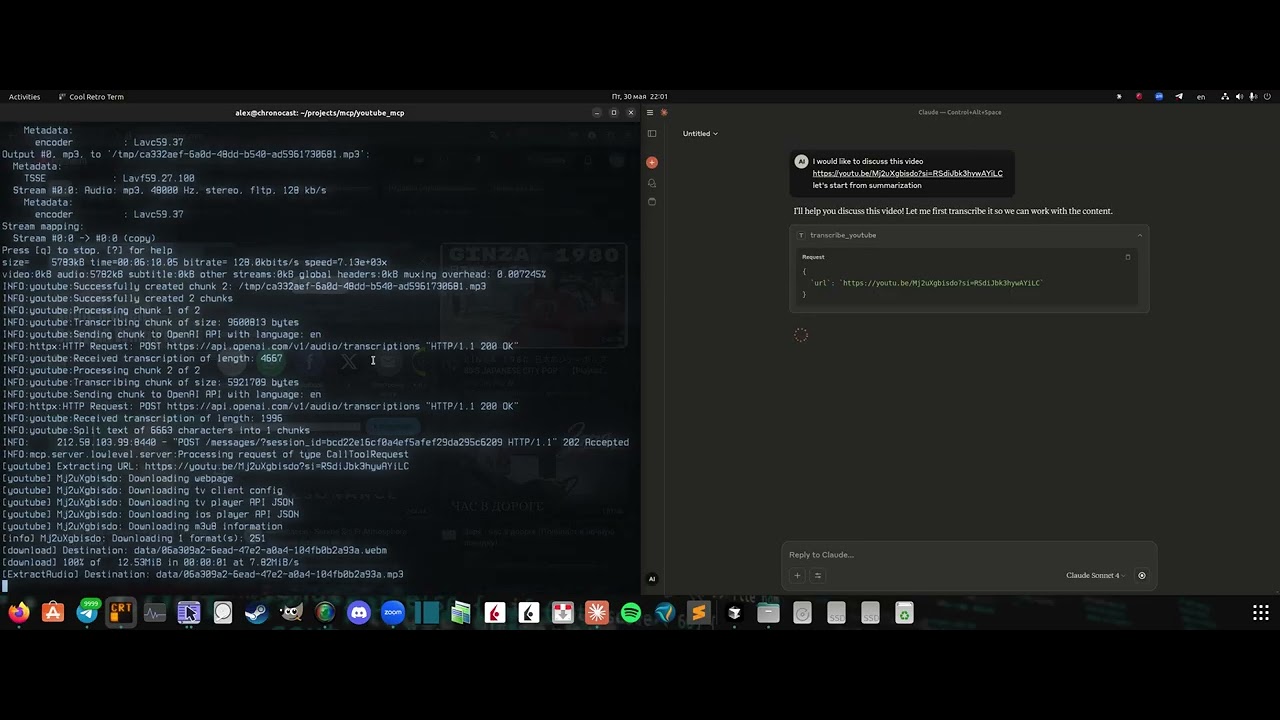
Click the image above to watch the demo video
Requirements:
OpenAI API key CookiesServer installation
Clone the repo:git clone https://github.com/format37/youtube_mcp.git
cd youtube_mcp
nano .env
python token_generator.py
CONTAINER_NAME=youtube_mcp_main
PORT=7001
MCP_KEY=YOUR-MCP-KEY
OPENAI_API_KEY=YOUR-OPENAI-KRY
sudo chmod +x compose.sh
sudo chmod +x logs.sh
sudo chmod +x update.sh
./compose.sh
- Check that port is opened for incoming connections.
Client configuration
3. Add Bybit server to the Claude desktop config: Example:{
"mcpServers": {
"youtube": {
"command": "npx",
"args": [
"mcp-remote",
"http://localhost:7001/sse",
"--header",
"Authorization:YOUR-TOKEN",
"--allow-http"
],
"disabled": false
}
}
}
Client side
``` 4. Restart Claude desktop 5. Check that tws tools are listed in the tools list. Ask Claude to check ibkr accountSign in to leave a review
Use Google, GitHub, or an email account so ratings stay tied to real people.
No reviews posted yet.




