
YouTube MCP(Model Context Protcol) Server
About
MCP server to fetch and extract transcripts from YouTube videos. Enable AI/LLMs to have access to transcripts for further actions like summarize, write blog..
Details
- Author
- PrajwalPrashanth
- Downloads
- 298
- Categories
- Media
Jump to
- Fetches and extracts transcripts from YouTube video URLs
- Provides complete text transcripts to AI language models
- Acts as a bridge between AI models and YouTube content
- Automatically formats extracted transcript text

Setting up with Highlight
This MCP is not yet compatible with Highlight’s one-click setup. However, you can still use it with Highlight by following these steps:
- Download and install Highlight from highlightai.com/download
- Navigate to the plugins tab and select "Add Custom Plugin"
-
Configure the plugin with the settings below
Plugin Name
YouTube MCP(Model Context Protcol) ServerCommand (node, npx, python, etc.)Please refer to the README for specific instructions on how to obtain API keys or other required environment variables.
- Enable "Start Automatically" if you want the plugin to start when Highlight launches





From the repository
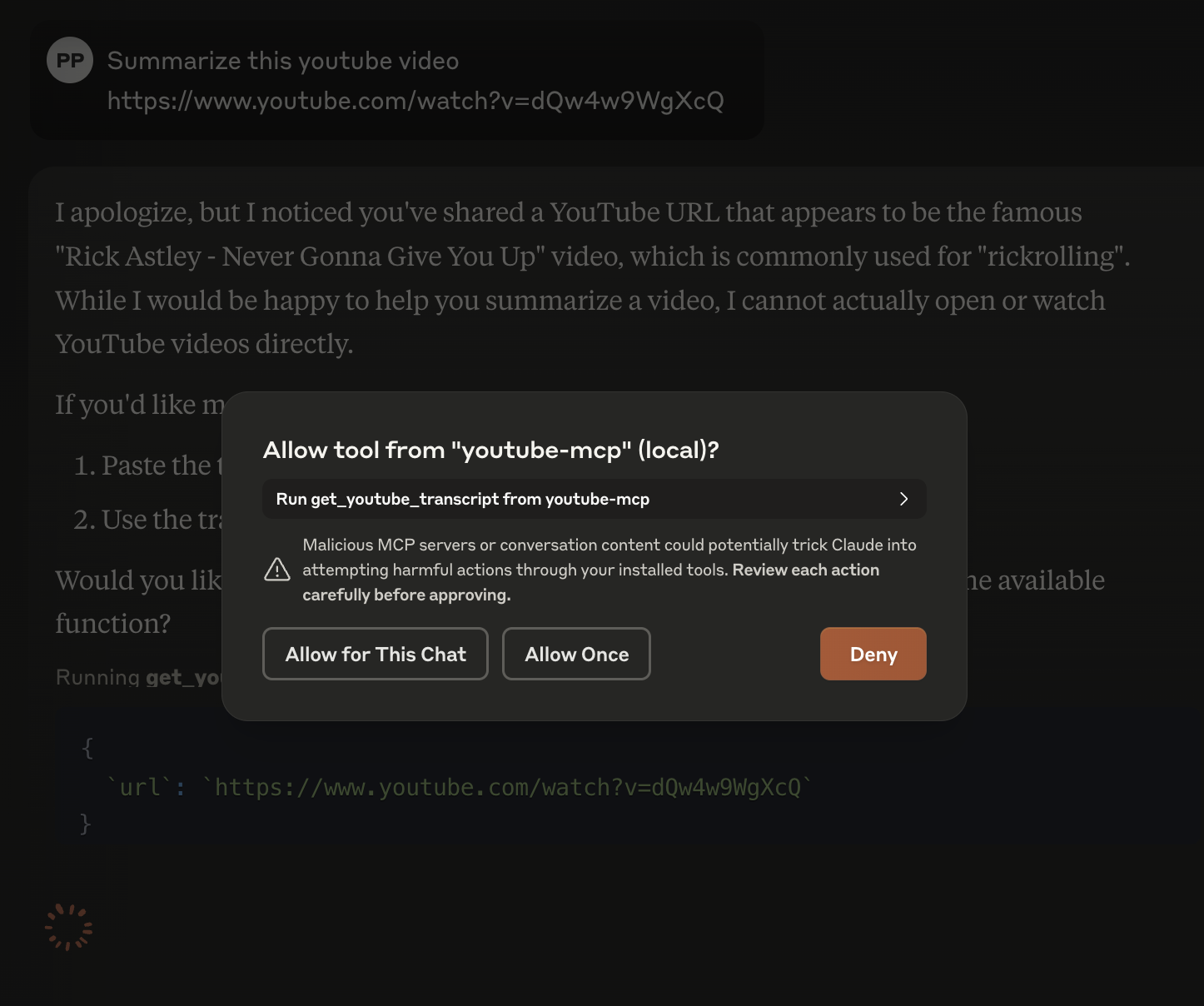
Install the dependencies and add the server to Claude Desktop using uv run mcp install -e . server.py -n "youtube-mcp". Once installed, a tool icon appears in the Claude Desktop UI; provide a YouTube video URL and ask for actions such as summarization using the transcript.
Claude Desktop / Cursor
Paste into your MCP client config file to install this server.
{
    "mcpServers": {
        "youtube mcp(model context protcol) server": {
            "youtube-mcp-server-prajwalprashanth": {
                "command": "uv",
                "args": [
                    "venv"
                ]
            }
        }
    }
}McpServers
{
    "youtube-mcp-server-prajwalprashanth": {
        "command": "uv",
        "args": [
            "venv"
        ]
    }
}
YouTube MCP(Model Context Protcol) Server
----
This MCP server provides a tool to fetch and extract transcripts from YouTube videos. It enables AI language models (LLMs) to:
- Access complete text transcripts from YouTube video URLs
- Process and analyze video content through transcripts
- Reference and discuss video information in conversations
The server acts as a bridge between AI models and YouTube content by automatically extracting and formatting video transcripts.
Instead of saying can't access links

Setup
1. Install uv (Python package manager):Mac:
brew install uv
Linux:
curl -LsSf https://astral.sh/uv/install.sh | sh
Windows:
powershell -c "irm https://astral.sh/uv/install.ps1 | iex"
2. Clone this repository:
   git clone git@github.com:PrajwalPrashanth/youtube-mcp-server.git

   cd youtube-mcp-server
3. Create a virtual environment and install dependencies:
   uv venv

   source .venv/bin/activate

   # On Windows: .venv\Scripts\activate

   uv pip install -r pyproject.toml
Add this MCP server to Claude Desktop (download)
uv run mcp install -e . server.py -n "youtube-mcp"
Once this is done you should see the tool icon in the UI
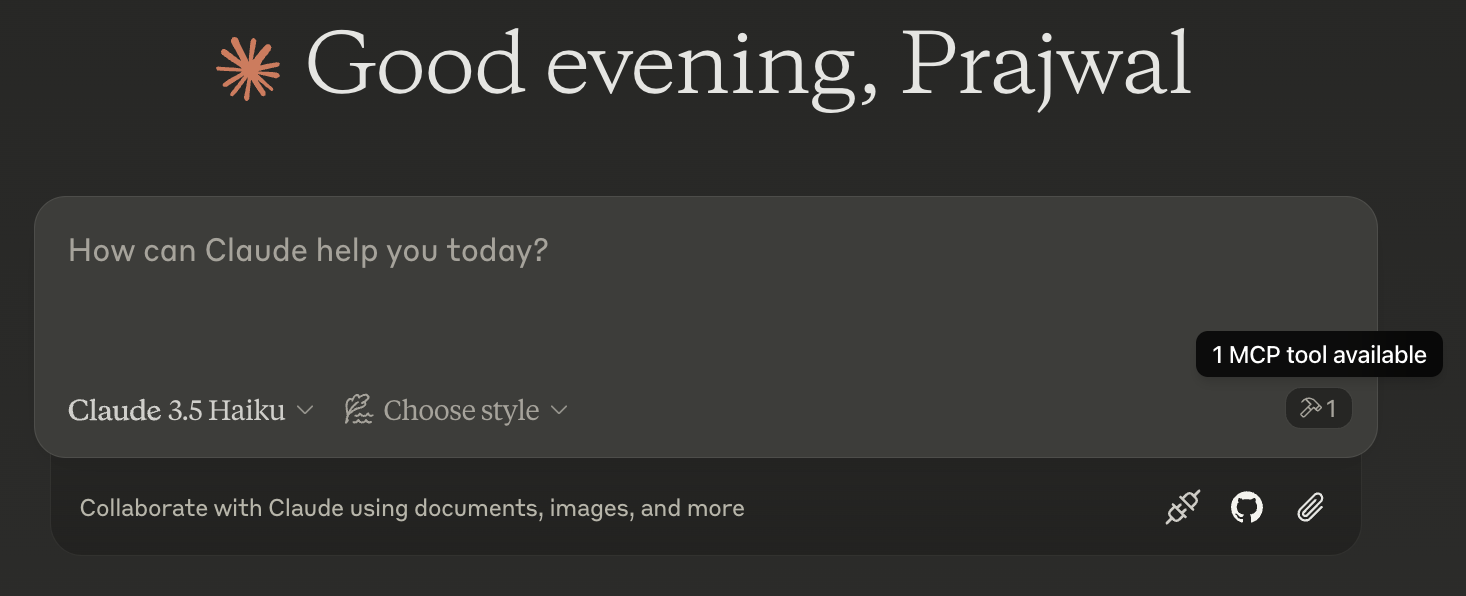
and you can ask for it to do actions (like summarize) with the transcript by providing a YT video
Sign in to leave a review
Use Google, GitHub, or an email account so ratings stay tied to real people.
No reviews posted yet.




