
Fal Image Video Mcp
About
Seamless bridge between FAL AI's powerful image and video generation capabilities and MCP-compatible clients like Claude. All generated content is automatically downloaded to your local machine while providing public URLs, data URLs, and local file paths.
Details
- Author
- RamboRogers
- Downloads
- 265
- Categories
- Media
Jump to
—

Setting up with Highlight
This MCP is not yet compatible with Highlight’s one-click setup. However, you can still use it with Highlight by following these steps:
- Download and install Highlight from highlightai.com/download
- Navigate to the plugins tab and select "Add Custom Plugin"
-
Configure the plugin with the settings below
Plugin Name
Fal Image Video McpCommand (node, npx, python, etc.)Please refer to the README for specific instructions on how to obtain API keys or other required environment variables.
- Enable "Start Automatically" if you want the plugin to start when Highlight launches





From the repository
—
imagen4
Imagen 4 - Google's latest text-to-image model
flux_kontext
FLUX Kontext Pro - State-of-the-art prompt adherence and typography
ideogram_v3
Ideogram V3 - Advanced typography and realistic outputs
recraft_v3
Recraft V3 - Professional design and illustration
stable_diffusion_35
Stable Diffusion 3.5 Large - Improved image quality and performance
flux_dev
FLUX Dev - High-quality 12B parameter model
hidream
HiDream I1 - High-resolution image generation
janus
Janus - Multimodal understanding and generation
veo3
Veo 3 - Google DeepMind's latest with speech and audio
kling_master_text
Kling 2.1 Master - Premium text-to-video with motion fluidity
pixverse_text
Pixverse V4.5 - Advanced text-to-video generation
magi
Magi - Creative video generation
luma_ray2
Luma Ray 2 - Latest Luma Dream Machine
wan_pro_text
Wan Pro - Professional video effects
vidu_text
Vidu Q1 - High-quality text-to-video
ltx_video
LTX Video - Fast and high-quality image-to-video conversion
kling_master_image
Kling 2.1 Master I2V - Premium image-to-video conversion
pixverse_image
Pixverse V4.5 I2V - Advanced image-to-video
wan_pro_image
Wan Pro I2V - Professional image animation
hunyuan_image
Hunyuan I2V - Open-source image-to-video
vidu_image
Vidu I2V - High-quality image animation
luma_ray2_image
Luma Ray 2 I2V - Latest Luma image-to-video
list_available_models
List all available models in the current registry with their capabilities
execute_custom_model
Execute any FAL model by specifying the endpoint directly
Claude Desktop / Cursor
Paste into your MCP client config file to install this server.
{
    "mcpServers": {
        "fal image video mcp": {
            "fal-image-video": {
                "command": "npx",
                "args": [
                    "-y",
                    "fal-image-video-mcp"
                ],
                "env": {
                    "FAL_KEY": "YOUR-FAL-AI-API-KEY"
                }
            }
        }
    }
}McpServers
{
    "fal-image-video": {
        "command": "npx",
        "args": [
            "-y",
            "fal-image-video-mcp"
        ],
        "env": {
            "FAL_KEY": "YOUR-FAL-AI-API-KEY"
        }
    }
}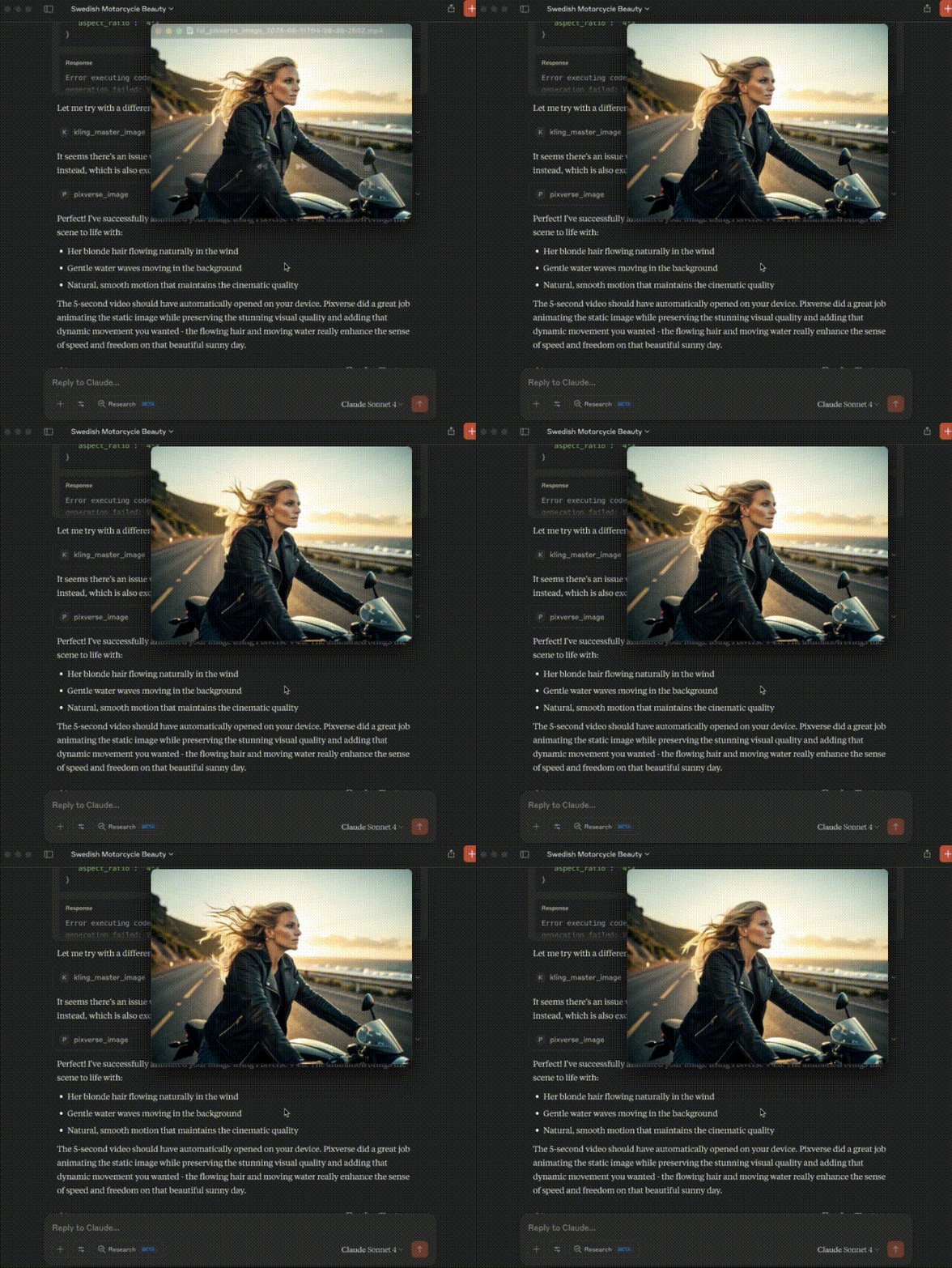
Make images or videos from the images using FAL and your AI assistant!
Sign in to leave a review
Use Google, GitHub, or an email account so ratings stay tied to real people.
No reviews posted yet.




