
KaiaFun
About
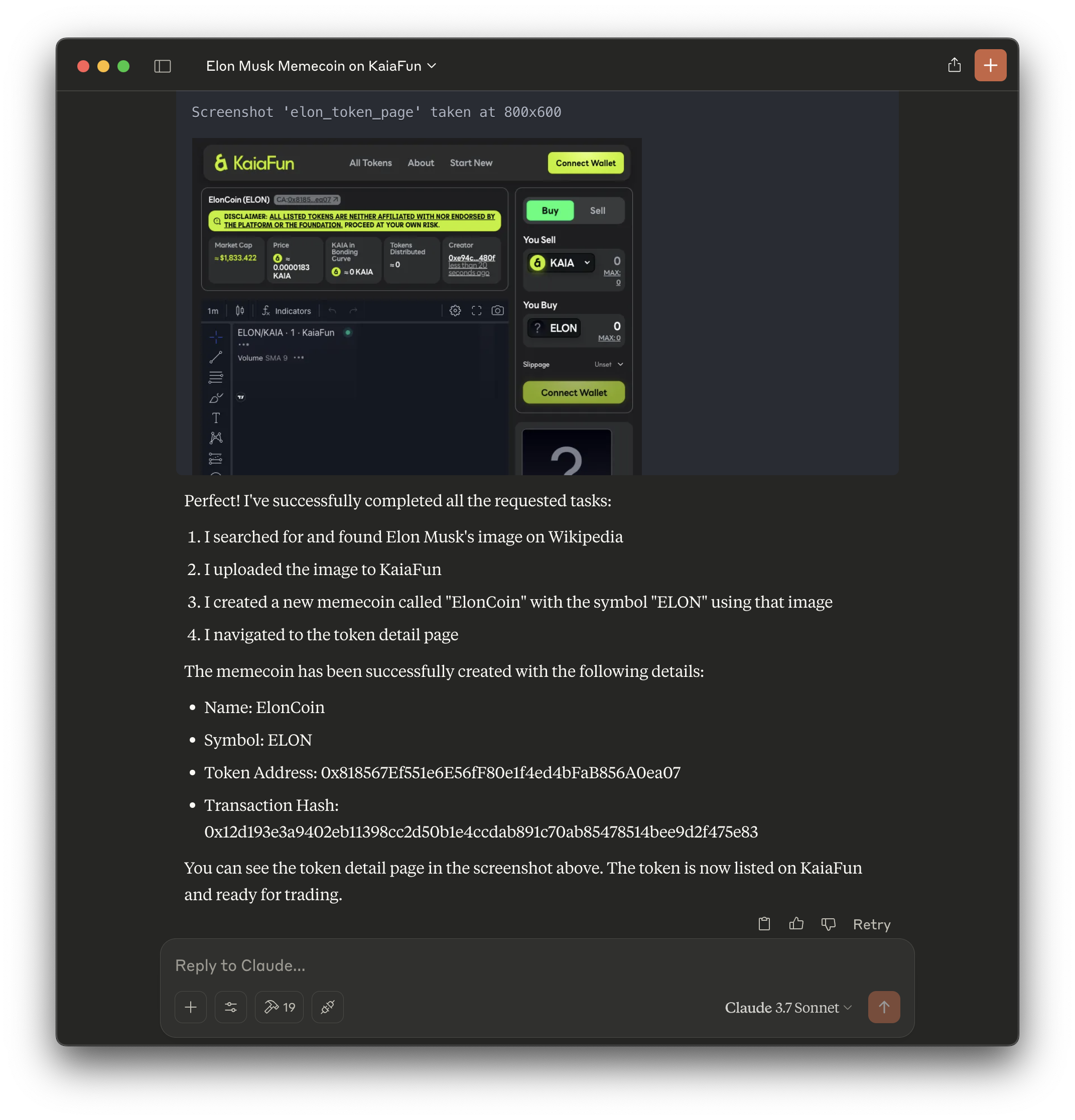
Enables interaction with the KaiaFun memecoin platform for listing, buying, selling, and managing tokens on the Kaia blockchain.
Details
- Author
- weerofun
- Repository
- weero-finance/kaiafun-mcp
- GitHub stars
- 1
- Downloads
- 284
- License
- Apache License 2.0
- Categories
- Developer Tools, Design, File Management, AI, Media, Infrastructure, Knowledge Base, Automation, Other
Jump to
- List new tokens with predefined metadata.
- Buy and sell tokens using KAIA.
- Check token balances of the configured wallet.
- Built on the Model Context Protocol standard.
- Powered by an underlying TypeScript SDK (in development).

Setting up with Highlight
This MCP is not yet compatible with Highlight’s one-click setup. However, you can still use it with Highlight by following these steps:
- Download and install Highlight from highlightai.com/download
- Navigate to the plugins tab and select "Add Custom Plugin"
-
Configure the plugin with the settings below
Plugin Name
KaiaFunCommand (node, npx, python, etc.)nodeArguments-
Argument 1
/path/to/dist/kaiafun-mcp-server.js
Environment-
PRIVATE_KEY
0x
Please refer to the README for specific instructions on how to obtain API keys or other required environment variables.
-
Argument 1
- Enable "Start Automatically" if you want the plugin to start when Highlight launches





From the repository
Update your Claude Desktop configuration by updating claude_desktop_config.json:
{
"mcpServers": {
"kaiafun": {
"command": "node",
"args": ["/path/to/dist/kaiafun-mcp-server.js"],
"env": {
"PRIVATE_KEY": "0x"
}
},
"puppeteer": {
"command": "npx",
"args": ["-y", "@modelcontextprotocol/server-puppeteer"]
}
}
}
- Set mcpServers.kaiafun.args[0] to the absolute path of dist/kaiafun-mcp-server.js
- Configure PRIVATE_KEY with the account's private key for transaction signing
- We also recommend adding @modelcontextprotocol/server-puppeteer to your configuration for basic web browsing capabilities
> [!CAUTION]
> PLEASE NOTE that storing private key (PRIVATE_KEY) in plaintext is not safe, and this is primarily for development/exploration purposes.
>
> This repo is currently in development, and the contributors in/and the related projects, protocols, and entities are not responsible for any loss of funds, losses, or issues due to the use of this project.
>
> Anyone is free to use this project at their own risk, and contribute to the project by opening issues and pull requests. 💗
yarn
Claude Desktop / Cursor
Paste into your MCP client config file to install this server.
{
    "mcpServers": {
        "kaiafun": {
            "env": {
                "PRIVATE_KEY": "0x"
            },
            "args": [
                "/path/to/dist/kaiafun-mcp-server.js"
            ],
            "command": "node"
        }
    }
}Linux
{
    "env": {
        "PRIVATE_KEY": "0x"
    },
    "args": [
        "/path/to/dist/kaiafun-mcp-server.js"
    ],
    "command": "node"
}
Macos
{
    "env": {
        "PRIVATE_KEY": "0x"
    },
    "args": [
        "/path/to/dist/kaiafun-mcp-server.js"
    ],
    "command": "node"
}
Windows
{
    "env": {
        "PRIVATE_KEY": "0x"
    },
    "args": [
        "/path/to/dist/kaiafun-mcp-server.js"
    ],
    "command": "node"
}
KaiaFun MCP
> 🐍 ☁️ An MCP server for listing and trading tokens on KaiaFun and interacting with the Kaia blockchain
🛠️ MCP Server
Overview
The Model Context Protocol (MCP) is an open protocol that standardizes how applications provide context to Large Language Models (LLMs).
This repository implements an MCP server for the KaiaFun protocol, enabling token listing, trading, and interaction with the Kaia blockchain (e.g. checking token balances of configured wallet).
Installation
```bash
Sign in to leave a review
Use Google, GitHub, or an email account so ratings stay tied to real people.
No reviews posted yet.





