
Video Research MCP
About
Give Claude Code 51 research, analysis & media production tools with one command. Video analysis, deep research, academic papers, TTS voice-over, AI video generation, and Weaviate knowledge store — powered by Gemini 3.5 Flash.
Details
- Author
- Galbaz1
- GitHub stars
- 22
- Downloads
- 481
- Categories
- Search
Jump to
- Analyze local video files and YouTube videos with timestamps and concept maps
- Deep research with evidence‑tier labeling (Confirmed, Strong Indicator, Inference, Speculation)
- Web search via Gemini grounding with source citations
- Analyze PDFs, URLs, raw text, and entire directories of documents
- Persistent semantic search via optional Weaviate knowledge store
- Explainer video synthesis from research content
- Parallel scene generation and interactive visualizations

Setting up with Highlight
This MCP is not yet compatible with Highlight’s one-click setup. However, you can still use it with Highlight by following these steps:
- Download and install Highlight from highlightai.com/download
- Navigate to the plugins tab and select "Add Custom Plugin"
-
Configure the plugin with the settings below
Plugin Name
Video Research MCPCommand (node, npx, python, etc.)Please refer to the README for specific instructions on how to obtain API keys or other required environment variables.
- Enable "Start Automatically" if you want the plugin to start when Highlight launches





From the repository
Install with a single npx command (npx video-research-mcp@latest) and export a GEMINI_API_KEY. The installer copies commands, skills, and agents to ~/.claude/ and configures the MCP servers to run via uvx from PyPI. It also works as a standalone MCP server with any MCP client by configuring the mcpServers section.
Claude Desktop / Cursor
Paste into your MCP client config file to install this server.
{
    "mcpServers": {
        "video research mcp": {
            "video-research": {
                "command": "uvx",
                "args": [
                    "video-research-mcp"
                ],
                "env": {
                    "GEMINI_API_KEY": "<YOUR_GEMINI_API_KEY>"
                }
            }
        }
    }
}McpServers
{
    "video-research": {
        "command": "uvx",
        "args": [
            "video-research-mcp"
        ],
        "env": {
            "GEMINI_API_KEY": "<YOUR_GEMINI_API_KEY>"
        }
    }
}
video-research-mcp
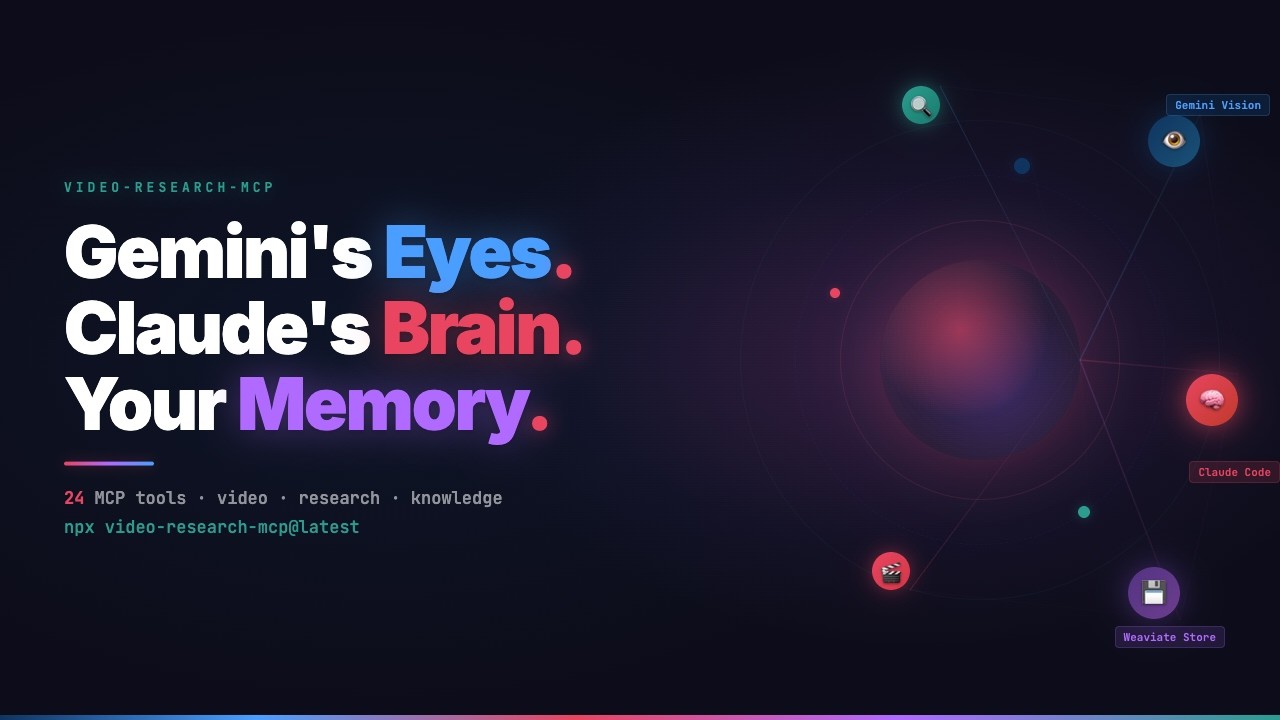
Claude Code can't process video or generate media. Gemini 3.5 Flash and ElevenLabs can. This plugin bridges them all -- giving Claude access to video understanding, deep research, web search, and a full media production toolkit through MCP.


<div align="center">
<a href="https://youtu.be/MQn7dMalTq4">
</a>
<p><em>Watch the full demo on YouTube</em></p>
</div>
What's in the box
A Claude Code plugin with 51 tools, 17 slash commands, 12 skills, and 7 sub-agents. The MCP servers provide the tools. The commands give you quick workflows (/gr:video, /gr:research). The skills teach Claude how to use everything -- from research to cinematic video production. The agents handle background tasks like parallel research and visualization.
| Server | Tools | Purpose |
|--------|-------|---------|
| video-research-mcp | 34 | Video analysis, deep research, content extraction, web search, academic papers, knowledge store |
| video-explainer-mcp | 15 | Synthesize explainer videos from research (wraps video_explainer) |
| video-agent-mcp | 2 | Parallel scene generation via Claude Agent SDK |
Install
npx video-research-mcp@latest
export GEMINI_API_KEY="your-key-here"
One command. One API key. The installer copies 17 commands, 12 skills, and 7 agents to ~/.claude/ and configures the MCP servers to run via uvx from PyPI.
npx video-research-mcp@latest --check     # show install status
npx video-research-mcp@latest --uninstall  # clean removal
npx video-research-mcp@latest --local      # install for this project only
Requires Python >= 3.11, uv, Node.js >= 16, and a Google AI API key.
What it does
Watch a meeting recording
/gr:video-chat ~/recordings/project-kickoff.mp4
> "Create meeting minutes in Dutch. Screenshot every shared screen."
Gemini watches the full video and pulls out timestamps, decisions, and action items. For local files, ffmpeg extracts frames at key visual moments. Files over 20MB are uploaded to Gemini's File API and context-cached -- follow-up questions reuse the cache instead of re-uploading.
Analyze a YouTube tutorial
/gr:video https://youtube.com/watch?v=...
Same capabilities, applied to YouTube. Precise timestamps, a concept map, and comment sentiment analyzed in the background.
Research a topic with evidence grading
/gr:research "HNSW index parameters for high-dimensional embeddings"
Runs web search and Gemini analysis in parallel. Every finding gets an evidence tier -- Confirmed, Strong Indicator, Inference, or Speculation -- so you know how much weight to give each claim. Results are visualized as an interactive evidence network.
Analyze papers, URLs, or directories
/gr:analyze https://arxiv.org/abs/2401.12345
/gr:analyze ~/papers/attention-is-all-you-need.pdf
/gr:analyze ~/papers/                              # cross-document comparison
Works with PDFs, URLs, and raw text. Extracts entities, relationships, and key arguments. Point it at a directory and it compares all documents in a single pass. Supports PDF, TXT, MD, HTML, XML, JSON, CSV.
Research grounded in source documents
/gr:research-doc ~/papers/
/gr:research-doc paper1.pdf paper2.pdf "Compare methodologies and find contradictions"
Four-phase pipeline: Document Mapping, Evidence Extraction, Cross-Reference, Synthesis. Every claim is cited back to document and page number.
Search the web
/gr:search "latest developments in MCP protocol"
Google Search via Gemini grounding with source citations.
Recall what you've learned
/gr:recall                                # overview: stats + saved analyses
/gr:recall "kubernetes"                   # semantic search + filesystem grep
/gr:recall ask "what do I know about X?"  # AI-powered Q&A with source citations
Nothing gets lost. Every analysis and research finding is stored automatically. Weeks later, in a different project, you just ask. When Weaviate is configured, searches use semantic matching. Without it, recall falls back to exact keyword grep over saved files.
Use it as a standalone MCP server
The tools are standard MCP. Any MCP client can call them -- no Claude Code required.
{
  "mcpServers": {
    "video-research": {
      "command": "uvx",
      "args": ["video-research-mcp"],
      "env": { "GEMINI_API_KEY": "${GEMINI_API_KEY}" }
    }
  }
}
Commands
| Command | What it does |
|---------|-------------|
| /gr:video <source> | One-shot video analysis with concept map and frame extraction |
| /gr:video-chat <source> | Multi-turn video Q&A with progressive note-taking |
| /gr:research <topic> | Deep research with evidence-tier labeling |
| /gr:research-deep <topic> | Launch Gemini Deep Research Agent with interview-built brief |
| /gr:research-doc <files> | Evidence-tiered research grounded in source documents |
| /gr:analyze <content> | Analyze any URL, file, text, or directory of documents |
| /gr:search <query> | Web search via Gemini grounding |
| /gr:recall [filter] | Browse past analyses from memory |
| /gr:models [preset] | Switch Gemini model preset (best/stable/budget) |
| /gr:getting-started | Guided onboarding and environment check |
| /gr:ingest <file> | Import external structured knowledge into Weaviate |
| /gr:traces [filter] | Query, debug, and evaluate MLflow traces |
| /gr:doctor [quick\|full] | Diagnose MCP wiring, API keys, Weaviate, and MLflow connectivity |
| /gr:advisor <task> | Get workflow advice -- which /gr command fits your task |
| /ve:explainer <project> | Create and manage explainer video projects |
| /ve:explain-video <project> | Generate a full explainer video from project content |
| /ve:explain-status <project> | Check render progress and pipeline state |
How a command runs
/gr:video-chat ~/recordings/call.mp4
> "Summarize this meeting, extract action items"
Phase 1   Gemini analyzes the video

 Phase 2   Results saved to memory

 Phase 2.5 ffmpeg extracts frames (local files only)

 Phase 3   Concepts and relationships enriched

 Phase 4   Interactive visualization generated (opt-in)

 Phase 5   Playwright screenshots it

 Phase 6   Everything copied to output/<slug>/
Visualization and comment analysis run as background agents, so they don't block the conversation.
Output structure
output/project-kickoff-2026-02-28/
├── analysis.md          # timestamped analysis with YAML frontmatter
├── frames/              # extracted video frames (local files)
├── concept-map.html     # interactive visualization
└── screenshot.png       # static capture
Tools
<details>
<summary><strong>video-research-mcp -- 34 tools</strong></summary>
Video (4): video_analyze, video_create_session, video_continue_session, video_batch_analyze
YouTube (3): video_metadata, video_comments, video_playlist
Research (4): research_deep, research_plan, research_assess_evidence, research_document
Deep Research Agent (4): research_web, research_web_status, research_web_followup, research_web_cancel
Academic Research (5): research_paper_search, research_paper_details, research_paper_citations, research_paper_recommendations, research_author_search
Content (3): content_analyze, content_batch_analyze, content_extract
Search (1): web_search
Infrastructure (2): infra_cache, infra_configure
Knowledge (8): knowledge_search, knowledge_related, knowledge_stats, knowledge_fetch, knowledge_ingest, knowledge_schema, knowledge_ask, knowledge_query
</details>
<details>
<summary><strong>video-explainer-mcp -- 15 tools</strong></summary>
Project (4): explainer_create, explainer_inject, explainer_status, explainer_list
Pipeline (6): explainer_generate, explainer_step, explainer_render, explainer_render_start, explainer_render_poll, explainer_short
Quality (3): explainer_refine, explainer_feedback, explainer_factcheck
Audio (2): explainer_sound, explainer_music
</details>
<details>
<summary><strong>video-agent-mcp -- 2 tools</strong></summary>
Scene Generation (2): agent_generate_scenes, agent_generate_single_scene
</details>
Skills
Skills teach Claude how to use tools and workflows correctly. They load automatically when relevant -- you never invoke them manually.
Research & analysis
| Skill | What it teaches |
|-------|----------------|
| video-research | All 34 video-research-mcp tools -- selection, caching, error handling |
| video-explainer | The 15 explainer tools -- pipeline order, rendering, TTS config |
| gemini-visualize | Interactive HTML visualizations from analysis results |
| weaviate-setup | Guided Weaviate onboarding and connection setup |
| mlflow-traces | MLflow trace querying, debugging, and evaluation |
| research-brief-builder | Structured research briefs for deep research |
| gr-advisor | Recommends the right /gr command for your task |
Media production (new in v0.6.0)
| Skill | What it teaches |
|-------|----------------|
| tts-production | ElevenLabs TTS -- API patterns, voice presets, cosine-ease ducking, multilingual narration |
| ffmpeg-production | Post-processing chain order, codec selection, platform export presets |
| video-generation | AI video with Veo or Sora -- provider selection matrix, draft-to-final workflow |
| video-production | Cinematic multi-shot -- style anchors, 4 chaining patterns, frame-level QA |
| image-generation | Style anchor prompt optimization for mcp-image (Subject-Context-Style) |
The production skills use progressive disclosure: core patterns load when triggered (~1,000 words each), detailed recipes and reference tables live in references/ and load on demand.
Knowledge store
Connect Weaviate, and everything you learn gets stored -- searchable across projects, across sessions. Without it, the plugin works the same; you just don't get persistent semantic search.
Thirteen collections are created on first connection:
| Collection | Filled by |
|------------|-----------|
| ResearchFindings | research_deep, research_assess_evidence, research_document |
| VideoAnalyses | video_analyze, video_batch_analyze |
| ContentAnalyses | content_analyze, content_batch_analyze |
| VideoMetadata | video_metadata |
| SessionTranscripts | video_continue_session |
| WebSearchResults | web_search |
| ResearchPlans | research_plan |
| DeepResearchReports | research_web_status, research_web_followup |
| CommunityReactions | comment analysis (via /gr:video agent) |
| ConceptKnowledge | concept extraction from analyses |
| RelationshipEdges | relationship mapping between concepts |
| CallNotes | meeting/call analysis notes |
| AcademicPapers | research_paper_search, research_paper_details, research_paper_citations, research_paper_recommendations |
Knowledge graph
Analysis tools (content_analyze, video_analyze, research_deep, research_web, research_document, content_batch_analyze) automatically extract concepts and relationships. Over time this builds a queryable knowledge graph across all your research -- no manual step required.
Eight knowledge tools query this data: hybrid search with optional Cohere reranking, semantic similarity, fetch by UUID, manual ingest, schema introspection, and collection stats. knowledge_ask uses Weaviate's QueryAgent for AI-generated answers with source citations.
```bash
Sign in to leave a review
Use Google, GitHub, or an email account so ratings stay tied to real people.
No reviews posted yet.





