
Vercel Ai Chat Mcp
About
Add mcp servers to vercel's open source ai chat
Details
- Author
- andrewhuang427
- Downloads
- 339
- Categories
- AI
Jump to
- Built with Next.js App Router and React Server Components
- Integrated AI SDK for unified LLM interactions
- Supports xAI, OpenAI, Anthropic, and more model providers
- Default chat model is xAI's grok-2-1212
- Data persistence via Neon Serverless Postgres
- File storage with Vercel Blob
- Authentication using Auth.js
- Styling with shadcn/ui and Tailwind CSS
You can deploy your own version to Vercel with one click, or run it locally by installing Vercel CLI, linking your instance, and downloading environment variables. Then run pnpm install and pnpm dev.
<a href="https://chat.vercel.ai/">
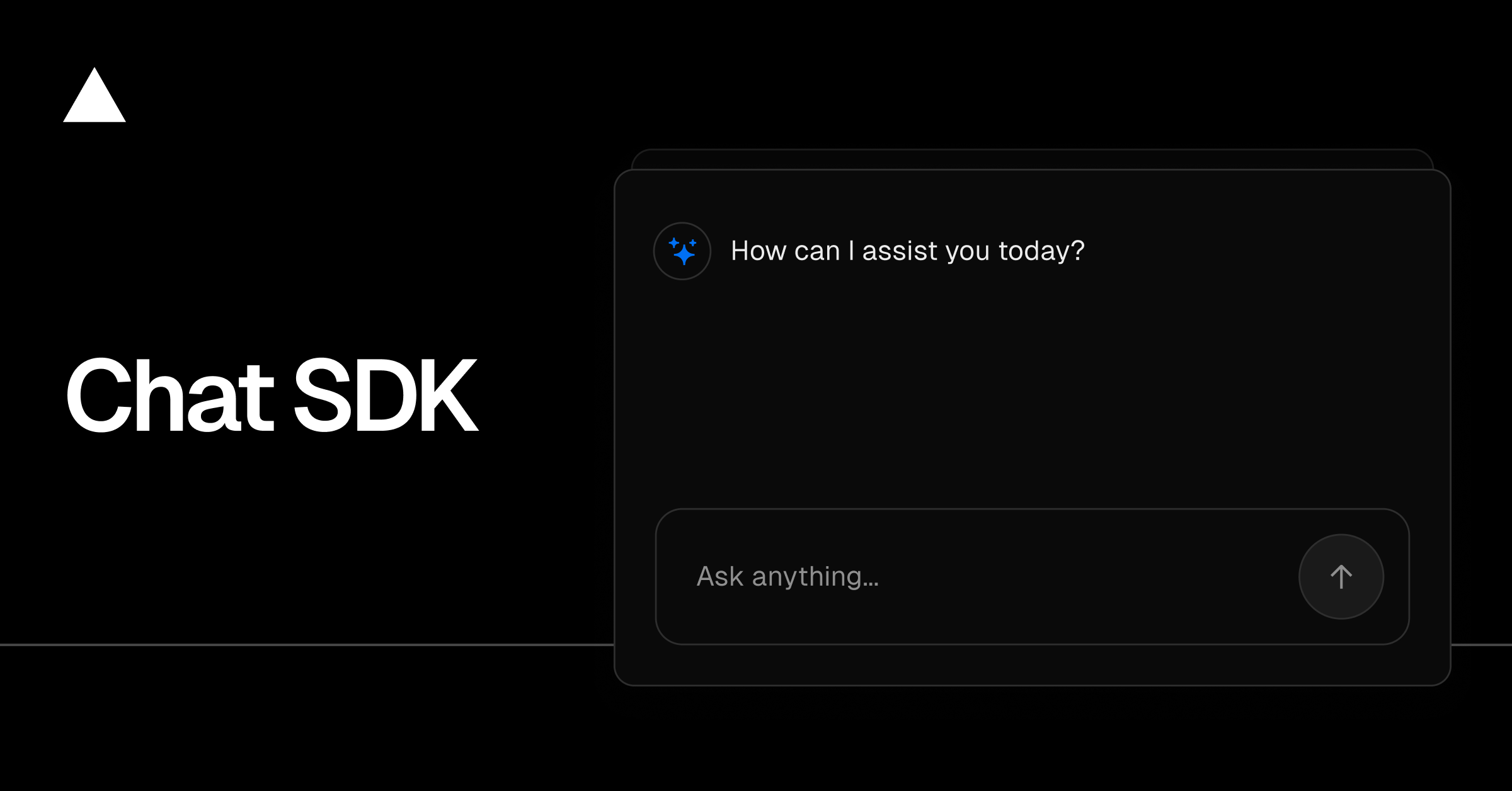
<h1 align="center">Chat SDK</h1>
</a>
<p align="center">
Chat SDK is a free, open-source template built with Next.js and the AI SDK that helps you quickly build powerful chatbot applications.
</p>
<p align="center">
<a href="https://chat-sdk.dev"><strong>Read Docs</strong></a> ·
<a href="#features"><strong>Features</strong></a> ·
<a href="#model-providers"><strong>Model Providers</strong></a> ·
<a href="#deploy-your-own"><strong>Deploy Your Own</strong></a> ·
<a href="#running-locally"><strong>Running locally</strong></a>
</p>
<br/>
Features
- Next.js App Router
- Advanced routing for seamless navigation and performance
- React Server Components (RSCs) and Server Actions for server-side rendering and increased performance
- AI SDK
- Unified API for generating text, structured objects, and tool calls with LLMs
- Hooks for building dynamic chat and generative user interfaces
- Supports xAI (default), OpenAI, Fireworks, and other model providers
- shadcn/ui
- Styling with Tailwind CSS
- Component primitives from Radix UI for accessibility and flexibility
- Data Persistence
- Neon Serverless Postgres for saving chat history and user data
- Vercel Blob for efficient file storage
- Auth.js
- Simple and secure authentication
Model Providers
This template ships with xAI grok-2-1212 as the default chat model. However, with the AI SDK, you can switch LLM providers to OpenAI, Anthropic, Cohere, and many more with just a few lines of code.
Deploy Your Own
You can deploy your own version of the Next.js AI Chatbot to Vercel with one click:
Running locally
You will need to use the environment variables defined in .env.example to run Next.js AI Chatbot. It's recommended you use Vercel Environment Variables for this, but a .env file is all that is necessary.
> Note: You should not commit your .env file or it will expose secrets that will allow others to control access to your various AI and authentication provider accounts.
1. Install Vercel CLI: npm i -g vercel
2. Link local instance with Vercel and GitHub accounts (creates .vercel directory): vercel link
3. Download your environment variables: vercel env pull
pnpm install
pnpm dev
Your app template should now be running on localhost:3000.
Sign in to leave a review
Use Google, GitHub, or an email account so ratings stay tied to real people.
No reviews posted yet.



