
Terminal UI DevTools
About
What Chrome DevTools MCP is for the browser, tui-mcp is for the terminal. Launch any TUI app, take screenshots, send keystrokes, read text - works with any framework.
Details
- Author
- nvms
- Downloads
- 357
- Categories
- Developer Tools, Automation
Jump to
- Launch any TUI app in a managed pty
- Capture terminal output as PNG or plain text
- Send keystrokes, text, and mouse events
- Wait for text patterns or terminal idle state
- Resize the terminal and read cursor position
- Works with any TUI framework or no framework

Setting up with Highlight
This MCP is not yet compatible with Highlight’s one-click setup. However, you can still use it with Highlight by following these steps:
- Download and install Highlight from highlightai.com/download
- Navigate to the plugins tab and select "Add Custom Plugin"
-
Configure the plugin with the settings below
Plugin Name
Terminal UI DevToolsCommand (node, npx, python, etc.)Please refer to the README for specific instructions on how to obtain API keys or other required environment variables.
- Enable "Start Automatically" if you want the plugin to start when Highlight launches





From the repository
Install and add it to Claude via the command:
claude mcp add --scope user tui-mcp -- npx tui-mcp
Once added, you can use the provided MCP tools to launch apps, interact with them, and capture output.
Claude Desktop / Cursor
Paste into your MCP client config file to install this server.
{
    "mcpServers": {
        "terminal ui devtools": {
            "tui-mcp": {
                "command": "npx",
                "args": [
                    "tui-mcp"
                ]
            }
        }
    }
}McpServers
{
    "tui-mcp": {
        "command": "npx",
        "args": [
            "tui-mcp"
        ]
    }
}
tui-mcp
What Chrome DevTools MCP is for the browser, tui-mcp is for the terminal.
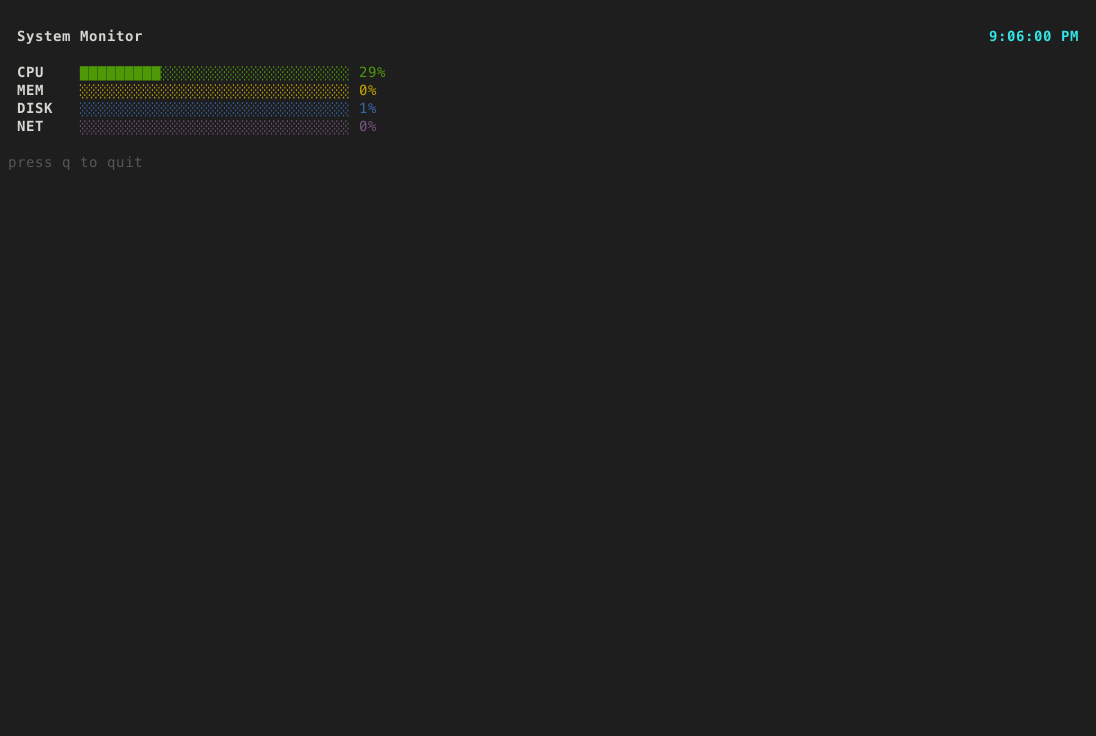
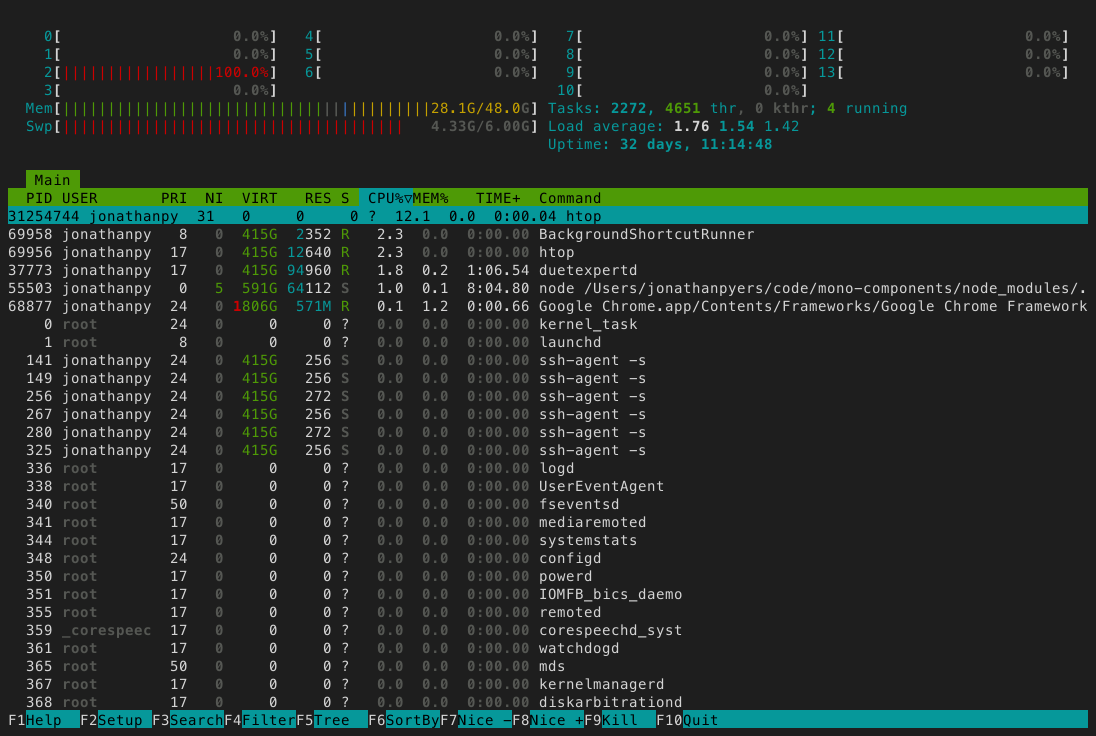
Launch any terminal app in a managed pty, take screenshots, read text, send keystrokes. The app thinks it's running in a real terminal. Works with any TUI framework or no framework at all - vim, htop, bubbletea, textual, ink, inquirer, trend, ncurses, whatever.

Setup
claude mcp add --scope user tui-mcp -- npx tui-mcp
Tools
| Tool | Description |
|------|-------------|
| launch | Spawn a TUI app in a managed pty |
| kill | Terminate a session |
| list_sessions | List active sessions |
| resize | Resize the terminal |
| screenshot | Capture terminal as PNG |
| snapshot | Capture terminal as plain text |
| read_region | Read a rectangular area of the buffer |
| cursor | Get cursor position |
| send_keys | Send a keystroke or combo (Enter, Ctrl+C, Up, q) |
| send_text | Type a string of characters |
| send_mouse | Send mouse events |
| wait_for_text | Wait for a regex pattern to appear |
| wait_for_idle | Wait until the terminal stops changing |
How it works
your app  <-->  node-pty  <-->  xterm-headless  <-->  MCP tools
                (pty)        (terminal emulator)    (screenshot, send_keys, etc.)
The app runs in a real pseudo-terminal via node-pty. Its output is parsed by xterm-headless (the same terminal emulator that powers VS Code's terminal, but without a DOM). The MCP tools read and interact with that parsed buffer.
Sign in to leave a review
Use Google, GitHub, or an email account so ratings stay tied to real people.
No reviews posted yet.




