
🎯 ShotGrid MCP Server
About
A Model Context Protocol (MCP) server for Autodesk ShotGrid/Flow Production Tracking (FPT) with comprehensive CRUD operations and data management capabilities.
Details
- Author
- loonghao
- GitHub stars
- 60
- Downloads
- 321
- Categories
- Other
Jump to
- 40+ tools for CRUD, batch, media, notes, and playlists
- Supports stdio (local), HTTP (remote), and ASGI (production) transports
- Connection pooling, schema caching, and lazy initialization
- Docker, FastMCP Cloud, and ASGI deployment options
- Works on Windows, macOS, and Linux

Setting up with Highlight
This MCP is not yet compatible with Highlight’s one-click setup. However, you can still use it with Highlight by following these steps:
- Download and install Highlight from highlightai.com/download
- Navigate to the plugins tab and select "Add Custom Plugin"
-
Configure the plugin with the settings below
Plugin Name
🎯 ShotGrid MCP ServerCommand (node, npx, python, etc.)Please refer to the README for specific instructions on how to obtain API keys or other required environment variables.
- Enable "Start Automatically" if you want the plugin to start when Highlight launches





From the repository
Install via pip install shotgrid-mcp-server (or uv pip install), then set three environment variables: SHOTGRID_URL, SHOTGRID_SCRIPT_NAME, and SHOTGRID_SCRIPT_KEY. Run uvx shotgrid-mcp-server for local stdio transport, or uvx shotgrid-mcp-server http for remote HTTP access. Add the server configuration to your MCP client’s JSON settings to connect.
Claude Desktop / Cursor
Paste into your MCP client config file to install this server.
{
    "mcpServers": {
        "\ud83c\udfaf shotgrid mcp server": {
            "shotgrid-mcp-server": {
                "command": "uv",
                "args": [
                    "pip",
                    "install",
                    "shotgrid-mcp-server"
                ]
            }
        }
    }
}McpServers
{
    "shotgrid-mcp-server": {
        "command": "uv",
        "args": [
            "pip",
            "install",
            "shotgrid-mcp-server"
        ]
    }
}
ShotGrid MCP Server
A Model Context Protocol (MCP) server that provides AI assistants with seamless access to Autodesk ShotGrid (Flow Production Tracking)
English | 简体中文







📖 Documentation | 中文文档
</div>
Overview
ShotGrid MCP Server enables AI assistants like Claude, Cursor, and VS Code Copilot to interact directly with your ShotGrid (Flow Production Tracking) data. Built on FastMCP, it provides a high-performance bridge between AI tools and production tracking workflows.
Demo
0. Configure ShotGrid MCP in Code Editor
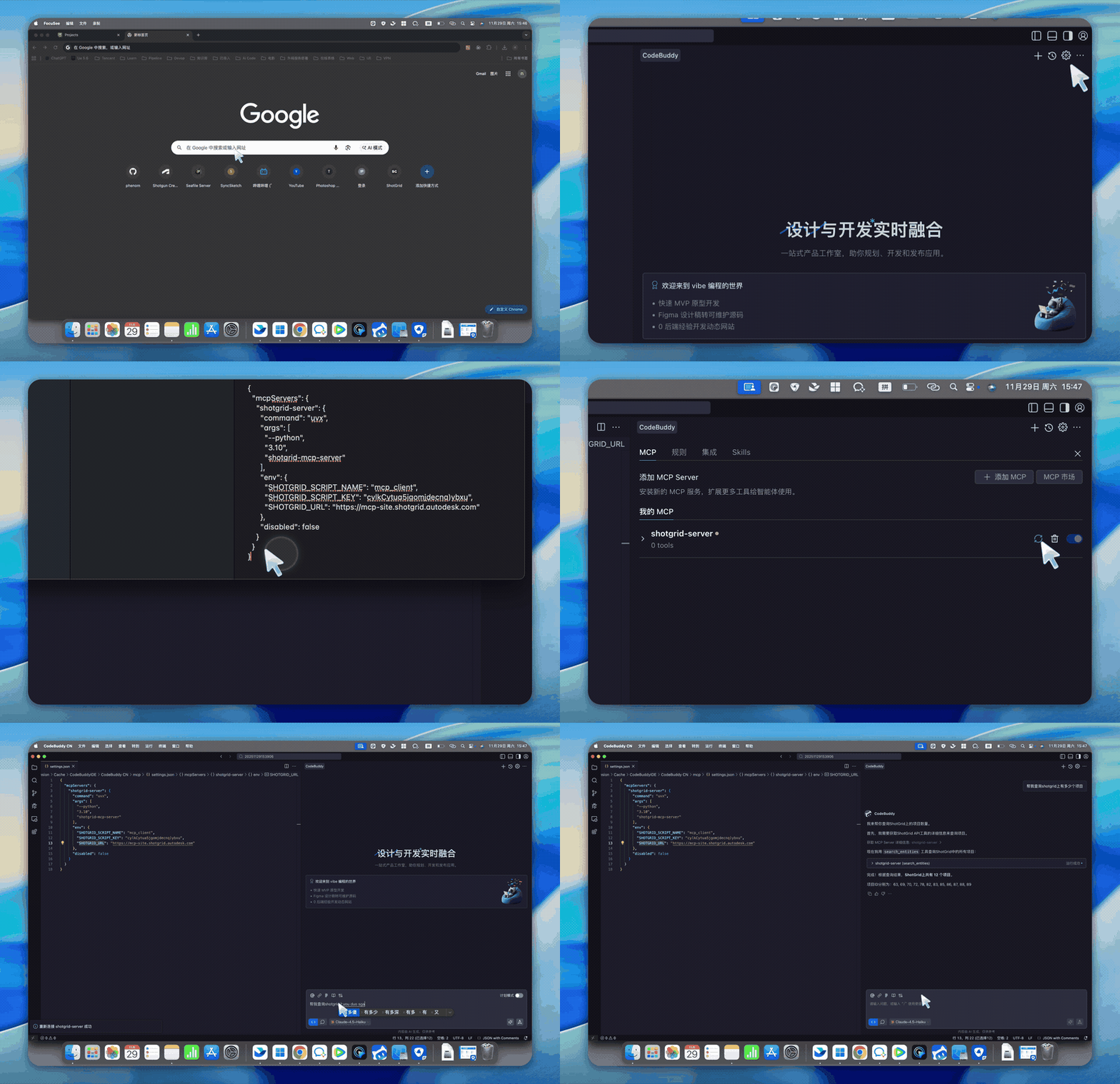
1. Query Task Schedule & Workload Visualization
Prompt: Query the team's task schedule for the past week, calculate workload rate based on 8 hours per day, and visualize it in web format
2. Batch Create Assets & Assign Tasks
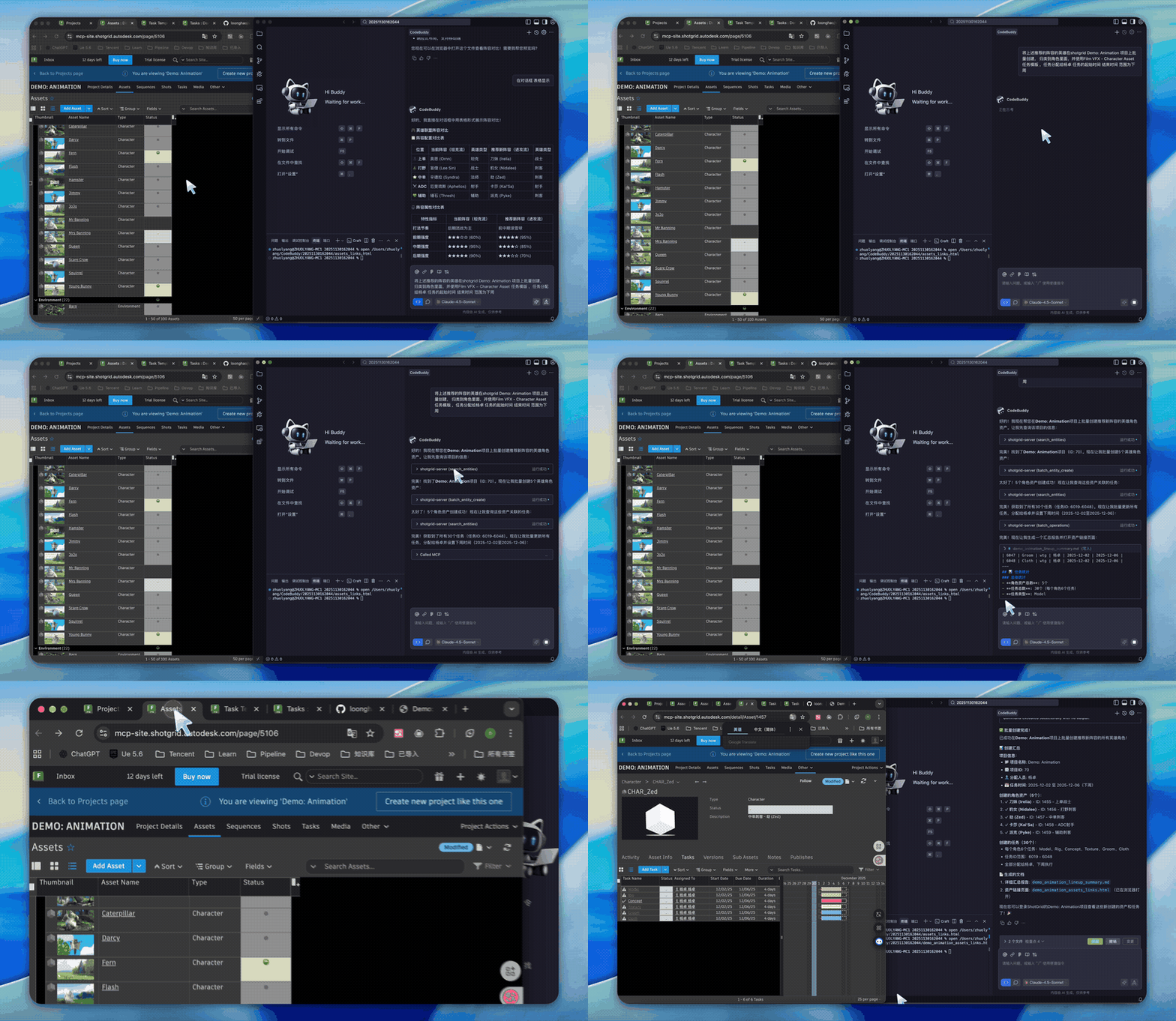
Prompt: Batch create the recommended hero characters in the shotgrid Demo:Animation project, categorize them as characters, use the FilmVFX-CharacterAsset task template, assign tasks to Yang Zhuo, with start and end dates set to next week
3. TimeLog Statistics & Visualization
Prompt: Query timelog data from shotgrid and visualize it in web format
4. Department Efficiency Statistics & Send to WeCom
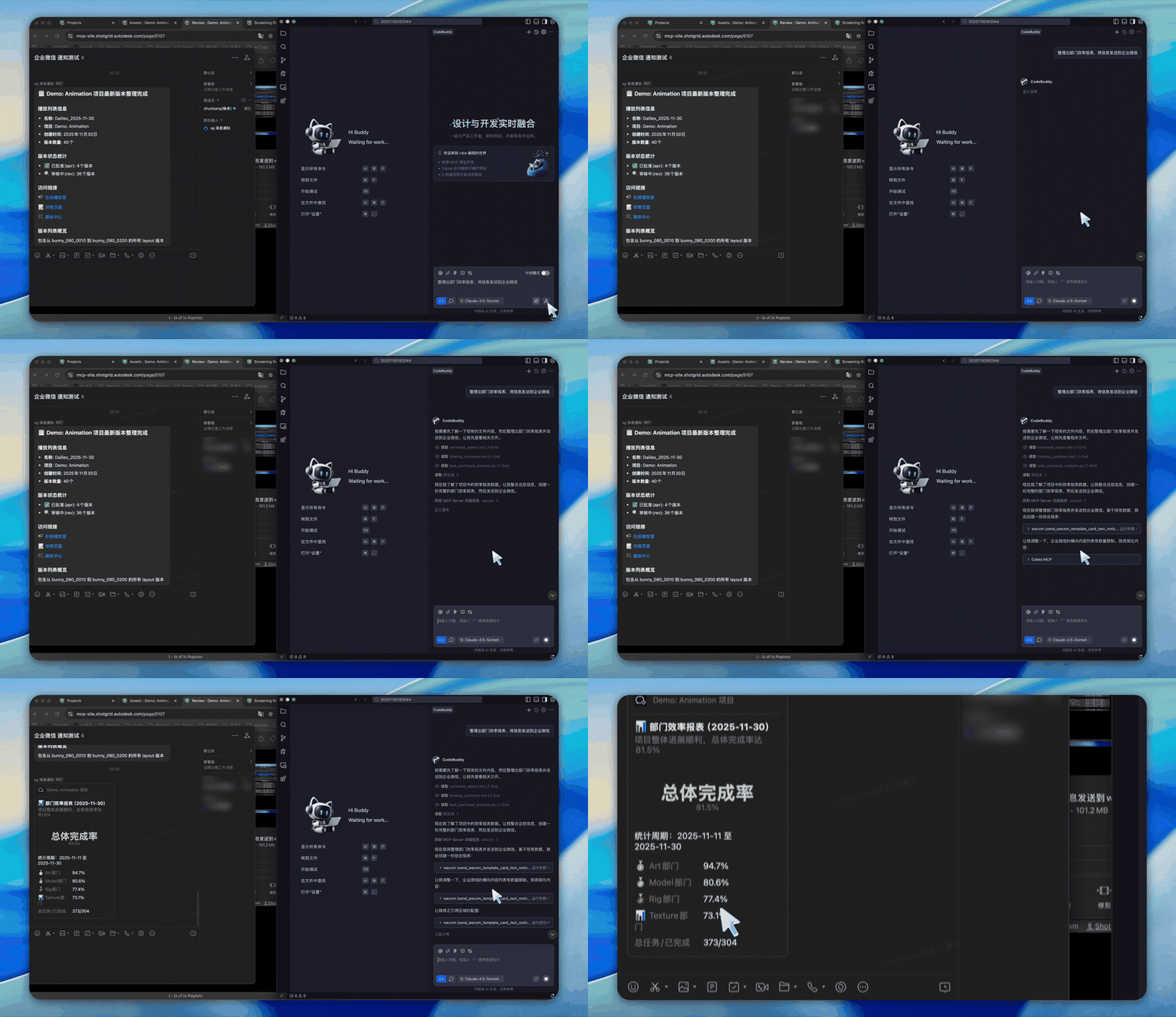
Prompt: Calculate department efficiency and send the data to WeCom. Efficiency formula: Efficiency = Task bid / Timelog hours
More Examples

Features
| Category | Highlights |
|----------|------------|
| 40+ Tools | Complete CRUD operations, batch processing, thumbnails, notes, playlists |
| Transport | stdio (local), HTTP (remote), ASGI (production) |
| Performance | Connection pooling, schema caching, lazy initialization |
| Deployment | FastMCP Cloud, Docker, uvicorn/gunicorn, any ASGI server |
| Platform | Windows, macOS, Linux |
Quick Start
Installation
```bash
Sign in to leave a review
Use Google, GitHub, or an email account so ratings stay tied to real people.
No reviews posted yet.





