
Server Watch
Description
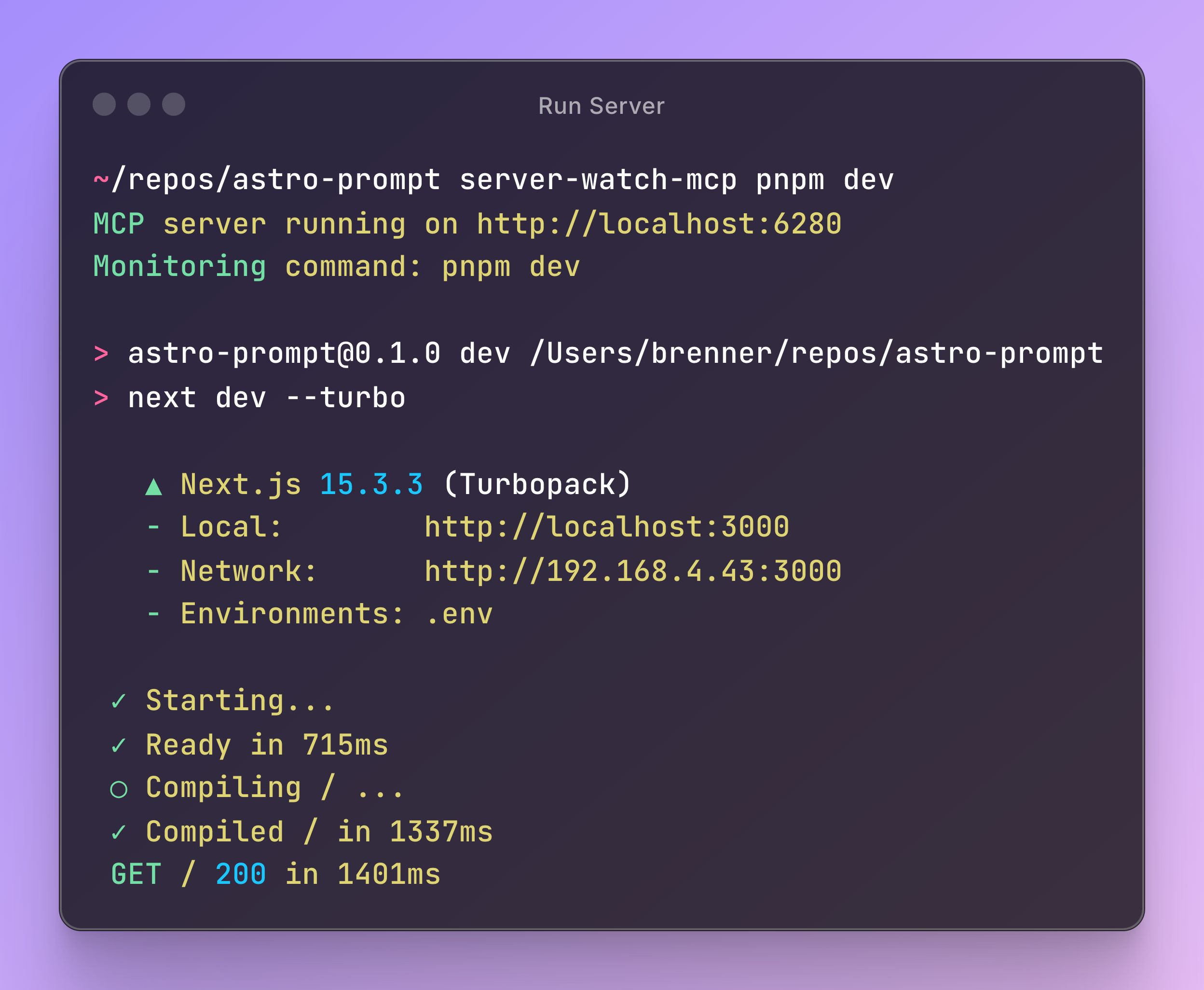
# server-watch-mcp A straight-forward CLI wrapper that monitors and captures output from any running command and exposes it as an MCP server. Perfect for development workflows where you need to access server logs, build output, or any process output.  
Setting up with Highlight
This MCP is not yet compatible with Highlight’s one-click setup. However, you can still use it with Highlight by following these steps:
- Download and install Highlight from highlightai.com/download
- Navigate to the plugins tab and select "Add Custom Plugin"
-
Configure the plugin with the settings below
Plugin Name
Server WatchCommand (node, npx, python, etc.)Please refer to the README for specific instructions on how to obtain API keys or other required environment variables.
- Enable "Start Automatically" if you want the plugin to start when Highlight launches





From the repository
Install globally with npm install -g server-watch-mcp. Then wrap your command, e.g., server-watch-mcp npm run dev. The server starts on port 6280 (or the SERVER_WATCH_MCP_PORT environment variable). Add the MCP server to Claude Code with claude mcp add -s user -t sse server-watch-mcp http://localhost:6280/sse.
Claude Desktop / Cursor
Paste into your MCP client config file to install this server.
{
    "mcpServers": {
        "server watch": {
            "server-watch-mcp": {
                "command": "echo",
                "type": "sse",
                "url": "http://localhost:6280/sse"
            }
        }
    }
}McpServers
{
    "server-watch-mcp": {
        "command": "echo",
        "type": "sse",
        "url": "http://localhost:6280/sse"
    }
}
server-watch-mcp
A straight-forward CLI wrapper that monitors and captures output from any running command and exposes it as an MCP server. Perfect for development workflows where you need to access server logs, build output, or any process output.
Features
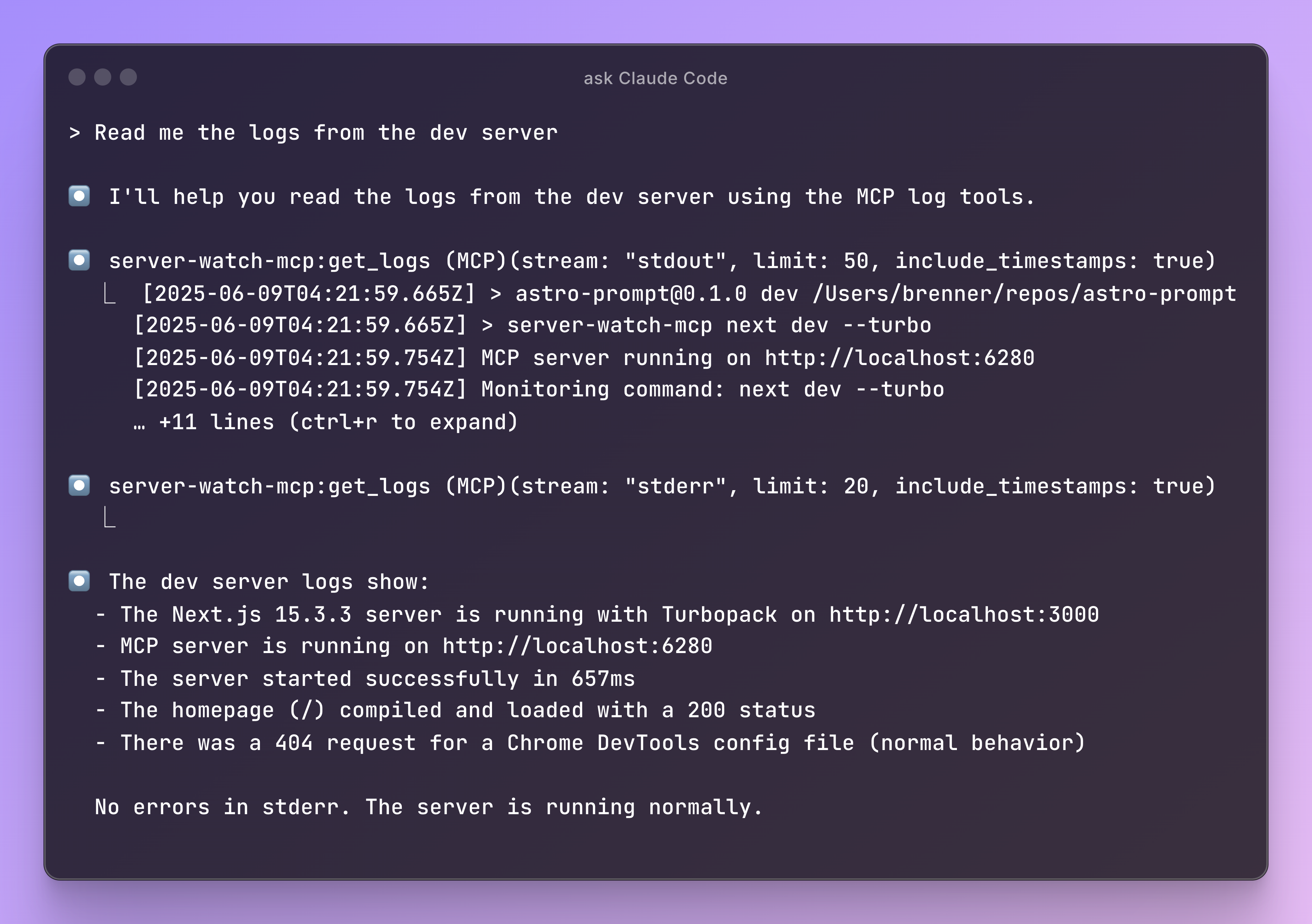
- HTTP-based MCP server - Run as a standalone service that clients can connect to
- Real-time log capture - Captures stdout and stderr from any command
- Circular buffer storage - Maintains last 5000 log entries in memory
- Two MCP tools:
- get_logs - Retrieve recent logs with optional filtering by stream type
- search_logs - Search through logs with case-insensitive substring matching
Installation
```bash
npm install -g server-watch-mcp
Sign in to leave a review
Use Google, GitHub, or an email account so ratings stay tied to real people.
No reviews posted yet.





