
🐢🚀 Node.js Sandbox MCP Server
About
A Node.js–based Model Context Protocol server that spins up disposable Docker containers to execute arbitrary JavaScript.
Details
- Author
- alfonsograziano
- GitHub stars
- 154
- Downloads
- 604
- Categories
- Developer Tools, Other, AI
Jump to
- Isolated Docker containers for each sandbox.
- Execute shell commands inside running containers.
- Install specified npm packages per job.
- Run ES module JavaScript snippets and capture stdout.
- Clean teardown of containers after use.
- Detached mode for long‑running servers (background processes).

Setting up with Highlight
This MCP is not yet compatible with Highlight’s one-click setup. However, you can still use it with Highlight by following these steps:
- Download and install Highlight from highlightai.com/download
- Navigate to the plugins tab and select "Add Custom Plugin"
-
Configure the plugin with the settings below
Plugin Name
🐢🚀 Node.js Sandbox MCP ServerCommand (node, npx, python, etc.)Please refer to the README for specific instructions on how to obtain API keys or other required environment variables.
- Enable "Start Automatically" if you want the plugin to start when Highlight launches





From the repository
Install and run via Docker or npx, then configure your MCP client (e.g., Claude Desktop, VS Code) with the provided JSON config. Pass environment variables like FILES_DIR, SANDBOX_MEMORY_LIMIT, and SANDBOX_CPU_LIMIT. Use tools such as run_js_ephemeral for one‑off scripts or sandbox_initialize → run_js → sandbox_stop for session‑based workflows.
Claude Desktop / Cursor
Paste into your MCP client config file to install this server.
{
    "mcpServers": {
        "\ud83d\udc22\ud83d\ude80 node.js sandbox mcp server": {
            "js-sandbox": {
                "command": "docker",
                "args": [
                    "run",
                    "-i",
                    "--rm",
                    "-v",
                    "/var/run/docker.sock:/var/run/docker.sock",
                    "-v",
                    "$HOME/Desktop/sandbox-output:/root",
                    "-e",
                    "FILES_DIR=$HOME/Desktop/sandbox-output",
                    "alfonsograziano/node-code-sandbox-mcp"
                ]
            }
        }
    }
}McpServers
{
    "js-sandbox": {
        "command": "docker",
        "args": [
            "run",
            "-i",
            "--rm",
            "-v",
            "/var/run/docker.sock:/var/run/docker.sock",
            "-v",
            "$HOME/Desktop/sandbox-output:/root",
            "-e",
            "FILES_DIR=$HOME/Desktop/sandbox-output",
            "alfonsograziano/node-code-sandbox-mcp"
        ]
    }
}
🐢🚀 Node.js Sandbox MCP Server
Node.js server implementing the Model Context Protocol (MCP) for running arbitrary JavaScript in ephemeral Docker containers with on‑the‑fly npm dependency installation.
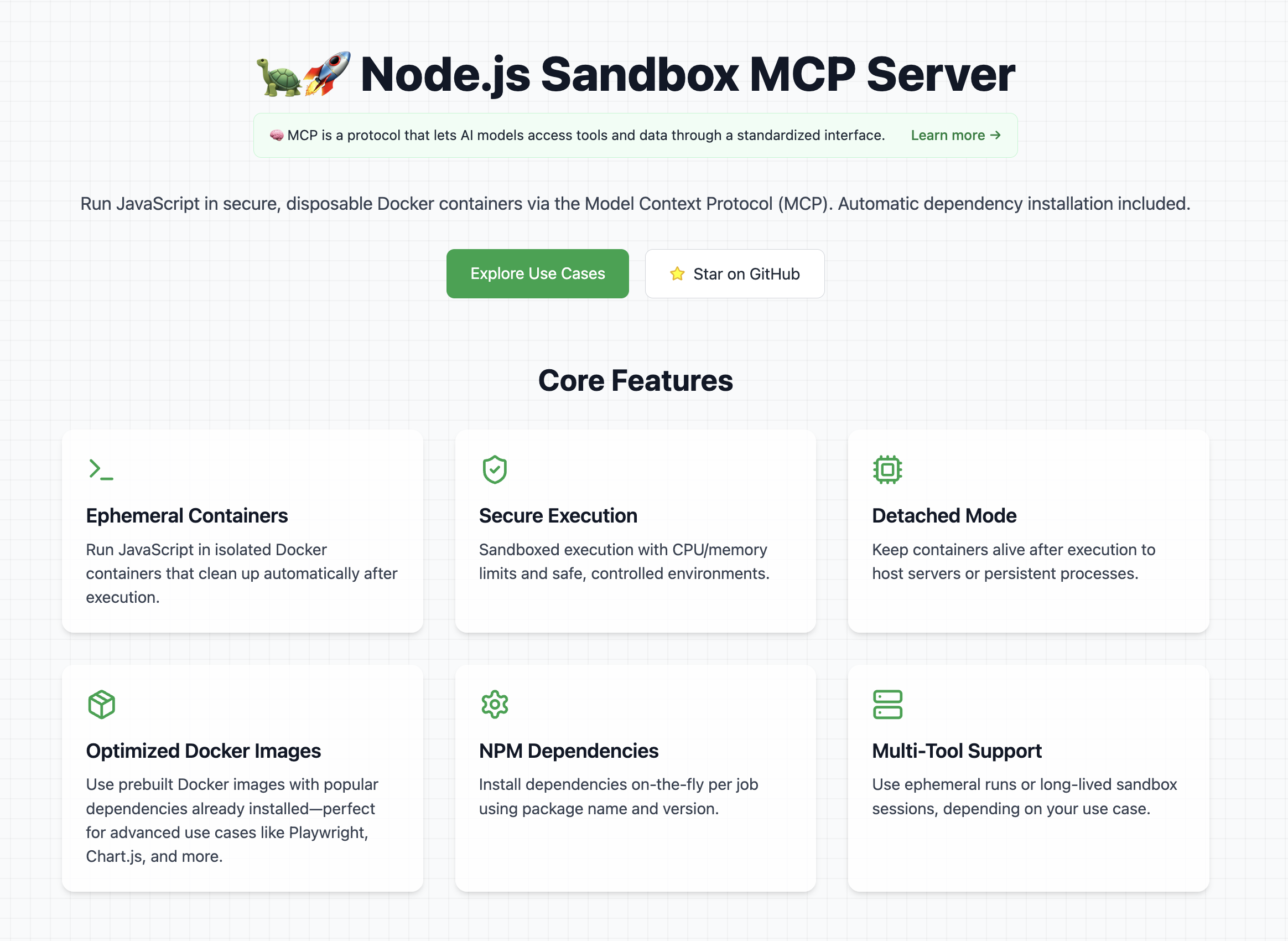
👉 Look at the official website
Features
- Start and manage isolated Node.js sandbox containers
- Execute arbitrary shell commands inside containers
- Install specified npm dependencies per job
- Run ES module JavaScript snippets and capture stdout
- Tear down containers cleanly
- Detached Mode: Keep the container alive after script execution (e.g. for long-running servers)
> Note: Containers run with controlled CPU/memory limits.
Explore Cool Use Cases
If you want ideas for cool and powerful ways to use this library, check out the use cases section on the website
It contains a curated list of prompts, examples, and creative experiments you can try with the Node.js Sandbox MCP Server.
⚠️ Prerequisites
To use this MCP server, Docker must be installed and running on your machine.
Tip: Pre-pull any Docker images you'll need to avoid delays during first execution.
Example recommended images:
- node:lts-slim
- mcr.microsoft.com/playwright:v1.55.0-noble
- alfonsograziano/node-chartjs-canvas:latest
Getting started
In order to get started with this MCP server, first of all you need to connect it to a client (for example Claude Desktop).
Once it's running, you can test that it's fully working with a couple of test prompts:
- Validate that the tool can run:
Create and run a JS script with a console.log("Hello World")
This should run a console.log and in the tool response you should be able to see Hello World.
- Validate that you can install dependencies and save files
Create and run a JS script that generates a QR code for the URL https://nodejs.org/en, and save it as qrcode.png Tip: Use the qrcode package.
This should create a file in your mounted directory (for example the Desktop) called "qrcode.png"
Usage with Claude Desktop
Add this to your claude_desktop_config.json:
You can follow the Official Guide to install this MCP server
{
  "mcpServers": {
    "js-sandbox": {
      "command": "docker",
      "args": [
        "run",
        "-i",
        "--rm",
        "-v",
        "/var/run/docker.sock:/var/run/docker.sock",
        "-v",
        "$HOME/Desktop/sandbox-output:/root",
        "-e",
        "FILES_DIR=$HOME/Desktop/sandbox-output",
        "-e",
        "SANDBOX_MEMORY_LIMIT=512m", // optional
        "-e",
        "SANDBOX_CPU_LIMIT=0.75", // optional
        "mcp/node-code-sandbox"
      ]
    }
  }
}
or with NPX:
{
  "mcpServers": {
    "node-code-sandbox-mcp": {
      "type": "stdio",
      "command": "npx",
      "args": ["-y", "node-code-sandbox-mcp"],
      "env": {
        "FILES_DIR": "/Users/alfonsograziano/Desktop/node-sandbox",
        "SANDBOX_MEMORY_LIMIT": "512m", // optional
        "SANDBOX_CPU_LIMIT": "0.75" // optional
      }
    }
  }
}
> Note: Ensure your working directory points to the built server, and Docker is installed/running.
Docker
Run the server in a container (mount Docker socket if needed), and pass through your desired host output directory as an env var:
```shell
Sign in to leave a review
Use Google, GitHub, or an email account so ratings stay tied to real people.
No reviews posted yet.





