
MCPet
About
This is a TypeScript-based Model Context Protocol (MCP) server that implements a virtual pet simulation system. It demonstrates core MCP concepts by providing tools for pet care and interaction.
Details
- Author
- shreyaskarnik
- GitHub stars
- 11
- Downloads
- 356
- Categories
- Other
Jump to
- Choose from four pet types: Cat, Dog, Dragon, Alien
- Four life stages: Baby, Child, Teen, Adult
- Five stats to manage: Hunger, Happiness, Health, Energy, Cleanliness
- Tools for feeding, playing, cleaning, sleeping, and checking status
- Dynamic ASCII art animations for each activity and pet type

Setting up with Highlight
This MCP is not yet compatible with Highlight’s one-click setup. However, you can still use it with Highlight by following these steps:
- Download and install Highlight from highlightai.com/download
- Navigate to the plugins tab and select "Add Custom Plugin"
-
Configure the plugin with the settings below
Plugin Name
MCPetCommand (node, npx, python, etc.)Please refer to the README for specific instructions on how to obtain API keys or other required environment variables.
- Enable "Start Automatically" if you want the plugin to start when Highlight launches





From the repository
Install dependencies with npm install, build with npm run build, and configure the server in your Claude Desktop config file (e.g., claude_desktop_config.json). Set the PET_DATA_DIR environment variable to a writable directory where pet data will be stored. Then ask Claude natural-language questions like “Can you create a cat pet named Whiskers?” or “How is my pet doing?”
Claude Desktop / Cursor
Paste into your MCP client config file to install this server.
{
    "mcpServers": {
        "mcpet": {
            "mcpet": {
                "command": "npx",
                "args": [
                    "-y",
                    "@smithery/cli",
                    "install",
                    "@shreyaskarnik/mcpet",
                    "--client",
                    "claude"
                ]
            }
        }
    }
}McpServers
{
    "mcpet": {
        "command": "npx",
        "args": [
            "-y",
            "@smithery/cli",
            "install",
            "@shreyaskarnik/mcpet",
            "--client",
            "claude"
        ]
    }
}
MCPet
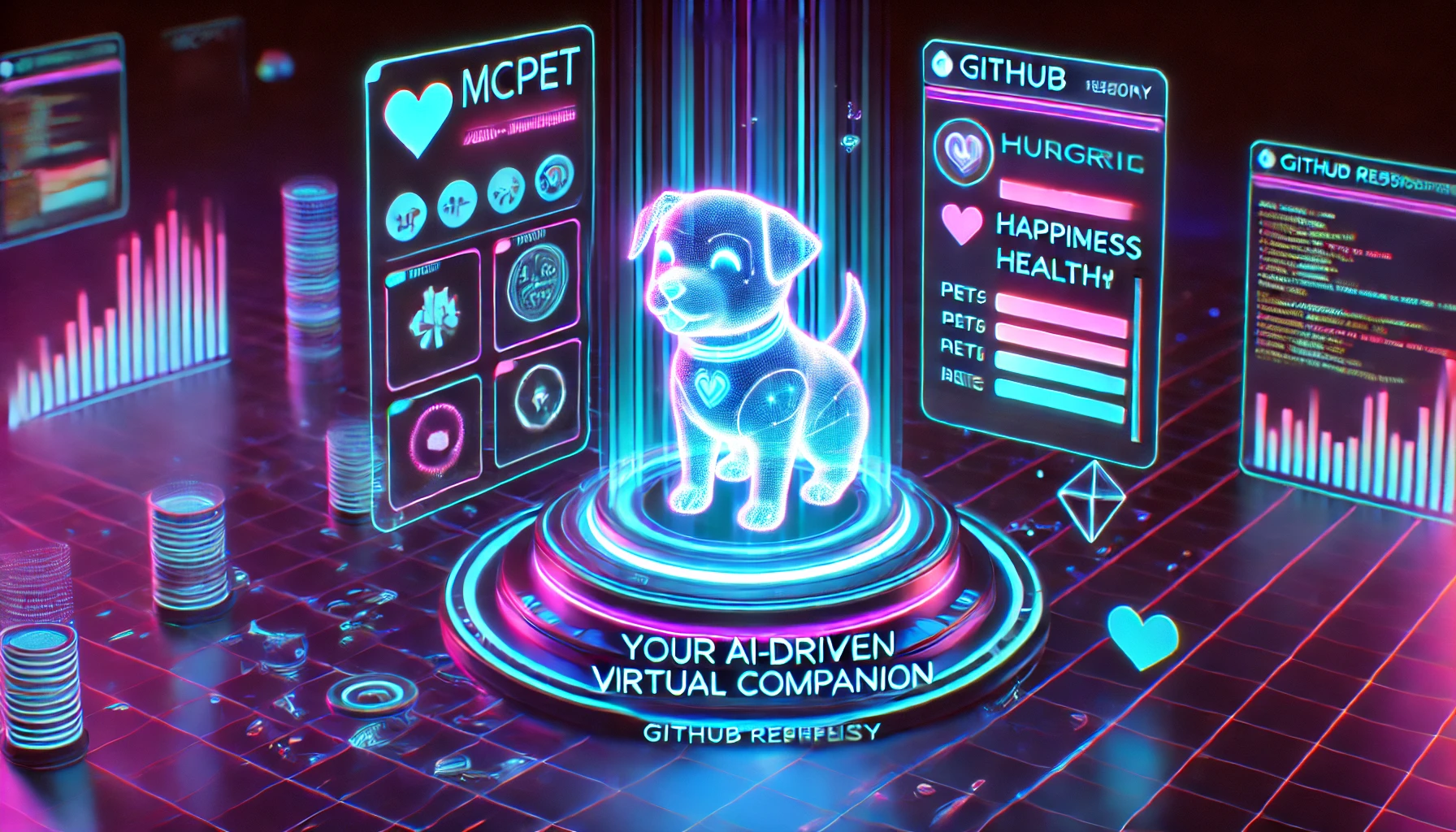
MCPet: A nostalgic virtual pet experience for the AI age! This Model Context Protocol (MCP) server lets you adopt, nurture, and play with your very own digital companion that evolves based on your care. Feed them, clean them, play games together, and watch them grow from a baby to an adult. Your pet's stats change over time even when you're away - just like the classic Tamagotchi toys, but powered by modern AI through the Model Context Protocol. Adopt your digital friend today!
This is a TypeScript-based MCP server that implements a virtual pet simulation system. It demonstrates core MCP concepts by providing tools for pet care and interaction.
Features
Virtual Pet Types
- Choose from four pet types:
- Cat - Slightly moody but lovable
- Dog - Energetic and always happy to see you
- Dragon - Unique and fiery personality
- Alien - Mysterious and curious
Pet Lifecycle
- Watch your pet evolve through four stages:
- Baby - Small and vulnerable
- Child - Growing and playful
- Teen - Energetic and developing
- Adult - Fully grown and wise
Stats Management
- Care for your pet by managing five key stats:
- Hunger - Keep your pet well-fed
- Happiness - Play with your pet to keep them happy
- Health - Overall wellbeing affected by other stats
- Energy - Depletes with activity, replenishes with rest
- Cleanliness - Regular baths keep your pet fresh
Tools
- create_pet - Adopt a new pet with a custom name and type
- check_pet - View your pet's current status and stats
- feed_pet - Feed your pet with different food options:
- Snack - Small hunger boost
- Meal - Balanced nutrition
- Feast - Maximum feeding (but can be unhealthy)
- play_with_pet - Play different games:
- Ball - Light exercise
- Chase - High energy fun
- Puzzle - Mental stimulation
- clean_pet - Give your pet a bath to restore cleanliness
- put_to_bed - Let your pet sleep to restore energy
Animations
- Dynamic ASCII art animations for each pet type and activity
- Randomized frames create a lively and engaging experience
- Special animations for:
- Eating different foods
- Playing various games
- Bathing
- Sleeping
- Being sick
- And more!
Development
Install dependencies:
npm install
Build the server:
npm run build
For development with auto-rebuild:
npm run watch
Installation
Installing via Smithery
To install MCPet for Claude Desktop automatically via Smithery:
npx -y @smithery/cli install @shreyaskarnik/mcpet --client claude
To use with Claude Desktop, add the server config:
On MacOS: ~/Library/Application Support/Claude/claude_desktop_config.json
On Windows: %APPDATA%/Claude/claude_desktop_config.json
{
  "mcpServers": {
    "mcpet": {
      "command": "node",
      "args": ["/path/to/mcpet/build/index.js"],
      "env": {
        "PET_DATA_DIR": "/path/to/writable/directory"
      }
    }
  }
}
Note: The PET_DATA_DIR environment variable specifies where pet data will be stored. Make sure this is a directory with write permissions.
Debugging
Since MCP servers communicate over stdio, debugging can be challenging. We recommend using the MCP Inspector:
npx @modelcontextprotocol/inspector node /path/to/mcpet/build/index.js
The Inspector will provide an interface for testing your pet interactions directly.
Usage Examples
Ask Claude questions like:
- "Can you create a cat pet named Whiskers?"
- "How is my pet doing?"
- "Can you feed my pet a meal?"
- "I'd like to play chase with my pet"
- "My pet looks dirty, can you give it a bath?"
- "My pet seems tired, can you put it to bed?"
Sign in to leave a review
Use Google, GitHub, or an email account so ratings stay tied to real people.
No reviews posted yet.





