
MCP Web Tutorial 🚀
About
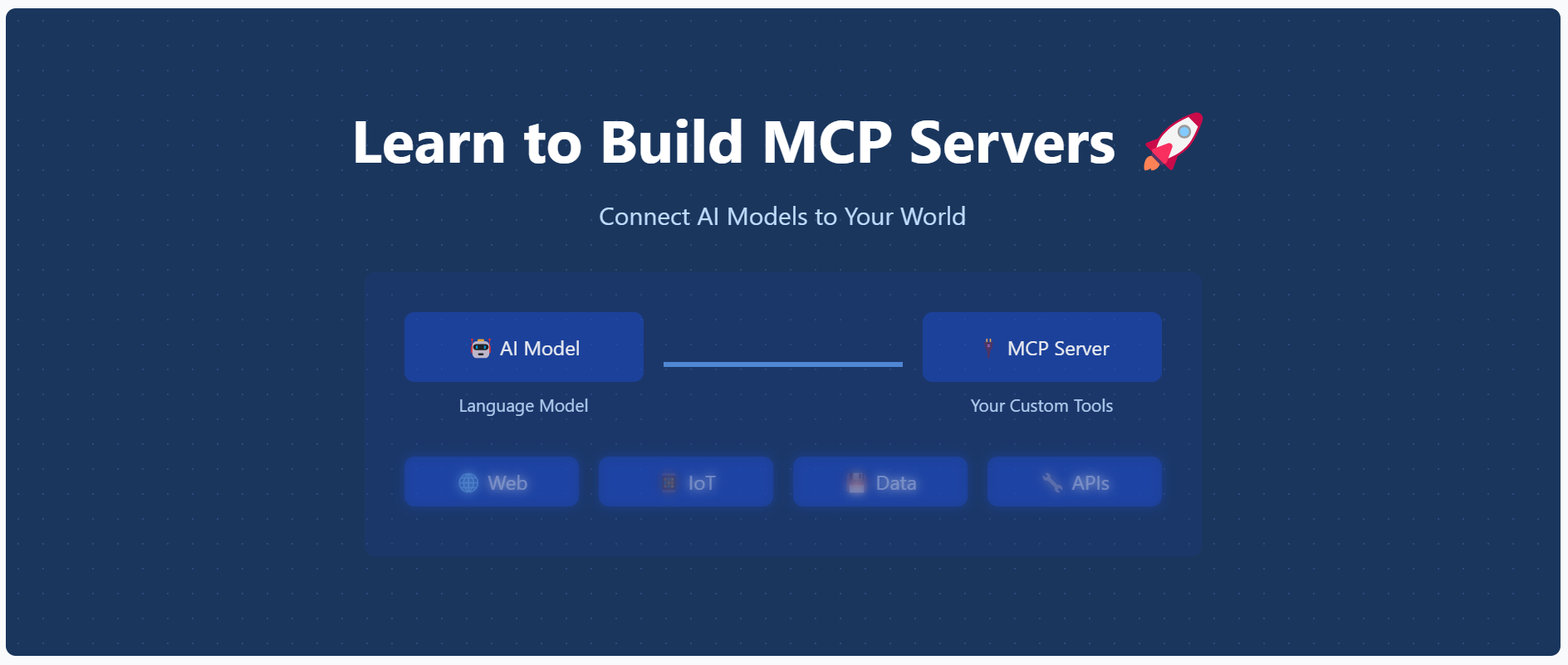
An interactive web tutorial for learning how to build MCP (Model Context Protocol) servers. This educational website provides step-by-step guidance for implementing and understanding MCP servers.
Details
- Author
- opestro
- GitHub stars
- 3
- Downloads
- 300
- Categories
- Other, AI
Jump to
- Mobile-first responsive design with dark mode
- Step-by-step installation and tutorial content
- Real-time code examples with syntax highlighting
- Copy-to-clipboard and progress tracking
- Live previews and interactive UI elements

Setting up with Highlight
This MCP is not yet compatible with Highlight’s one-click setup. However, you can still use it with Highlight by following these steps:
- Download and install Highlight from highlightai.com/download
- Navigate to the plugins tab and select "Add Custom Plugin"
-
Configure the plugin with the settings below
Plugin Name
MCP Web Tutorial 🚀Command (node, npx, python, etc.)Please refer to the README for specific instructions on how to obtain API keys or other required environment variables.
- Enable "Start Automatically" if you want the plugin to start when Highlight launches





From the repository
Clone the repository, install dependencies with npm install, start the server with node server.js, then visit http://localhost:3000 in a browser. The site includes installation, tutorial, and home pages.
Claude Desktop / Cursor
Paste into your MCP client config file to install this server.
{
    "mcpServers": {
        "mcp web tutorial \ud83d\ude80": {
            "mcp-web-101": {
                "command": "node",
                "args": [
                    "server.js"
                ]
            }
        }
    }
}McpServers
{
    "mcp-web-101": {
        "command": "node",
        "args": [
            "server.js"
        ]
    }
}
MCP Web Tutorial 🚀
An interactive web tutorial for learning how to build MCP (Model Context Protocol) servers. This educational website provides step-by-step guidance for implementing and understanding MCP servers.
Features ✨
- 📱 Modern, responsive design with mobile-first approach
- 📚 Comprehensive tutorial content
- ⚡ Real-time code examples
- 🎨 Syntax highlighting
- 📋 Copy-to-clipboard functionality
- 📊 Progress tracking
- 🔍 Step-by-step installation guide
- 🌐 Interactive UI elements
- 🔄 Live previews
- 🌙 Dark mode support
Getting Started 🚀
Prerequisites 📋
- Node.js (v14 or higher) 💻
- npm or yarn 📦
Installation 🛠️
1. Clone the repository:
git clone https://github.com/opestro/mcp-web.git

cd mcp-web
2. Install dependencies:
npm install
3. Start the server:
node server.js
4. Visit http://localhost:3000 in your browser 🌐
Project Structure 📁
mcp-web/
├── views/              # EJS templates
│   ├── layout.ejs      # Main layout template 🏗️
│   ├── index.ejs       # Home page 🏠
│   ├── installation.ejs # Installation guide ⚙️
│   └── tutorial.ejs    # Tutorial content 📚
├── public/             # Static assets 🖼️
│   └── image.png       # Main hero image 🖼️
├── server.js           # Express server 🖥️
└── package.json        # Dependencies 📦
Technologies Used 🛠️
- ⚡ Express.js - Web framework
- 🧩 EJS - Templating engine
- 💅 TailwindCSS - Styling
- ✨ Prism.js - Code syntax highlighting
Contributing 🤝
Contributions are welcome! Please feel free to submit a Pull Request.
1. Fork the project 🍴
2. Create your feature branch (git checkout -b feature/amazing-feature)
3. Commit your changes (git commit -m 'Add some amazing feature')
4. Push to the branch (git push origin feature/amazing-feature)
5. Open a Pull Request 📬
Author ✍️
Mehdi Harzallah
- 💼 LinkedIn: Mehdi Harzallah
- 🐱 GitHub: @opestro
- 📧 Email: mahdiharzallah21@gmail.com
License 📄
This project is licensed under the MIT License - see the LICENSE file for details.
Acknowledgments 🙏
- Thanks to all contributors who helped in building this educational resource ❤️
- Special thanks to the MCP community 🌟
Support 💬
For support, you can:
- 🐞 Open an issue on GitHub
- 💬 Contact via WhatsApp: +213 778191078
- 📧 Send an email to mahdiharzallah21@gmail.com
Sign in to leave a review
Use Google, GitHub, or an email account so ratings stay tied to real people.
No reviews posted yet.





