
@magicuidesign/mcp
About
Magic UI components, searchable and installable from your AI editor.
Details
- Author
- magicuidesign
- GitHub stars
- 192
- Downloads
- 427
- Categories
- Other, AI
Jump to
- Lists registry items with optional filters.
- Searches by keyword across names

Setting up with Highlight
This MCP is not yet compatible with Highlight’s one-click setup. However, you can still use it with Highlight by following these steps:
- Download and install Highlight from highlightai.com/download
- Navigate to the plugins tab and select "Add Custom Plugin"
-
Configure the plugin with the settings below
Plugin Name
@magicuidesign/mcpCommand (node, npx, python, etc.)Please refer to the README for specific instructions on how to obtain API keys or other required environment variables.
- Enable "Start Automatically" if you want the plugin to start when Highlight launches





From the repository
Install via the CLI: npx @magicuidesign/cli@latest install <client> (supported: cursor, windsurf, claude, cline, roo‑cline). Alternatively, add the manual JSON configuration to your IDE’s MCP settings. Once configured, ask questions like “Make a marquee of logos” to get components.
Claude Desktop / Cursor
Paste into your MCP client config file to install this server.
{
    "mcpServers": {
        "@magicuidesign/mcp": {
            "mcp-magicuidesign": {
                "command": "npx",
                "args": [
                    "@magicuidesign/cli@latest",
                    "install",
                    "<client>"
                ]
            }
        }
    }
}McpServers
{
    "mcp-magicuidesign": {
        "command": "npx",
        "args": [
            "@magicuidesign/cli@latest",
            "install",
            "<client>"
        ]
    }
}
@magicuidesign/mcp

Official ModelContextProtocol (MCP) server for Magic UI.
<div align="center">
</div>
Install MCP configuration
npx @magicuidesign/cli@latest install <client>
Supported Clients
- [x] cursor
- [x] windsurf
- [x] claude
- [x] cline
- [x] roo-cline
Manual Installation
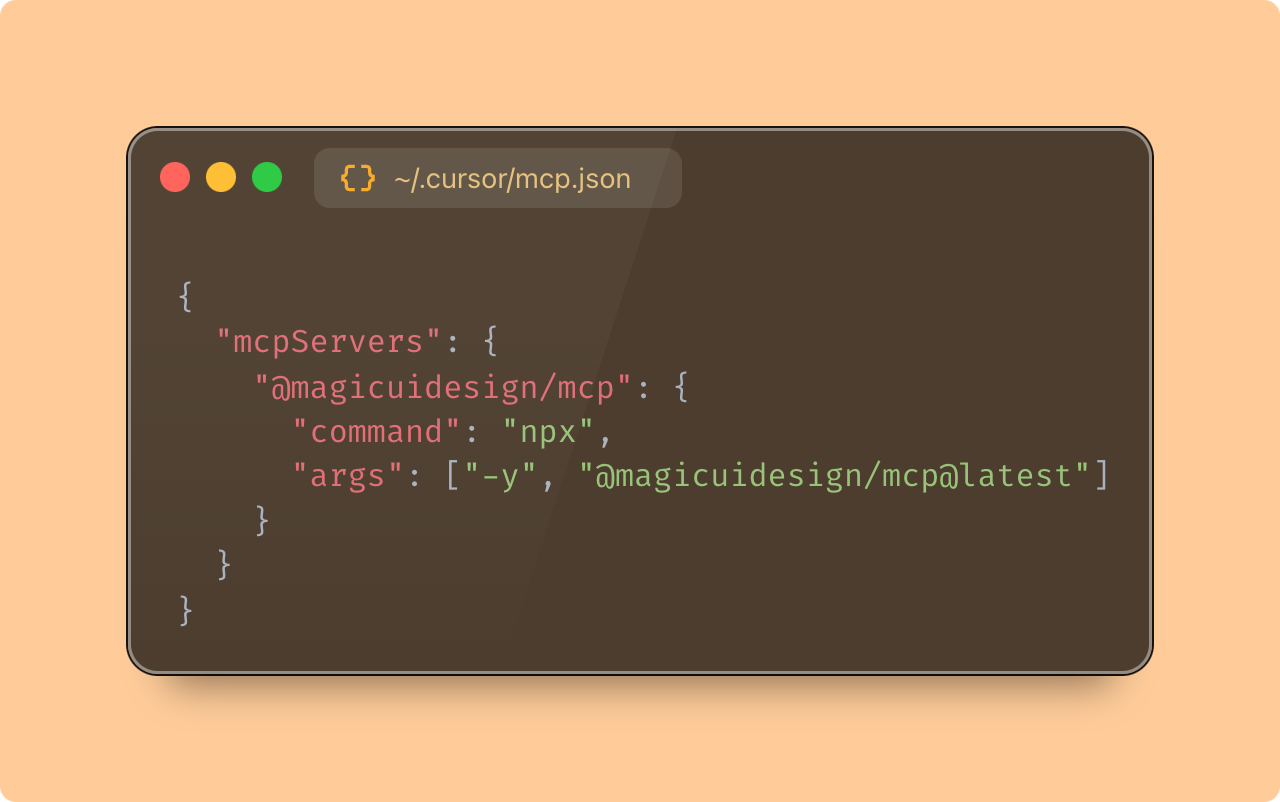
Add to your IDE's MCP config:
{
  "mcpServers": {
    "magicuidesign-mcp": {
      "command": "npx",
      "args": ["-y", "@magicuidesign/mcp@latest"]
    }
  }
}
Example Usage
Once configured, you can questions like:
> "Make a marquee of logos"
> "Add a blur fade text animation"
> "Add a grid background"
Available Tools
The server provides the following tools callable via MCP:
| Tool Name | Description |
|-----------------|-------------------------------------------------------------------------------------------------------------------------------------------------------------------------------------------------------------------------------------------------------------------------------------------------------------------------------------------------------------------------------------------------------------|
| listRegistryItems | Lists Magic UI registry items with optional filters like kind, query, limit, and offset. Recommended for registry browsing. |
| searchRegistryItems | Searches Magic UI registry items by keyword across names, titles, descriptions, and registry types, with pagination support. |
| getRegistryItem | Returns details for a single registry item, including install instructions and optional source, related items, and examples. |
MCP Limitations
Some clients have a limit on the number of tools they can call. The server keeps a small generic tool surface and reads directly from the live Magic UI registry, rather than relying on hardcoded category buckets. Broad semantic discovery concepts such as widgets, media, or devices are not currently modeled as first-class categories in the MCP API.
Credits
Big thanks to @beaubhp for creating the MCP server 🙏
Sign in to leave a review
Use Google, GitHub, or an email account so ratings stay tied to real people.
No reviews posted yet.





