
MCP Interface for Teenage Engineering EP-133 K.O. II
About
MCP Server for Teenage Engineering EP-133 KO-II
Details
- Author
- benjaminr
- Downloads
- 309
- Categories
- Other
Jump to
- Connect to EP-133 K.O. II via MIDI
- Play notes and patterns through text commands
- View default pad configuration
- Create drum
Install Python 3.8+ and the required packages (mido, mcp), clone the repository, then run mcp install koii_server.py:server -e . to register the server. Connect your EP-133 K.O. II via USB, launch Claude Desktop, and issue natural language commands such as "List available MIDI ports" or "Play a drum pattern with kick on beats 1 and 3".
MCP Interface for Teenage Engineering EP-133 K.O. II

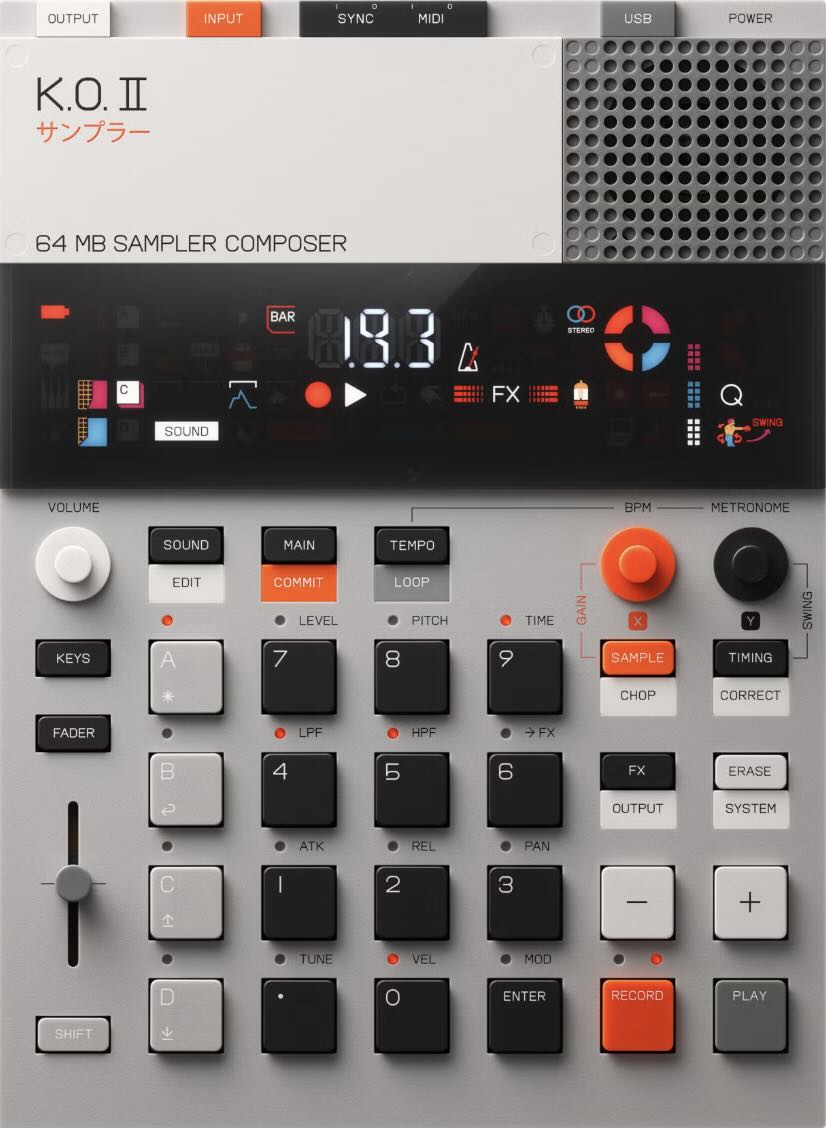
This project is a Model Context Protocol (MCP) server that acts as a controller for the Teenage Engineering EP-133 K.O. II sampler via MIDI
Features
- Connect to your EP-133 K.O. II device via MIDI
- Play notes and patterns through text commands
- View the default pad configuration to understand sound mapping
- Create and play drum patterns with a simple text-based syntax
- Support for multiple instrument reference methods (pad labels, MIDI notes, instrument names, sound names)
- Simultaneous playback of multiple instruments in drum patterns
- Integration with Claude through MCP
Installation
Prerequisites
- Python 3.8 or later
- mido (MIDI handling)
- mcp (Model Context Protocol SDK)
Quick Install
```bash
Sign in to leave a review
Use Google, GitHub, or an email account so ratings stay tied to real people.
No reviews posted yet.





