
🏎️ MCP Server F1Analisys
About
A Model Context Protocol (MCP) server for interacting with F1Analisys through LLM interfaces like Claude. It provides Formula 1 data analysis tools for enthusiasts and analysts who have Claude installed on their system.
Details
- Author
- Maxbleu
- Downloads
- 254
- Categories
- Other, AI
Jump to
- Track dominance analysis for official and pre-testing sessions
- Top speed, lap time average, and distribution tools
- Team performance and fastest laps analysis
- Race and sprint position evolution tracking
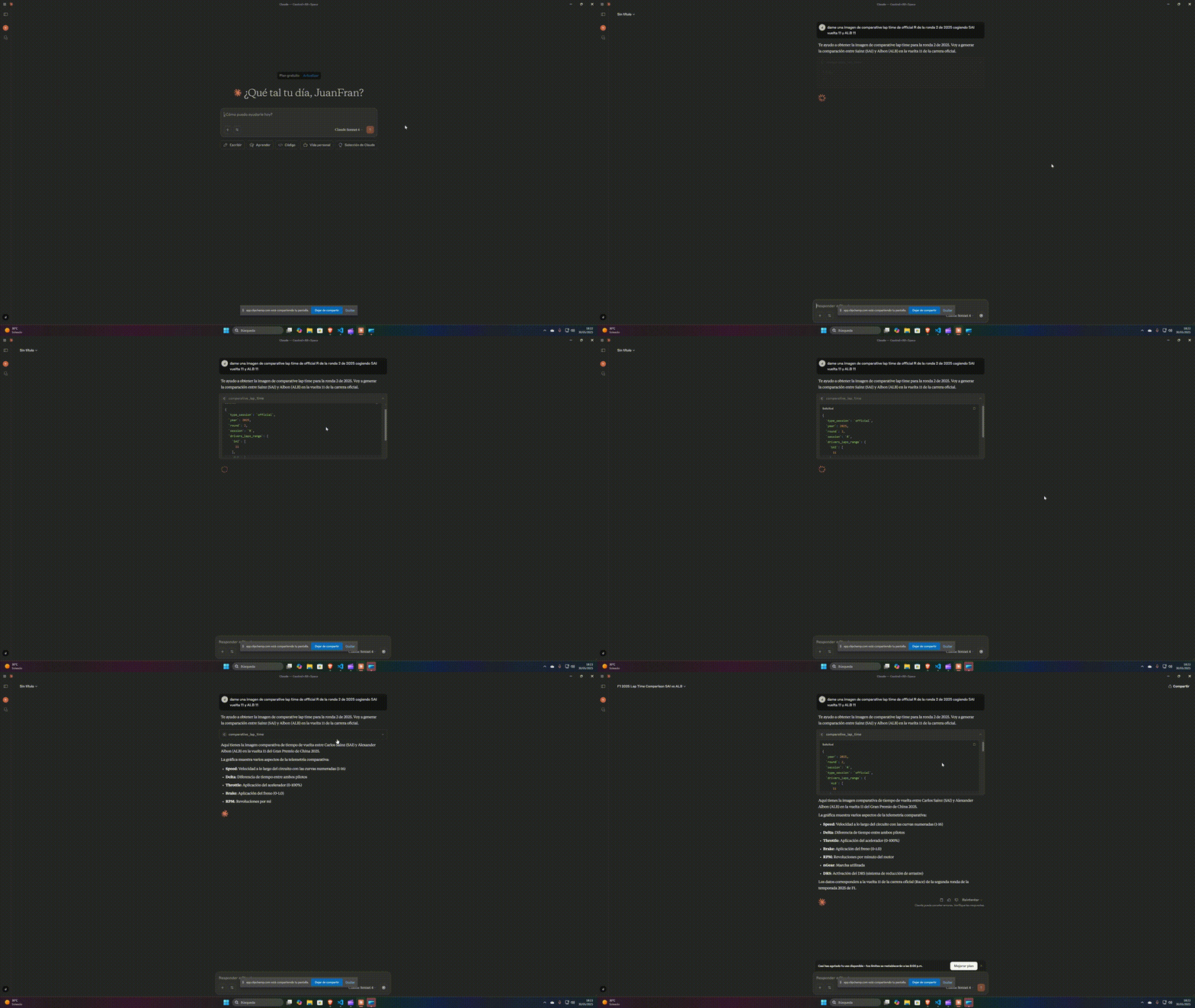
- Comparative lap times, throttle, and braking usage
- Long runs and fastest drivers per compound

Setting up with Highlight
This MCP is not yet compatible with Highlight’s one-click setup. However, you can still use it with Highlight by following these steps:
- Download and install Highlight from highlightai.com/download
- Navigate to the plugins tab and select "Add Custom Plugin"
-
Configure the plugin with the settings below
Plugin Name
🏎️ MCP Server F1AnalisysCommand (node, npx, python, etc.)Please refer to the README for specific instructions on how to obtain API keys or other required environment variables.
- Enable "Start Automatically" if you want the plugin to start when Highlight launches





From the repository
Install the package via pip (pip install mcp-f1analisys), then add the server configuration to Claude’s desktop config file (claude_desktop_config.json) with the command python -m mcp-f1analisys. Alternatively, you can install directly with mcp install .\server.py.
Claude Desktop / Cursor
Paste into your MCP client config file to install this server.
{
    "mcpServers": {
        "\ud83c\udfce\ufe0f mcp server f1analisys": {
            "mcp-f1analisys": {
                "command": "python",
                "args": [
                    "-m",
                    "mcp-f1analisys"
                ]
            }
        }
    }
}McpServers
{
    "mcp-f1analisys": {
        "command": "python",
        "args": [
            "-m",
            "mcp-f1analisys"
        ]
    }
}
🏎️ MCP Server F1Analisys
 A Model Context Protocol (MCP) server for interacting with F1Analisys through LLM interfaces like Claude. You will need to have Claude installed on your system to continue.
Getting Started
First of all, you need to installmcp-f1analisys package from pypi with pip, using the following command:
``commandline
pip install mcp-f1analisys
`
To use mcp-f1analisys server in claude can be configured by adding the following to your configuration file.
- Windows: %APPDATA%/Claude/claude_desktop_config.json
- Linux: ~/Library/Application Support/Claude/claude_desktop_config.json
Add the F1Analisys MCP server configuration:
`json
{
"mcpServers": {
"mcp-f1analisys": {
"command": "python",
"args": [ "-m", "mcp-f1analisys" ]
}
}
}
`
Tools
- Track dominance 
 - Top speed
- Lap time average
- Lap time distribution
- Team performance
- Fastest laps
- Race position evolution
- Top speed
- Lap time average
- Lap time distribution
- Team performance
- Fastest laps
- Race position evolution 
 - Fatest drivers each compound
- Comparative lap time
- Throttle usage
- Braking usage
- Long runs
- Fatest drivers each compound
- Comparative lap time
- Throttle usage
- Braking usage
- Long runs
Instalation
Active the virtual environment and install the requirements using:
`commandline
.\.venv\Scripts\activate
`
Install the mcp server in Claude using the following command:
`commandline
mcp install .\server.py
`
Requirements

The requirementes used to build this MCP server are:
-
mcp[cli]
- httpx
Testing

You can test the server using the MCP Inspector:
`commandline
mcp dev .\server.py
``
License
This project is licensed under the MIT <a href="https://github.com/Maxbleu/mcp-f1analisys/blob/master/LICENSE">LICENSE</a> - see the details.Sign in to leave a review
Use Google, GitHub, or an email account so ratings stay tied to real people.
No reviews posted yet.





