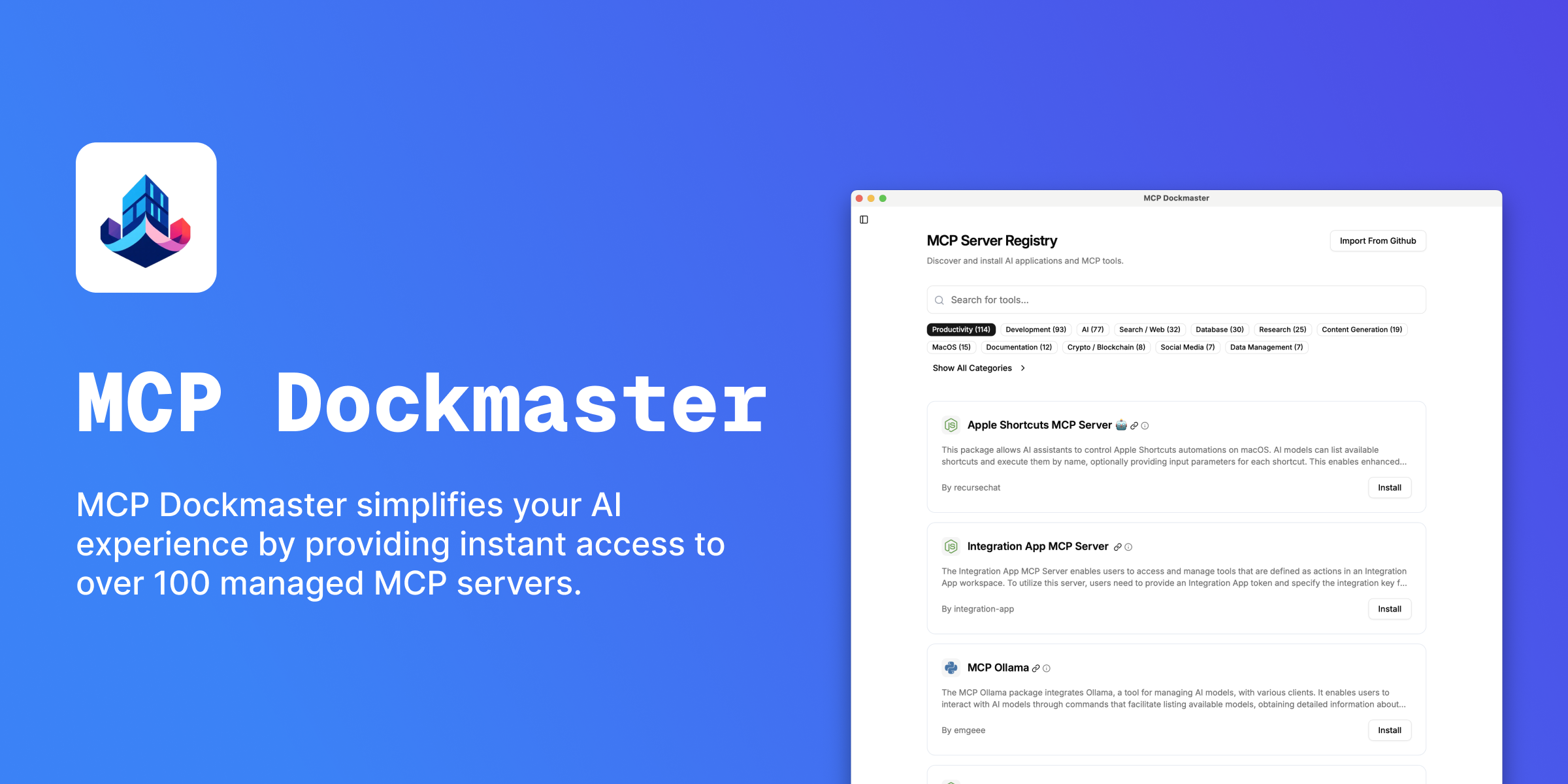

🚀 MCP Dockmaster
About
MCP Dockmaster allows you to easily install and manage MCP servers. Available for Mac, Windows and Linux as a Desktop App, CLI and a library.
Details
- Author
- dcSpark
- GitHub stars
- 88
- Downloads
- 395
- Categories
- Developer Tools, AI
Jump to
- Curated AI Tool Marketplace for MCP servers
- One-click install, update, and removal of AI tools
- Modern desktop interface built with Tauri + React
- Rust-powered backend for blazing performance
- Supports Node.js, Python, and Docker-based MCP servers
- Advanced configuration options for power users

Setting up with Highlight
This MCP is not yet compatible with Highlight’s one-click setup. However, you can still use it with Highlight by following these steps:
- Download and install Highlight from highlightai.com/download
- Navigate to the plugins tab and select "Add Custom Plugin"
-
Configure the plugin with the settings below
Plugin Name
🚀 MCP DockmasterCommand (node, npx, python, etc.)Please refer to the README for specific instructions on how to obtain API keys or other required environment variables.
- Enable "Start Automatically" if you want the plugin to start when Highlight launches





From the repository
Download the desktop app from mcp-dockmaster.com, install, and launch it. Browse the AI Tool Store, install an MCP server, then follow the integration steps to connect with Claude, Cursor, or other supported apps. For developers, clone the repo, run npm ci, and start with npx nx serve mcp-dockmaster.
Claude Desktop / Cursor
Paste into your MCP client config file to install this server.
{
    "mcpServers": {
        "\ud83d\ude80 mcp dockmaster": {
            "mcp-dockmaster": {
                "command": "npx",
                "args": [
                    "nx",
                    "serve",
                    "mcp-dockmaster"
                ]
            }
        }
    }
}McpServers
{
    "mcp-dockmaster": {
        "command": "npx",
        "args": [
            "nx",
            "serve",
            "mcp-dockmaster"
        ]
    }
}
🚀 MCP Dockmaster
> The Ultimate AI Tool Manager - Install, manage, and supercharge your AI assistants with the power of Model Context Protocol (MCP)
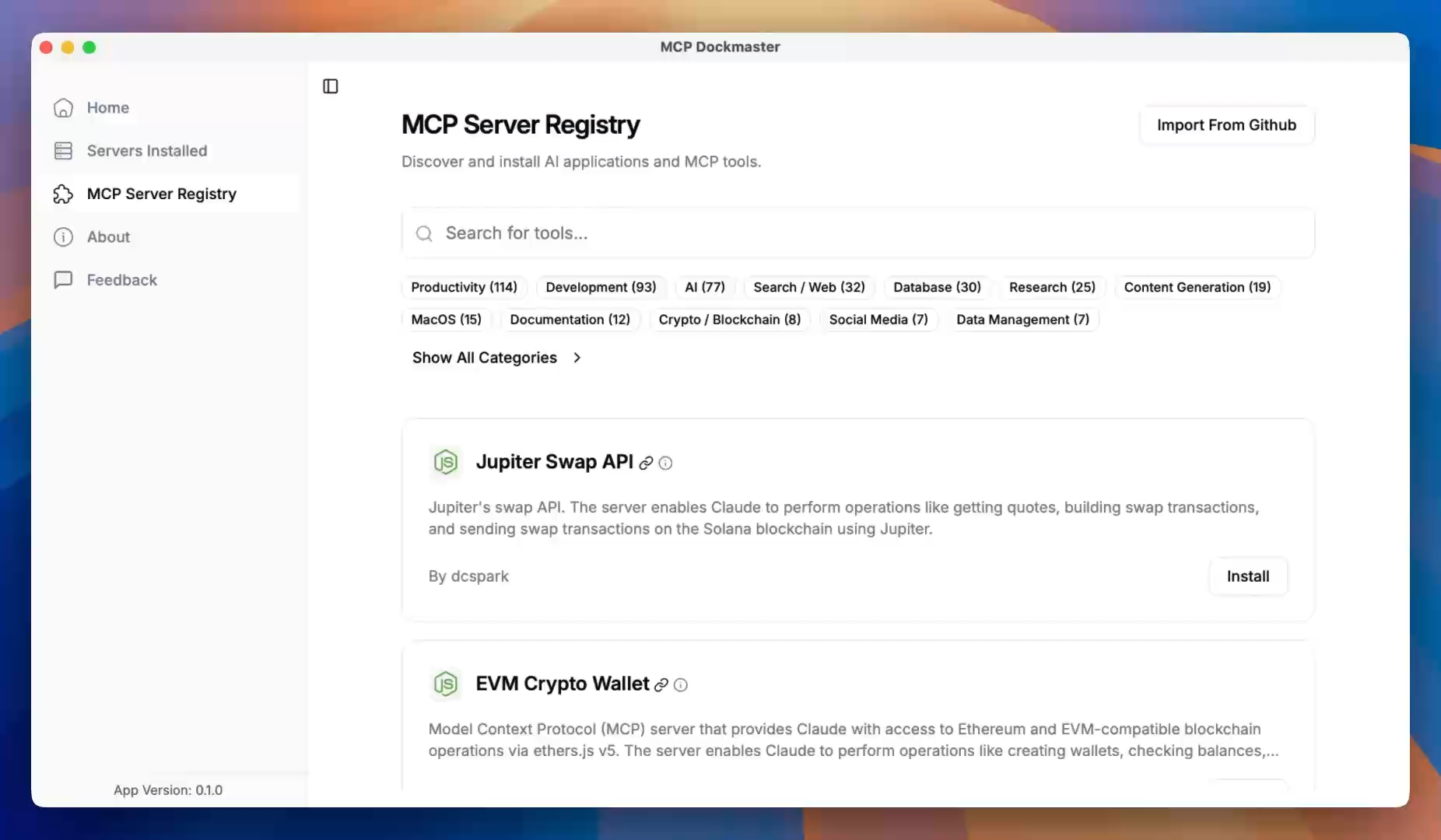
✨ What is MCP Dockmaster?
MCP Dockmaster transforms how you work with AI assistants like Claude by giving them superpowers through Model Context Protocol (MCP) servers. Think of it as an App Store for AI tools that seamlessly integrates with your favorite AI assistants.
🎯 One-Click Installation → Browse, install, and manage MCP servers
🔗 Auto-Integration → Automatically connects with Claude and other MCP-compatible AI assistants
🌐 Multi-Platform → Available as Desktop App, CLI, and library for Mac, Windows, and Linux
⚡ Zero Config → Works out of the box with automatic setup and updates
🔥 Key Features
- 🛍️ AI Tool Marketplace - Discover and install powerful MCP servers from our curated store
- 🔧 Smart Management - Install, update, and remove AI tools with a simple click
- 🎨 Beautiful Interface - Modern, intuitive desktop app built with Tauri + React
- 🚀 Lightning Fast - Rust-powered backend for blazing performance
- 🔌 Universal Compatibility - Supports Node.js, Python, and Docker-based AI tools
- ⚙️ Advanced Configuration - Fine-tune settings for power users
🎬 See It In Action
Experience how MCP Dockmaster transforms your AI workflow in under 2 minutes!
🚀 Quick Start
💻 Desktop App (Recommended)
1. Download the latest release for your platform from mcp-dockmaster.com
2. Install and launch MCP Dockmaster
3. Browse the AI Tool Store and install your first MCP server
4. Integrate Follow the integration steps at home to connect the app with Claude, Cursor, or any other supported app—and enjoy you AI with superpowers!
🔨 Development Setup
Want to contribute or run from source? Here's how:
Prerequisites
- Node.js v18+ - Rust (for Tauri development) - GitGet Started
```bashSign in to leave a review
Use Google, GitHub, or an email account so ratings stay tied to real people.
No reviews posted yet.





