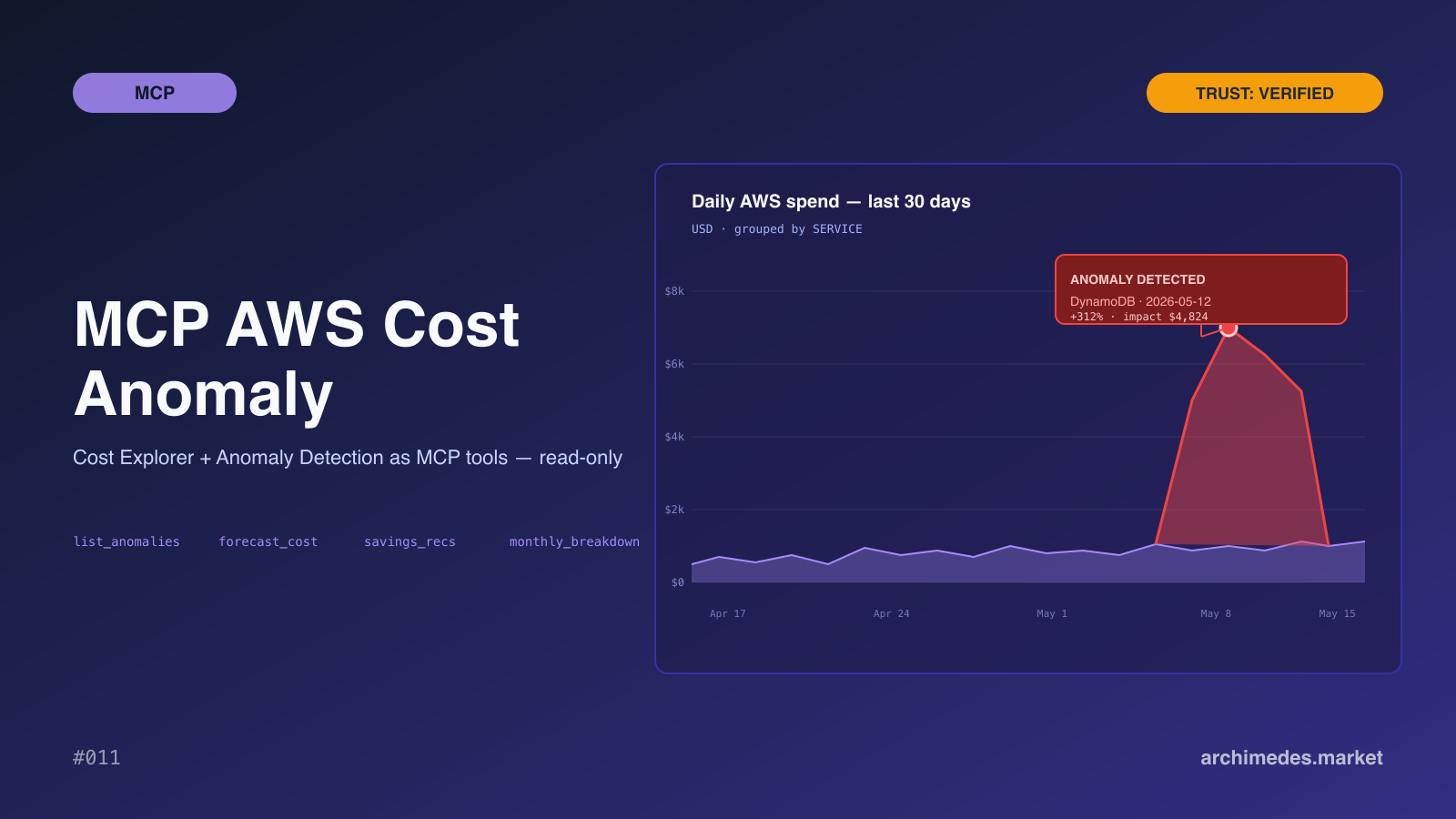
Mcp Aws Cost Anomaly
About
Curated by Archimedes Market. AWS Cost Explorer + Anomaly Detection exposed as MCP tools. Surface unusual spend by service, account, or tag. Pull cost breakdowns, forecasts, savings recommendations. Read-only IAM — refuses to start if the role can modify resources. → archimedes.m
Details
- Author
- archimedes-market
- Downloads
- 336
- Categories
- Cloud Service
Jump to
- List recent cost anomalies with severity and root-cause hints
- Get cost breakdowns by service, account, or tag over a time window
- Generate 30/60/90-day cost forecasts with confidence bounds
- Monthly spend breakdown with month-over-month delta highlights
- Savings recommendations from Compute Optimizer and Trusted Advisor
- Credit utilization details (remaining and expiration dates)

Setting up with Highlight
This MCP is not yet compatible with Highlight’s one-click setup. However, you can still use it with Highlight by following these steps:
- Download and install Highlight from highlightai.com/download
- Navigate to the plugins tab and select "Add Custom Plugin"
-
Configure the plugin with the settings below
Plugin Name
Mcp Aws Cost AnomalyCommand (node, npx, python, etc.)Please refer to the README for specific instructions on how to obtain API keys or other required environment variables.
- Enable "Start Automatically" if you want the plugin to start when Highlight launches





From the repository
Configure the server with AWS credentials that have read-only policies for Cost Explorer and Anomaly Detection. At startup it verifies that no attached IAM policy contains any write verb; if it does, the server refuses to boot. Once running, invoke any of the six available MCP tools (e.g., list_anomalies, get_cost_explorer, forecast_cost) from an AI agent.
Claude Desktop / Cursor
Paste into your MCP client config file to install this server.
{
    "mcpServers": {
        "mcp aws cost anomaly": {
            "aws-cost-anomaly": {
                "command": "mcp-aws-cost-anomaly",
                "args": [
                    "serve"
                ],
                "env": {
                    "AWS_ACCESS_KEY_ID": "...",
                    "AWS_SECRET_ACCESS_KEY": "...",
                    "AWS_REGION": "us-east-1"
                }
            }
        }
    }
}McpServers
{
    "aws-cost-anomaly": {
        "command": "mcp-aws-cost-anomaly",
        "args": [
            "serve"
        ],
        "env": {
            "AWS_ACCESS_KEY_ID": "...",
            "AWS_SECRET_ACCESS_KEY": "...",
            "AWS_REGION": "us-east-1"
        }
    }
}
Verified asset on Archimedes
Market — view the full Trust Report.
---
AWS Cost Explorer + Anomaly Detection wrapped as MCP tools for AI agents. Surface unexpected spend, pull cost
breakdowns by service / account / tag, fetch forecasts and savings recommendations — without any write
capability against the AWS account.
## Tools
- list_anomalies — recent cost anomalies with severity + root-cause hints
- get_cost_explorer — cost breakdown by dimension over a time window
- forecast_cost — 30/60/90-day forecast with confidence bounds
- monthly_breakdown — month-over-month spend with delta highlights
- savings_recommendations — Compute Optimizer + Trusted Advisor
- credit_utilization — credits remaining, expiration dates
## Read-only enforcement
The server resolves the calling identity at startup. If any attached IAM policy contains a write verb (Create,
Delete, Modify, Put, Update, Run, Start, Stop, Terminate, Reboot), the server refuses to boot.
## License
MIT. More verified MCP servers at archimedes.market/assets.
Sign in to leave a review
Use Google, GitHub, or an email account so ratings stay tied to real people.
No reviews posted yet.




