

Markview
About
Native macOS markdown preview + MCP server for Claude Code. Swift/SwiftUI, GFM, Mermaid, syntax highlighting. No Electron.
Details
- Author
- paulhkang94
- GitHub stars
- 35
- Downloads
- 328
- Categories
- Other, Developer Tools
Jump to
- GitHub Flavored Markdown (tables, strikethrough, autolinks, task lists, footnotes)
- Mermaid diagrams (flowcharts, sequence, Gantt, ER, pie charts)
- Syntax highlighting via Prism.js (18 languages)
- Quick Look integration in Finder
- Live split‑pane editor with bidirectional scroll sync
- File watching with DispatchSource (works with VS Code, Vim)

Setting up with Highlight
This MCP is not yet compatible with Highlight’s one-click setup. However, you can still use it with Highlight by following these steps:
- Download and install Highlight from highlightai.com/download
- Navigate to the plugins tab and select "Add Custom Plugin"
-
Configure the plugin with the settings below
Plugin Name
MarkviewCommand (node, npx, python, etc.)Please refer to the README for specific instructions on how to obtain API keys or other required environment variables.
- Enable "Start Automatically" if you want the plugin to start when Highlight launches





From the repository
Install the MCP server with claude mcp add --transport stdio --scope user markview -- npx mcp-server-markview for Claude Code, or configure claude_desktop_config.json for Claude Desktop. Claude can then call preview_markdown to render any markdown string or open_file to open an existing .md file. The standalone macOS app can be installed via Homebrew (brew install --cask paulhkang94/markview/markview) or built from source.
Claude Desktop / Cursor
Paste into your MCP client config file to install this server.
{
    "mcpServers": {
        "markview": {
            "markview": {
                "command": "npx",
                "args": [
                    "-y",
                    "mcp-server-markview"
                ]
            }
        }
    }
}McpServers
{
    "markview": {
        "command": "npx",
        "args": [
            "-y",
            "mcp-server-markview"
        ]
    }
}
MarkView

 &color=green)
Native macOS markdown preview with MCP server for Claude Code. Claude writes markdown — MarkView renders it live, in a real native window, while you work.
> Versions: The macOS app (app badge) and the npm MCP wrapper (npm badge) are versioned independently. App releases happen when the Swift binary changes; npm patches happen for MCP server improvements. Both badges always show the latest of each.
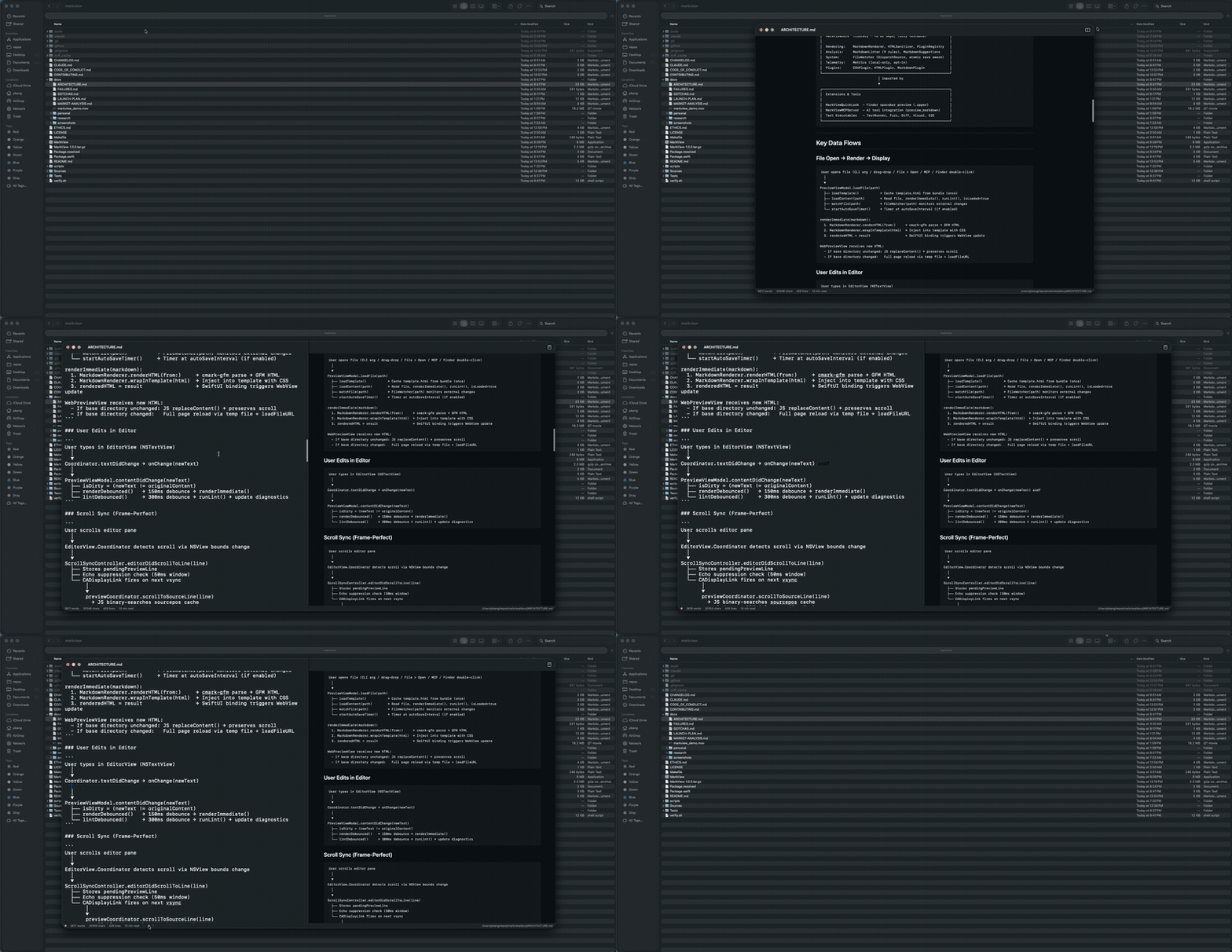
| Preview only | Editor + Preview |
|:---:|:---:|
| 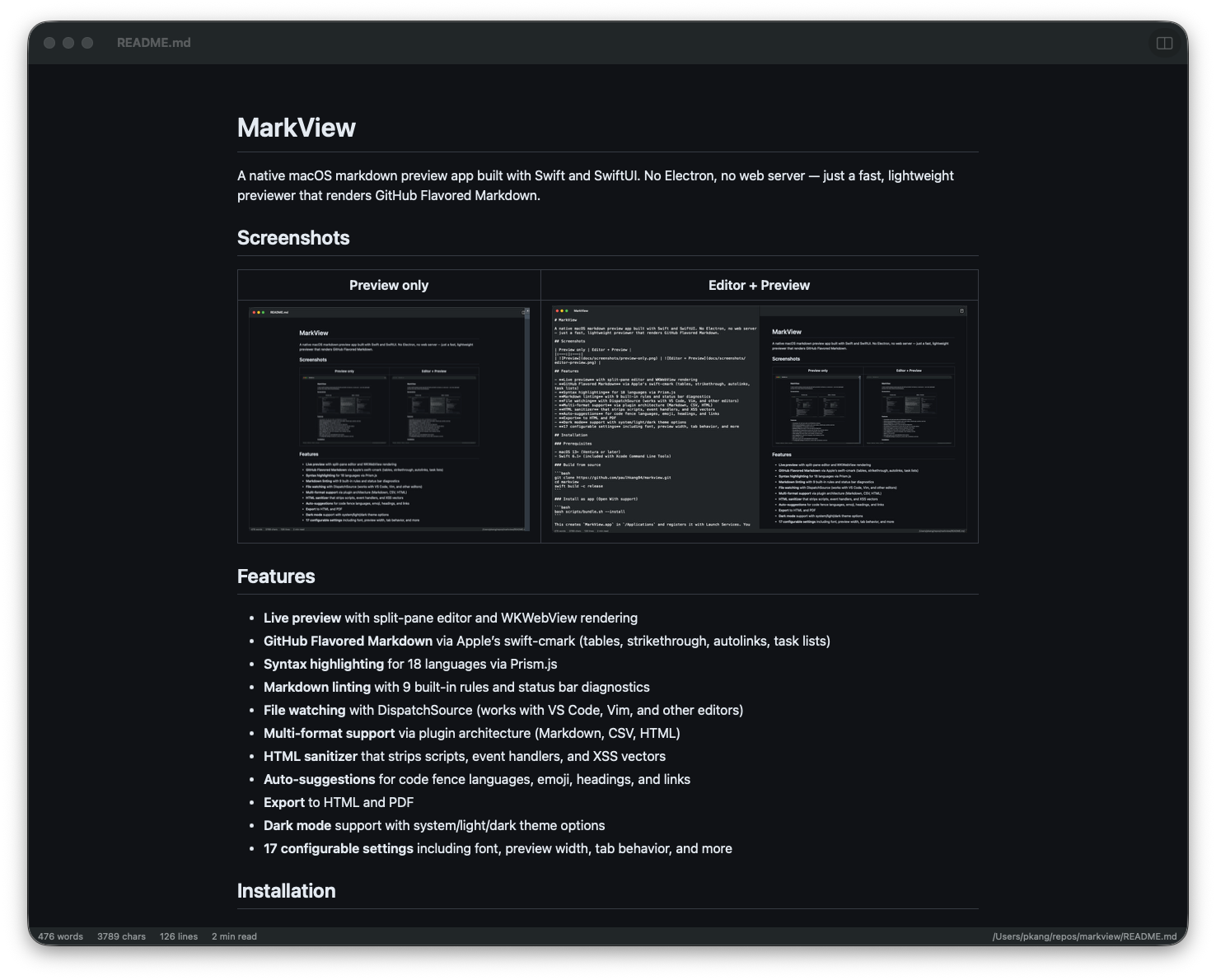 |
| 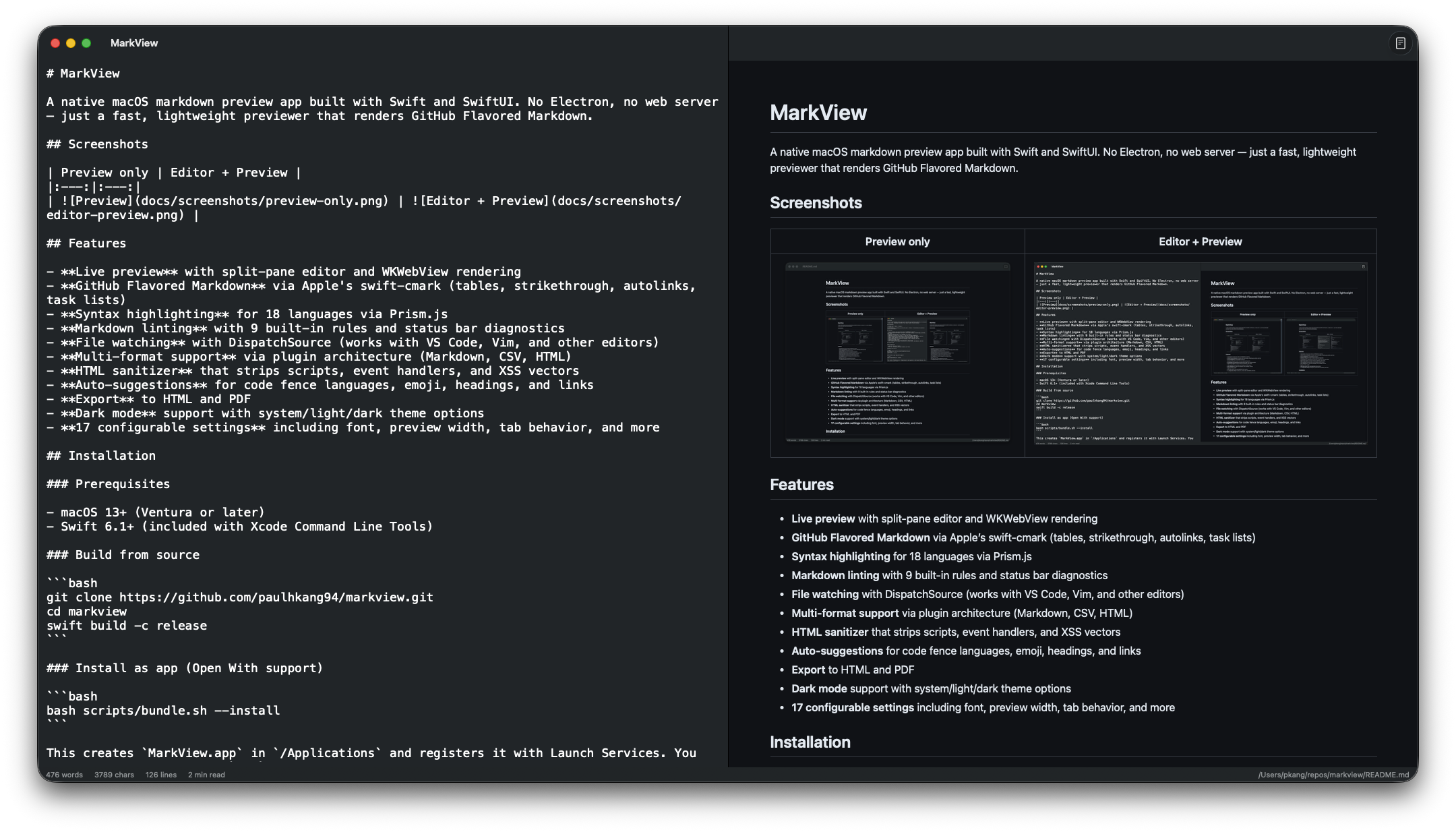 |
|
Quick Start — Claude Code
One command to wire MarkView into every Claude Code session:
claude mcp add --transport stdio --scope user markview -- npx mcp-server-markview
That's it. Claude can now call preview_markdown to render any markdown string in a native macOS window, or open_file to open any .md file directly.
| Tool | What it does |
|------|-------------|
| preview_markdown | Render markdown content in a live-reloading MarkView window |
| open_file | Open an existing .md file in MarkView |
Claude Desktop Setup
Add to ~/Library/Application Support/Claude/claude_desktop_config.json:
{
  "mcpServers": {
    "markview": {
      "command": "npx",
      "args": ["mcp-server-markview"]
    }
  }
}
> Note: MCP servers belong in ~/.claude.json (Claude Code) or claude_desktop_config.json (Claude Desktop), not ~/.claude/settings.json.
Installation
Homebrew (recommended)
```bash
Sign in to leave a review
Use Google, GitHub, or an email account so ratings stay tied to real people.
No reviews posted yet.





