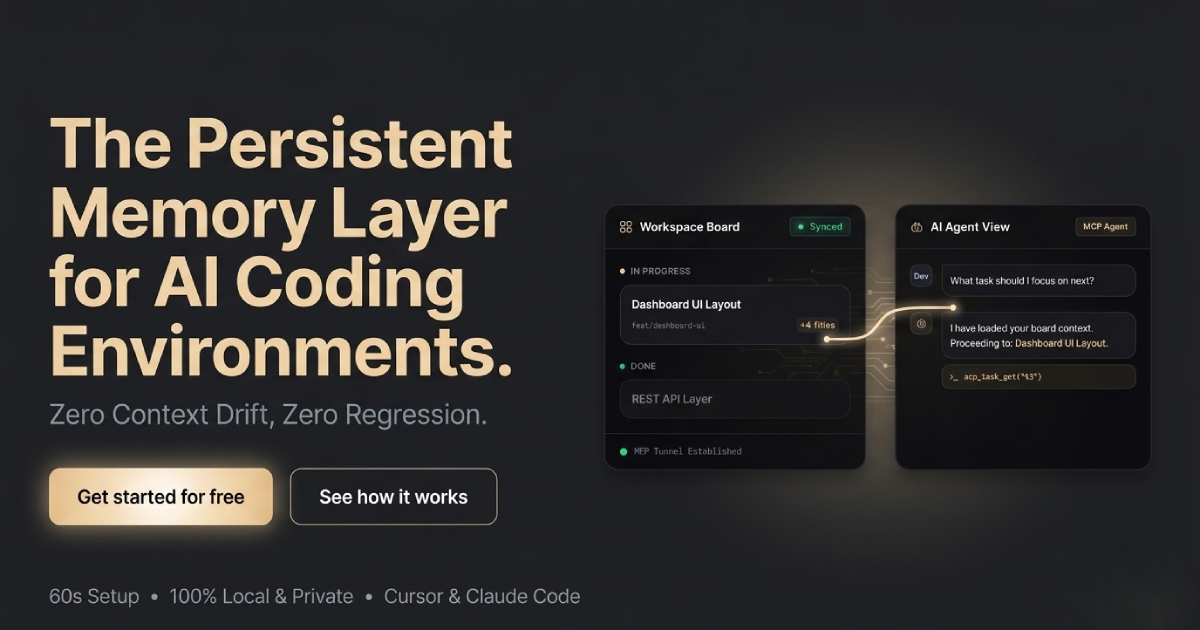

Kanban Agent Long Term Memory. Visualized
About
CWIM Kanban gives your AI agent a persistent memory layer. It remembers what you were working on, recalls context automatically, and shows everything on a live dashboard. It works with Claude Code, OpenCode, and any Git repository.
Details
- Author
- cwimhq
- GitHub stars
- 3
- Downloads
- 304
- Categories
- AI, Developer Tools
Jump to
- Smart context recall via task_recall
- Timestamped note appending without overwriting
- Per‑project session isolation with Git auto‑detection
- Real‑time visual dashboard (4 columns, tag support)
- Local‑first JSON storage at ~/.kanban/sessions/
- Full suite of MCP tools for task and session management

Setting up with Highlight
This MCP is not yet compatible with Highlight’s one-click setup. However, you can still use it with Highlight by following these steps:
- Download and install Highlight from highlightai.com/download
- Navigate to the plugins tab and select "Add Custom Plugin"
-
Configure the plugin with the settings below
Plugin Name
Kanban Agent Long Term Memory. VisualizedCommand (node, npx, python, etc.)Please refer to the README for specific instructions on how to obtain API keys or other required environment variables.
- Enable "Start Automatically" if you want the plugin to start when Highlight launches





From the repository
Install globally with npm install -g @cwim/kanban then run kanban to launch the dashboard. For AI integration, add the MCP configuration to your Claude Code or OpenCode settings and place a CLAUDE.md or AGENTS.md file in your project root with the provided workflow instructions.
task_create
Create a new task on the Kanban board
task_update
Update an existing task
task_move
Move a task to a different status column
task_delete
Delete a task from the board
task_list
List all tasks in the current session, optionally filtered
task_append_note
Append a timestamped note to a task without overwriting existing content
task_recall
Intelligently recall relevant task context based on current work. Call this before starting complex tasks to check for existing context and avoid duplicating work.
task_get
Get details of a single task
session_list
List all available sessions
session_switch
Switch to a different session
Claude Desktop / Cursor
Paste into your MCP client config file to install this server.
{
    "mcpServers": {
        "kanban   agent long term memory. visualized": {
            "kanban": {
                "command": "npx",
                "args": [
                    "@cwim/kanban",
                    "mcp"
                ]
            }
        }
    }
}McpServers
{
    "kanban": {
        "command": "npx",
        "args": [
            "@cwim/kanban",
            "mcp"
        ]
    }
}
CWIM Kanban
> Your AI's long-term memory. Visualized.
CWIM Kanban gives your AI agent a persistent memory layer. It remembers what you were working on, recalls context automatically, and shows you everything on a live dashboard.
Works with Claude Code, OpenCode, and any Git repository.
No more "what were we doing again?" between sessions.
How It Works
User: "Continue the auth refactor"
    |
Claude: task_recall("auth refactor")
    |
Memory: "Found: [in-progress] Refactor auth middleware"
    |
Claude: "Ah yes, we were extracting JWT validation..."
As Claude works through complex tasks, it creates cards, appends notes, and moves them across columns. You watch progress unfold in real time on the board. When you return tomorrow, Claude recalls exactly where you left off.
Installation
```bash
Sign in to leave a review
Use Google, GitHub, or an email account so ratings stay tied to real people.
No reviews posted yet.





