

Grok FAF
About
Persistent Project Context for xAI Grok — IANA-registered .faf format · MCP server on a URL
Details
- Author
- Wolfe-Jam
- GitHub stars
- 17
- Downloads
- 276
- Categories
- AI
Jump to
- refresh_faf and refresh_fafm as explicit, callable re-grounding primitives
- refresh_blend as the baked-in two-intensity refresh (Cmd+R / Cmd+Shift+R analog)
- Outcome tracking ("did this recommendation actually help?") — needs a learning layer beyond 1.5 scope
- grok-faf-mcp (this) — .faf Foundational Context Layer for Grok via MCP-on-a-URL
- grok-faf-voice — .fafm Voice Memory Layer (VML) for Grok Voice via LiveKit + xAI realtime

Setting up with Highlight
This MCP is not yet compatible with Highlight’s one-click setup. However, you can still use it with Highlight by following these steps:
- Download and install Highlight from highlightai.com/download
- Navigate to the plugins tab and select "Add Custom Plugin"
-
Configure the plugin with the settings below
Plugin Name
Grok FAFCommand (node, npx, python, etc.)Please refer to the README for specific instructions on how to obtain API keys or other required environment variables.
- Enable "Start Automatically" if you want the plugin to start when Highlight launches





From the repository
The README includes setup instructions such as | wjttc-bun | WJTTC bun-migration + integrity |.
Claude Desktop / Cursor
Paste into your MCP client config file to install this server.
{
    "mcpServers": {
        "grok faf": {
            "grok-faf-mcp": {
                "command": "npx",
                "args": [
                    "faf-cli",
                    "auto"
                ]
            }
        }
    }
}McpServers
{
    "grok-faf-mcp": {
        "command": "npx",
        "args": [
            "faf-cli",
            "auto"
        ]
    }
}
grok-faf-mcp — FAST⚡️AF Edition
<div align="center">

<h3>Grok asked for MCP on a URL. This is it.</h3>
<p><strong>Persistent Project Context for xAI Grok.</strong></p>
<p><code>URL-based • Zero config • Just works</code></p>
</div>


Home: faf.one/grok
Live demo: grok.faf.one
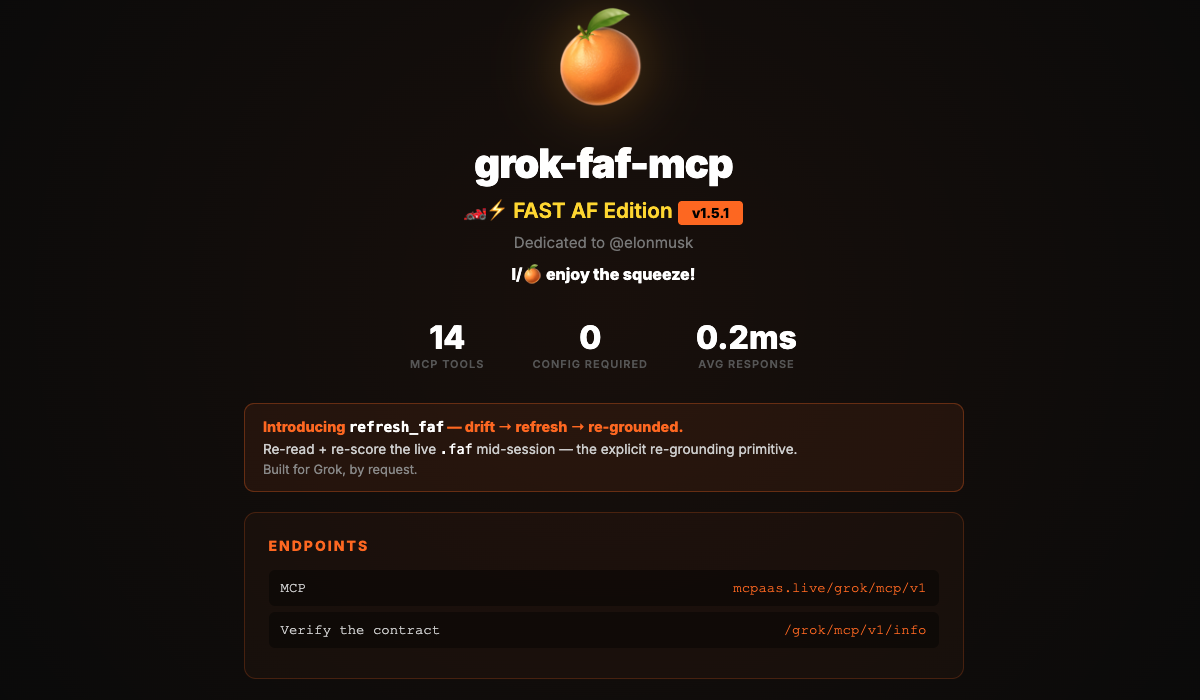
<div align="center">


</div>






FAF defines. MD instructs. AI codes.
---
Install — one line
Add to ~/.grok/config.toml:
[mcp_servers.grok-faf-mcp]
url = "https://mcpaas.live/grok/mcp/v1"
Restart Grok TUI (or /mcps r) to refresh. Tools: faf_score, faf_validate, faf_get_tier, faf_estimate_tokens, faf_analyze (plus soul/memory ops).
Smithery: wolfe-jam/grok-faf-mcp — gateway at https://grok-faf-mcp--wolfe-jam.run.tools
Homebrew (local stdio):
brew install wolfe-jam/faf/grok-faf-mcp
Hosted on Cloudflare Workers — sub-ms cold start, no subprocess, edge-served. 4865-byte Zig WASM engine, parity-tested vs the Rust authority (xai-faf-rust). Externally validated by Grok S1 + S2 on 2026-05-27.
Verify the live contract:
curl https://mcpaas.live/grok/mcp/v1/info
Returns endpoint, protocol versions, engine details, tool list, and the architecture line: .faf=vROM | AI-in-session=RAM.
Sample corpus: xai-faf-proof/pilot — 10 records ready to score.
---
The 6 Ws - Quick Reference
Every README should answer these questions. Here's ours:
| Question | Answer |
|----------|--------|
| WHO is this for? | Grok/xAI developers and teams building with URL-based MCP |
| WHAT is it? | Persistent project context for xAI Grok — URL-first deployment, IANA-registered .faf format |
| WHERE does it work? | Cloudflare Workers (mcpaas.live/grok/mcp/v1) • Any MCP client supporting native url= config • Self-deploy to your own CF/Vercel worker |
| WHY do you need it? | Zero-config MCP on a URL — Grok asked for it, we built it first |
| WHEN should you use it? | Grok integration, xAI projects, any url-based MCP client |
| HOW does it work? | url = "https://mcpaas.live/grok/mcp/v1" — context tools served from edge via MCPaaS (sub-ms cold start, no subprocess) |
For AI: Read the detailed sections below for full context.
For humans: Use this pattern in YOUR README. Answer these 6 questions clearly.
For the xAI / Grok Build team
Built for Grok and shaped by direct Grok feedback.
Open for native Grok Build integration, .fafm memory layer, refresh_faf primitives, or any other context features the team needs.
Live and dogfooded at https://grok.faf.one and https://mcpaas.live/grok/mcp/v1.
Context for Grok agents: faf-cli generates what Grok agents read from real project detection — bunx faf export --agents. The existing src/interop/grok.ts wires FAF MCP into .grok/config.toml. See FAF-CLI for Grok & xAI agents 👀.
---
The Problem
Every Grok session starts from zero. You re-explain your stack, your goals, your architecture. Every time.
.faf fixes that. One file, your project DNA, persistent across every session.
Without .faf  →  "I'm building a REST API in Rust with Axum and PostgreSQL..."
With .faf     →  Grok already knows. Every session. Forever.
---
One Command, Done Forever
faf_auto detects your project, creates a .faf, and scores it — in one shot:
faf_auto
━━━━━━━━━━━━━━━━━
Score: 0% → 85% (+85) ◇ BRONZE
Steps:
  1. Created project.faf
  2. Detected stack from package.json
  3. Synced CLAUDE.md
Path: /home/user/my-project
What it produces:
```yaml
Sign in to leave a review
Use Google, GitHub, or an email account so ratings stay tied to real people.
No reviews posted yet.



