
Miro
About
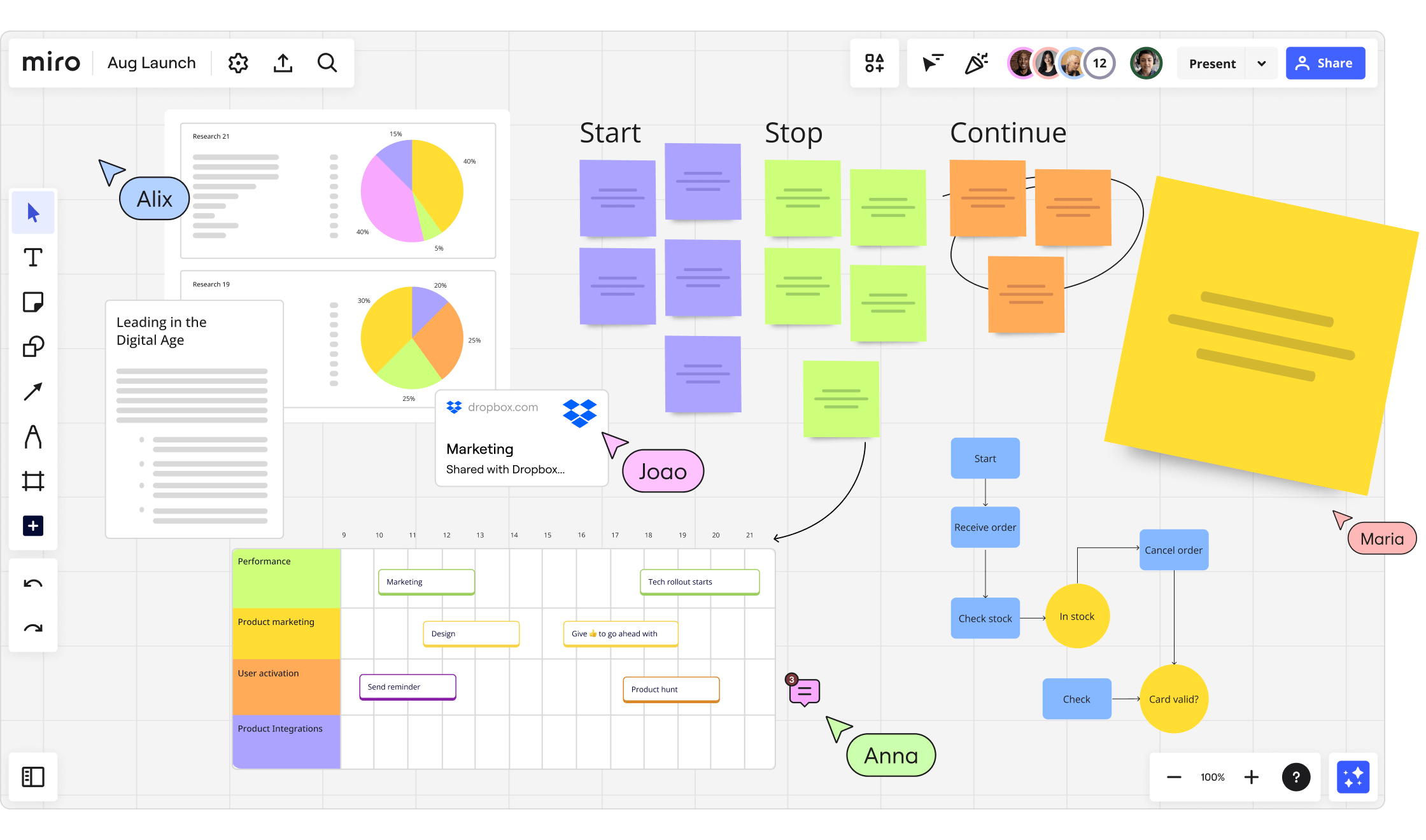
Create and manage content on Miro whiteboards.
Details
- Author
- evalstate
- Repository
- evalstate/mcp-miro
- GitHub stars
- 36
- Downloads
- 285
- License
- Apache License 2.0
- Categories
- Design, Workplace, Developer Tools, AI, Infrastructure, Knowledge Base, Communication, API, Other
Jump to
- Connects to MIRO Whiteboard Application via MCP.
- Get board contents as a resource.
- Create stickies and shapes with tools.
- Read board, frame, and contents data.
- Bulk create multiple elements at once.
- Prompts to instruct on board coordinates.

Setting up with Highlight
Follow these steps to add this server as a custom Highlight plugin:
- Download and install Highlight from highlightai.com/download
- Navigate to the plugins tab and select "Add Custom Plugin"
-
Configure the plugin with the settings below
Plugin Name
MiroCommand (node, npx, python, etc.)/path/to/node-or-npxArguments-
Argument 1
/path/to/mcp-miro/build/index.js -
Argument 2
--token -
Argument 3
MIRO-OAUTH-KEY
Please refer to the README for specific instructions on how to obtain API keys or other required environment variables.
-
Argument 1
- Enable "Start Automatically" if you want the plugin to start when Highlight launches





From the repository
Install via Smithery (npx -y @smithery/cli install @llmindset/mcp-miro --client claude), mcp-get, or manually build from source. Provide authentication by passing a Miro OAuth key as an environment variable or using the --token argument. Configure the server in your Claude Desktop config file (e.g., claude_desktop_config.json).
Create Sticky, Shape
Creates a sticky note or shape on the MIRO board.
Read Board, Frame, Contents
Reads the contents of the board, including frames and other elements.
Bulk Create
Performs bulk creation of multiple elements on the MIRO board.
Claude Desktop / Cursor
Paste into your MCP client config file to install this server.
{
    "mcpServers": {
        "miro": {
            "cwd": "~/Library/Application Support/Claude",
            "env": {},
            "args": [
                "/path/to/mcp-miro/build/index.js",
                "--token",
                "MIRO-OAUTH-KEY"
            ],
            "shell": false,
            "command": "/path/to/node-or-npx"
        }
    }
}Linux
{
    "cwd": null,
    "env": [],
    "args": [
        "/path/to/mcp-miro/build/index.js",
        "--token",
        "MIRO-OAUTH-KEY"
    ],
    "shell": false,
    "command": "/path/to/node-or-npx"
}
Macos
{
    "cwd": "~/Library/Application Support/Claude",
    "env": [],
    "args": [
        "/path/to/mcp-miro/build/index.js",
        "--token",
        "MIRO-OAUTH-KEY"
    ],
    "shell": false,
    "command": "/path/to/node-or-npx"
}
Windows
{
    "cwd": "%APPDATA%/Claude",
    "env": [],
    "args": [
        "/path/to/mcp-miro/build/index.js",
        "--token",
        "MIRO-OAUTH-KEY"
    ],
    "shell": false,
    "command": "/path/to/node-or-npx"
}
mcp-miro MCP Server
A Model Context Protocol server to connect to the MIRO Whiteboard Application.
- Allows Board manipulation, sticky creation, bulk operations and more.
- Pass your OAuth key as an Environment Variable, or using the "--token" argument.
- Taking a photo of stickies and asking Claude to create MIRO equivalent works _really_ well.
<a href="https://glama.ai/mcp/servers/gr5t7vthv3"></a>
Installation
Installing via Smithery
To install MIRO Whiteboard Connector for Claude Desktop automatically via Smithery:
npx -y @smithery/cli install @llmindset/mcp-miro --client claude
Using mcp-get
You can install this package using mcp-get:
npx @michaellatman/mcp-get@latest install @llmindset/mcp-miro
_Note - if you are using an old version of Windows PowerShell, you may need to run_ Set-ExecutionPolicy Bypass -Scope Process _before this command._
Features
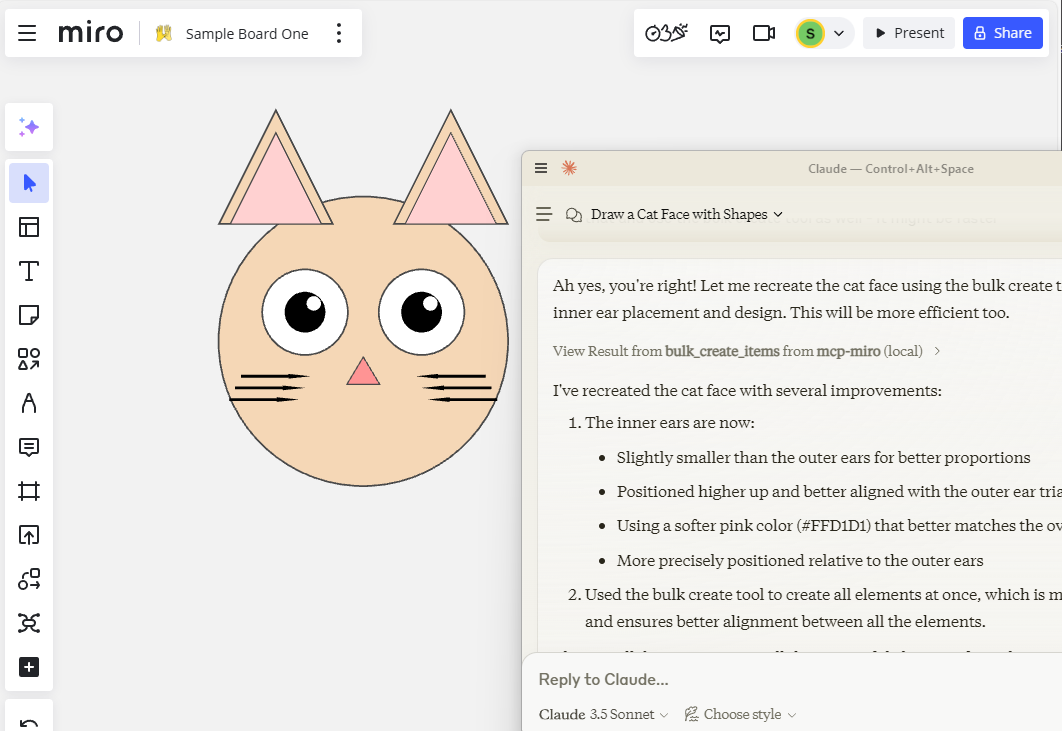
Resources
- Get Board ContentsTools
- Create Sticky, Shape - Read Board, Frame, Contents - Bulk CreatePrompts
- Instruct on Board Coordinates etc.Development
Install dependencies:
npm install
Build the server:
npm run build
For development with auto-rebuild:
npm run watch
Installation
To use with Claude Desktop, add the server config:
On MacOS: ~/Library/Application Support/Claude/claude_desktop_config.json
On Windows: %APPDATA%/Claude/claude_desktop_config.json
{
  "mcpServers": {
    "mcp-miro": {
      "command": "/path/to/node-or-npx",
      "arguments": [
        "/path/to/mcp-miro/build/index.js",
        "--token","MIRO-OAUTH-KEY"
      ]
    }
  }
}
Debugging
Since MCP servers communicate over stdio, debugging can be challenging. We recommend using the MCP Inspector, which is available as a package script:
npm run inspector
The Inspector will provide a URL to access debugging tools in your browser.
In Dev environment recommend adding https://github.com/miroapp/api-clients/blob/041de24ebf7955432b447d887ede066ad4c7e2c7/packages/generator/spec.json for reference.
Sign in to leave a review
Use Google, GitHub, or an email account so ratings stay tied to real people.
No reviews posted yet.





