
Django Orm Lens
About
Static Django schema analysis for AI agents — 10 read-only tools (models, relations, ER diagrams, migration DAG, N+1 scan) with no database and no Django boot.
Details
- Author
- FROWNINGdev
- GitHub stars
- 1
- Downloads
- 285
- Categories
- Developer Tools
Jump to
- 🔎 Hover cards — over any ForeignKey('app.Model') or ManyToManyField(...), with a one-click jump link
- 🧭 CodeLens — above every class Model line: field count, relation count, and an Open ER diagram action
- 🎨 Named themes — auto / default / dark / forest / neutral for the diagram webview
- Django developers joining a codebase with 10+ apps and getting lost in models.py sprawl
- Contract / freelance engineers who need to grasp an unfamiliar Django project in the first hour, not the first week
Follow the repository README to install the server and add its MCP configuration to your client.
Django ORM Lens
See your entire Django schema — in your editor, in your terminal, and from your AI agent.
Every app. Every model. Every field. Every relationship. Grouped, navigable, and one keystroke away from a live ER diagram.
<br/>






<br/>







</div>
---
⚡ Install
VS Code / Cursor / Windsurf / any Code fork:
code --install-extension frowningdev.django-orm-lens
Or search Django ORM Lens in the Extensions view.
Terminal & AI coding agents:
pip install django-orm-lens              # CLI only
pip install "django-orm-lens[mcp]"       # + MCP server for AI agents
Requires Python 3.9+. Zero runtime dependencies for the CLI.
<br/>
🎯 The problem
You open a Django project. It has 20 apps. You need to answer a simple question:
> _"Which app owns the Order model, and how is it connected to User?"_
Today, that means: Ctrl+P, "models", scroll through 30 hits, open five files, Ctrl+F for class Order, read through 400 lines of ForeignKey('otherapp.Something') strings, try to remember what you learned two files ago.
Half a day gone. Every time. On every project.
<br/>
✨ With Django ORM Lens
<table>
<tr>
<td width="50%" valign="top">
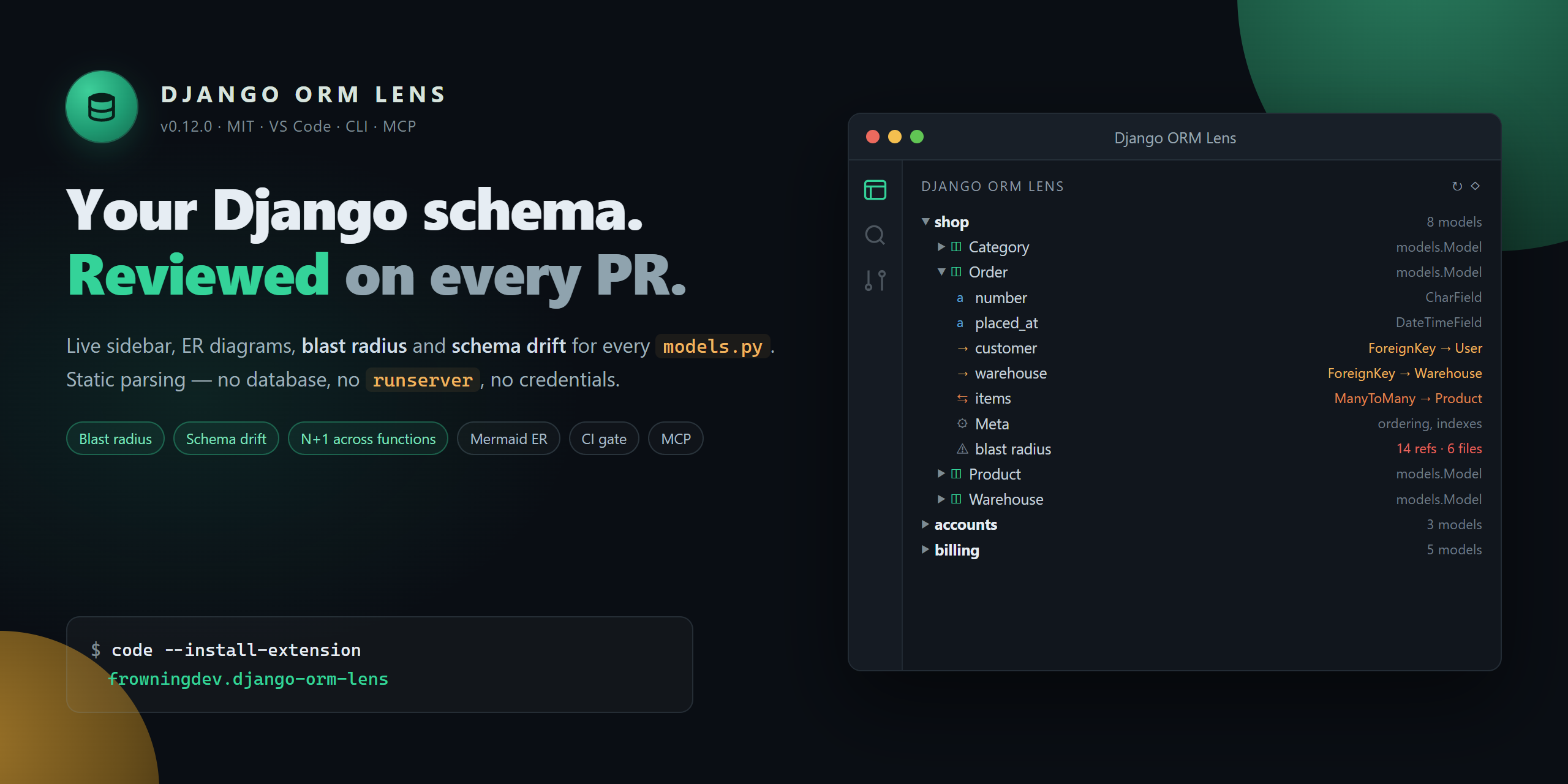
📚 A tree of everything
Every app → every model → every field → every Meta option. Grouped by application, sorted alphabetically, expandable.
Icons distinguish CharField from ForeignKey from ManyToManyField at a glance.
</td>
<td width="50%" valign="top">
🕸️ A live ER diagram
One command opens a Mermaid entity-relationship diagram of your entire schema. Watch it redraw as you edit. Export to SVG.
ForeignKey, OneToOneField, and ManyToManyField become proper cardinality arrows.
</td>
</tr>
<tr>
<td width="50%" valign="top">
🔎 Hover for relations
Hover over ForeignKey('app.Model') in any Python file → a card pops up with the target model's fields, relations, and a "Jump to" link. No Ctrl+F, no file dialog.
</td>
<td width="50%" valign="top">
🧭 Jump-to-definition
Click any field in the tree → cursor lands on the exact line. Filter the tree by app or model name. Split models/ packages are fully supported.
</td>
</tr>
<tr>
<td width="50%" valign="top">
⚡ Zero configuration
No DJANGO_SETTINGS_MODULE. No runserver. Parses models.py statically. Works with a broken venv, a missing dependency, or on someone else's laptop.
</td>
<td width="50%" valign="top">
🎨 Native VS Code UI
Dark theme. Light theme. Your theme. Follows your icon theme, your font, your key bindings. Nothing garish, nothing branded.
</td>
</tr>
</table>
<br/>
📸 What it looks like
<div align="center">
</div>
Also included in the extension:
- 🕸️ Live ER diagram — Mermaid cardinality arrows, edge labels (CASCADE, through Model, as related_name), theme-aware, one-click SVG export
- 🔎 Hover cards — over any ForeignKey('app.Model') or ManyToManyField(...), with a one-click jump link
- 🧭 CodeLens — above every class Model line: field count, relation count, and an Open ER diagram action
- 🎨 Named themes — auto / default / dark / forest / neutral for the diagram webview
<br/>
🤖 For terminals and AI coding agents
The same parser that powers the VS Code extension ships as a standalone Python package — with an optional MCP (Model Context Protocol) server so any MCP-compatible AI agent can navigate your Django schema without importing Django or booting your app.
CLI
django-orm-lens scan -f json          # every app, every model, every field
django-orm-lens describe blog.Post    # one model in Markdown
django-orm-lens hover blog.Post       # compact hover card
django-orm-lens list | fzf            # flat app.Model — pipes anywhere
django-orm-lens er > schema.mmd       # Mermaid ER diagram
Every command accepts --path <dir> and --exclude <glob>.
MCP server
Register it once with your agent and it exposes five read-only tools:
| Tool | Purpose |
| --- | --- |
| list_apps | Every Django app in the workspace with model counts |
| list_models | Flat app.Model list, optional app filter |
| describe_model | Full field / relation / Meta detail for one model |
| find_relations | Inbound + outbound relations for one model |
| er_diagram | Mermaid erDiagram for the whole workspace |
```bash
Sign in to leave a review
Use Google, GitHub, or an email account so ratings stay tied to real people.
No reviews posted yet.





