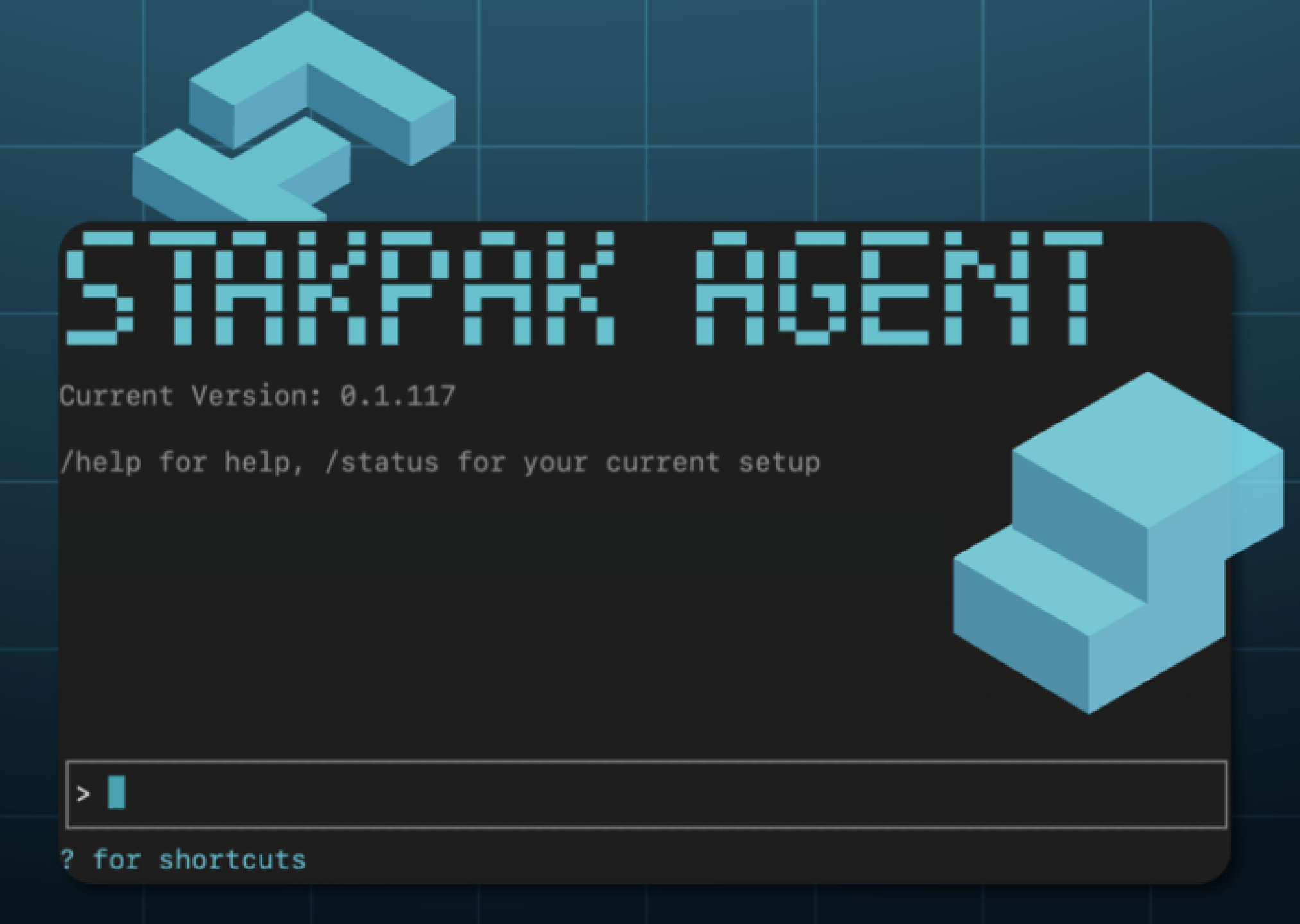

Stakpak Agent CLI
About
Ship your code, on autopilot. An open source agent that lives on your machines 24/7 and keeps your apps running. 🦀
Details
- Author
- stakpak
- GitHub stars
- 1,644
- Downloads
- 4,686
- Categories
- Developer Tools
Jump to
- Secret Substitution: LLM works with credentials without ever seeing them
- Warden Guardrails: Network-level policies block destructive operations
- DevOps Playbooks Baked-in: Curated library of DevOps knowledge
- Asynchronous Task Management: Run background commands with tracking and cancellation
- Reversible File Operations: Automatic backups with recovery capabilities
- Adaptive Intelligence: Rule Books and persistent knowledge learning

Setting up with Highlight
This MCP is not yet compatible with Highlight’s one-click setup. However, you can still use it with Highlight by following these steps:
- Download and install Highlight from highlightai.com/download
- Navigate to the plugins tab and select "Add Custom Plugin"
-
Configure the plugin with the settings below
Plugin Name
Stakpak Agent CLICommand (node, npx, python, etc.)Please refer to the README for specific instructions on how to obtain API keys or other required environment variables.
- Enable "Start Automatically" if you want the plugin to start when Highlight launches





From the repository
Install via curl (curl -sSL https://stakpak.dev/install.sh | sh), Homebrew (brew tap stakpak/stakpak && brew install stakpak), or Docker (docker pull ghcr.io/stakpak/agent:latest). Initialize with stakpak init, start the 24/7 autonomous runtime with stakpak autopilot up (or stakpak up). Use MCP server modes via --tool-mode local (file/command operations only) or --tool-mode remote (AI-powered). Configure profiles in ~/.stakpak/config.toml and autopilot wiring in ~/.stakpak/autopilot.toml.
Claude Desktop / Cursor
Paste into your MCP client config file to install this server.
{
    "mcpServers": {
        "stakpak agent cli": {
            "cli": {
                "command": "docker",
                "args": [
                    "pull",
                    "ghcr.io/stakpak/agent:latest"
                ]
            }
        }
    }
}McpServers
{
    "cli": {
        "command": "docker",
        "args": [
            "pull",
            "ghcr.io/stakpak/agent:latest"
        ]
    }
}
Agent Client Protocol (ACP)
ACP is a standardized protocol that enables AI agents to integrate directly with code editors like Zed, providing seamless AI-powered development assistance.
What ACP Offers with Stakpak
- Real-time AI Chat - Natural language conversations with context-aware AI assistance
- Live Code Analysis - AI can read, understand, and modify your codebase in real-time
- Tool Execution - AI can run commands, edit files, search code, and perform development tasks
- Session Persistence - Maintains conversation context across editor sessions
- Streaming Responses - Real-time AI responses with live progress updates
- Agent Plans - Visual task breakdown and progress tracking
Installation & Setup
1. Install Stakpak (if not already installed)
2. Configure Zed Editor - Add to ~/.config/zed/settings.json:
{
  "agent_servers": {
    "Stakpak": {
      "command": "stakpak",
      "args": ["acp"],
      "env": {}
    }
  }
}
3. Start ACP Agent:
stakpak acp
4. Use in Zed - Click Assistant (✨) → + → New stakpak thread
Sign in to leave a review
Use Google, GitHub, or an email account so ratings stay tied to real people.
No reviews posted yet.





