
🚀 ARC Model Context Protocol (MCP) Server: AI-Powered Development
About
The ARC MCP Server bridges AI models (such as Claude and GPT) with the ARC enterprise application framework, enabling AI assistants to directly leverage ARC’s capabilities for building cloud-native applications. It follows the Model Context Protocol specification and is designed…
Details
- Author
- maxmurphySF
- GitHub stars
- 1
- Downloads
- 316
- Categories
- Other
Jump to
- Search ARC documentation with contextual queries
- Interact with microservices via natural language
Install the server by cloning the repository, running npm install, npm run build, and npm start. To connect with Claude Desktop, edit the claude_desktop_config.json file (located at ~/Library/Application Support/Claude/ on macOS or %APPDATA%\Claude\ on Windows) and add the ARC MCP server entry with the path to the server’s dist/index.js.
🚀 ARC Model Context Protocol (MCP) Server: AI-Powered Development
> Bridging AI Models with ARC's Enterprise Application Framework
🌟 Overview
The ARC Model Context Protocol (MCP) Server revolutionizes how developers interact with the ARC framework by creating a seamless bridge between powerful AI models (like Claude, GPT, and others) and ARC's robust ecosystem for building cloud-native enterprise applications.
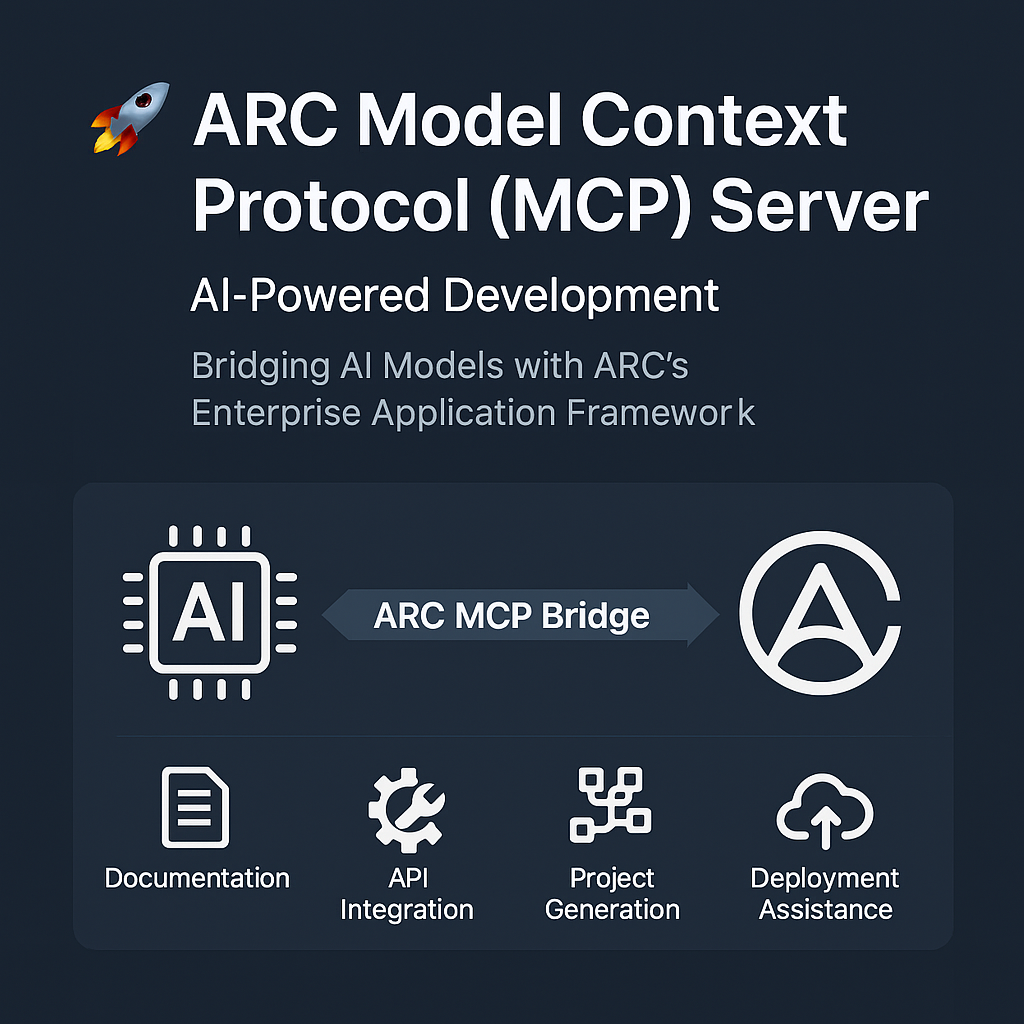
This innovative implementation follows the Model Context Protocol specification, enabling AI assistants to directly leverage ARC's capabilities, accelerating development cycles and enhancing productivity across your organization.
🛠️ Tool Suite
The ARC MCP Server exposes a comprehensive set of tools that empower AI models to assist with every aspect of the application development lifecycle:
📚 Documentation Assistant
Tool: arc.docs.search
Transform how your team accesses and utilizes ARC documentation:
- ✅ Contextual Knowledge: Get precise explanations of ARC concepts tailored to your specific use case
- ✅ Code Examples: Receive relevant code snippets that solve your exact problem
- ✅ Troubleshooting: Quickly diagnose issues with documentation-backed solutions
- ✅ Best Practices: Learn recommended approaches directly from official guidelines
// Example: AI assistant helping with authentication concepts
{
  "toolId": "arc.docs.search",
  "parameters": {
    "query": "authentication service configuration",
    "category": "api",
    "maxResults": 3
  }
}
🔐 API Microservices Integration
Tools: arc.api.authentication, arc.api.notification, and more
Interact directly with ARC microservices through natural language:
- ✅ Authentication Operations: Test login flows, verify tokens, and manage sessions
- ✅ Notification Management: Configure and trigger notifications across channels
- ✅ Data Operations: Query and manipulate data through repository services
- ✅ Workflow Execution: Trigger and monitor business processes
// Example: AI assistant helping test authentication
{
  "toolId": "arc.api.authentication",
  "parameters": {
    "action": "verifyToken",
    "token": "your-jwt-token"
  }
}
🏗️ Project Generation & Scaffolding
Tool: arc.generator.microservice
Accelerate development with AI-powered code generation:
- ✅ Microservice Scaffolding: Generate complete microservice structures from descriptions
- ✅ Model Creation: Define data models through conversation
- ✅ API Design: Create controllers and endpoints based on requirements
- ✅ Business Logic: Implement common patterns and workflows automatically
// Example: AI assistant generating a payment service
{
  "toolId": "arc.generator.microservice",
  "parameters": {
    "name": "payment-service",
    "features": ["database", "authentication", "api"],
    "models": [
      {
        "name": "Payment",
        "properties": {
          "id": "string",
          "amount": "number",
          "status": "string"
        }
      }
    ]
  }
}
☁️ Deployment Assistance
Tool: arc.deployment.infrastructure
Streamline your path to production:
- ✅ Infrastructure as Code: Generate deployment templates for AWS, Azure, GCP, etc.
- ✅ CI/CD Configuration: Set up automated pipelines with best practices
- ✅ Environment Setup: Configure development, staging, and production environments
- ✅ Troubleshooting: Diagnose and resolve deployment issues
// Example: AI assistant helping with AWS deployment
{
  "toolId": "arc.deployment.infrastructure",
  "parameters": {
    "projectPath": "./my-arc-project",
    "platform": "aws",
    "options": {
      "region": "us-east-1",
      "resources": {
        "cpu": "1",
        "memory": "2GB"
      }
    }
  }
}
💼 Benefits for SourceFuse
Internal Teams
- 🚄 Accelerated Onboarding: New developers can quickly become productive with ARC
- 🧠 Knowledge Democratization: Expertise becomes accessible to everyone through AI
- 🔄 Standardization: Ensure consistent implementation of best practices
- ⏱️ Time Savings: Reduce time spent on documentation searches and boilerplate code
Client Projects
- 💰 Cost Efficiency: Deliver projects faster with fewer resources
- 🎯 Consistency: Maintain high quality across all implementations
- 🔍 Reduced Errors: AI assistance helps catch issues early in development
- 📈 Scalability: Handle more projects with existing team capacity
🌐 Benefits for Open Source Community
- 🤝 Lower Entry Barrier: Make ARC more accessible to new developers
- 🔌 Extensibility: Community can contribute new tools and integrations
- 📱 Showcase Innovation: Demonstrate cutting-edge AI integration capabilities
- 🌱 Ecosystem Growth: Attract more developers to the ARC framework
🚀 Getting Started
```bash
Sign in to leave a review
Use Google, GitHub, or an email account so ratings stay tied to real people.
No reviews posted yet.





