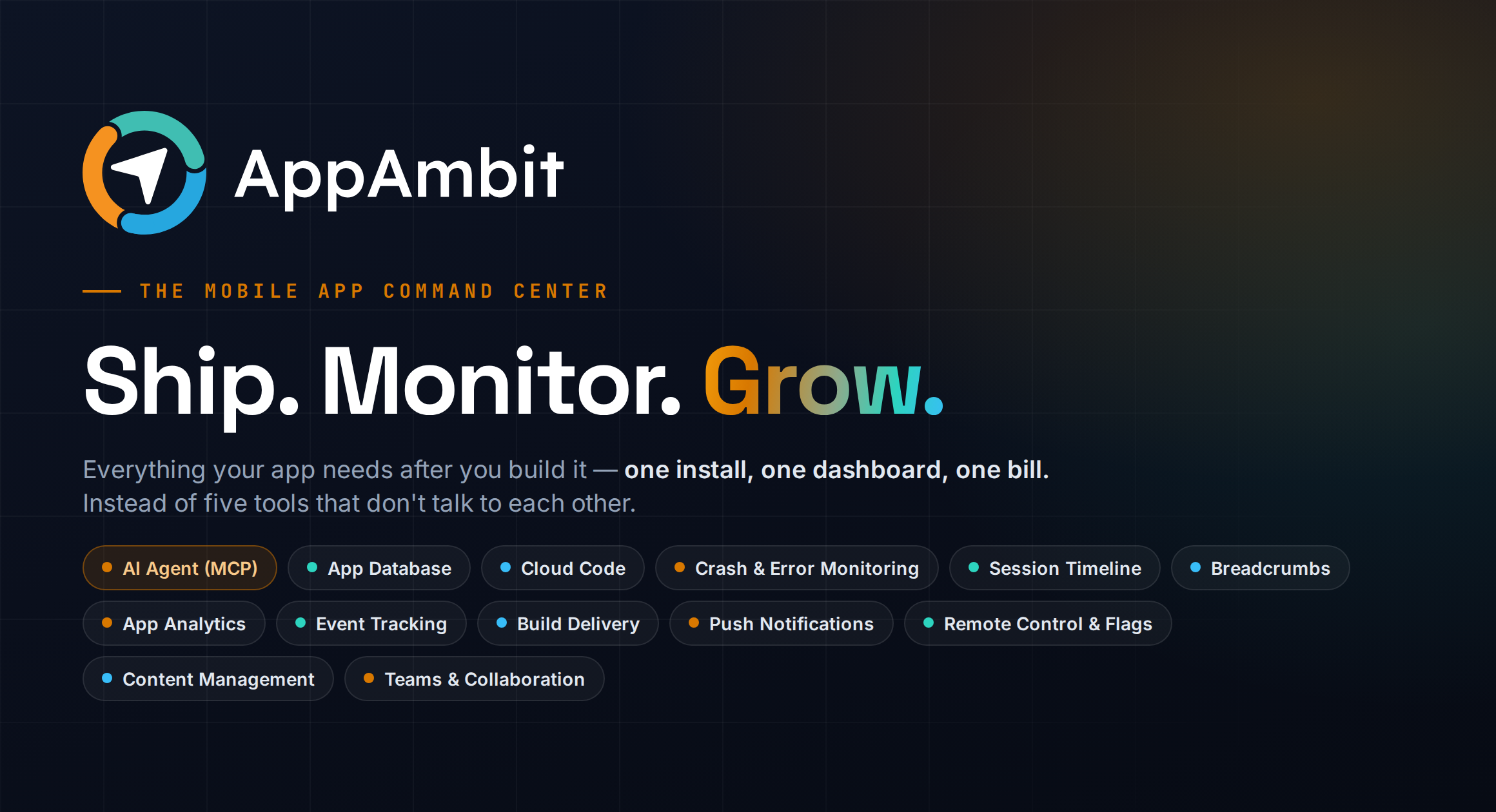
AppAmbit MCP
About
Connect AI assistants to AppAmbit — the all-in-one platform for mobile app analytics, crash reporting, build distribution, managed databases, serverless functions, and CMS.
Details
- Author
- AppAmbit
- GitHub stars
- 10
- Downloads
- 352
- Categories
- AI
Jump to

Setting up with Highlight
This MCP is not yet compatible with Highlight’s one-click setup. However, you can still use it with Highlight by following these steps:
- Download and install Highlight from highlightai.com/download
- Navigate to the plugins tab and select "Add Custom Plugin"
-
Configure the plugin with the settings below
Plugin Name
AppAmbit MCPCommand (node, npx, python, etc.)Please refer to the README for specific instructions on how to obtain API keys or other required environment variables.
- Enable "Start Automatically" if you want the plugin to start when Highlight launches





From the repository
{
"mcpServers": {
"appambit": {
"type": "http",
"url": "https://appambit.com/mcp/appambit",
"headers": {
"Authorization": "Bearer <your-token>"
}
}
}
}
Claude Desktop / Cursor
Paste into your MCP client config file to install this server.
{
    "mcpServers": {
        "appambit mcp": {
            "appambit": {
                "type": "http",
                "url": "https://appambit.com/mcp/appambit",
                "headers": {
                    "Authorization": "Bearer <your-token>"
                }
            }
        }
    }
}McpServers
{
"appambit": {
"type": "http",
"url": "https://appambit.com/mcp/appambit",
"headers": {
"Authorization": "Bearer <your-token>"
}
}
}AppAmbit MCP Server
Connect AI assistants to AppAmbit — the all-in-one platform for mobile app analytics, crash reporting, build distribution, managed databases, serverless functions, and CMS.
Server URL: https://appambit.com/mcp/appambit
---
What is AppAmbit?
AppAmbit is a modern platform for mobile and desktop developers to track, debug, and distribute their apps — all in one place. It combines app analytics, crash reporting, build distribution, a managed per-app database, serverless Cloud Code, a headless CMS, remote config, and push notifications into a single platform with real-time insights.
Built for indie devs, mobile teams, and agencies. Supports .NET MAUI, Swift, Objective-C, Android, and more.
---
What can you do with this MCP?
The AppAmbit MCP server gives AI assistants full access to the platform:
- Analytics & Sessions — Query real-time user analytics, session metrics, crash-free rates, average durations, and daily breakdowns.
- Crash Reporting — List recent crash/error groups with occurrence counts, affected users, and last seen time.
- Remote Config — Read and update remote configuration entries with version constraints and instant cache invalidation.
- Push Notifications — Send push notifications to all consumers or a specific consumer (requires FCM/APNs credentials).
- App Database (DBaaS) — Provision, link, query, and manage per-app SQLite databases with full DDL and DML support.
- Cloud Code — Create, deploy, activate, and invoke serverless functions with environment variables, secrets, and triggers.
- CMS — Define content type schemas, create and query published entries with search, sort, and pagination.
- Billing & Plan — Check plan details, feature flags, limits, and metered usage.
- SDK Integration — Generate setup code snippets, verify SDK integration, and run diagnostics.
---
Client Configuration
Generate a token from your AppAmbit dashboard, then paste the appropriate snippet into your AI assistant's config file.
Claude Code, Cursor, Windsurf & GitHub Copilot (JSON)
Add to .mcp.json (Claude Code), mcp.json (Cursor / Windsurf), or .vscode/mcp.json (GitHub Copilot). GitHub Copilot uses the key servers instead of mcpServers; the type field is optional for Cursor.
{
  "mcpServers": {
    "appambit": {
      "type": "http",
      "url": "https://appambit.com/mcp/appambit",
      "headers": {
        "Authorization": "Bearer <your-token>"
      }
    }
  }
}
OpenAI Codex CLI (~/.codex/config.toml)
[mcp_servers.appambit]
type = "http"
url = "https://appambit.com/mcp/appambit"
[mcp_servers.appambit.http_headers]

Authorization = "Bearer <your-token>"
---
Available Tools
Getting Started
- appambit__get-started-tool (read-only) — Call this first. Returns capabilities, recommended workflow, a live snapshot of your apps (with linked-database status), and current plan.
Operational
- appambit__list-apps-tool (read-only) — Lists all apps in your workspace. Run this first to discover app_key values.
- appambit__list-crashes-tool (read-only) — Lists recent crash and error groups with occurrence count, affected users, and last seen time.
- appambit__query-sessions-tool (read-only) — Returns session statistics over a date range: totals, crash-free %, average duration, and daily breakdown.
- appambit__list-app-configs-tool (read-only) — Lists all remote config entries including key, value, type, enabled status, and version constraints.
- appambit__update-app-config-tool (write) — Creates or updates a remote config entry and invalidates the SDK config cache immediately.
- appambit__send-push-notification-tool (write) — Sends a push notification to all consumers or a specific consumer. Requires FCM/APNs credentials.
Billing & Plan
- appambit__get-billing-status-tool (read-only) — Returns the app's plan, feature flags, limits, and current metered usage.
Integration
- appambit__get-integration-snippet-tool (read-only) — Returns ready-to-paste SDK setup code for a specific app, platform, and stack.
- appambit__verify-sdk-integration-tool (read-only) — Checks whether the SDK has been integrated by examining consumer count, sessions, and event activity.
- appambit__debug-integration-tool (read-only) — Returns detailed diagnostics for SDK issues: event/log/session counts, app state, and actionable diagnosis.
- appambit__get-sdk-docs-tool (read-only) — Returns documentation URL and available integration snippet titles for a given platform and stack.
Database
- appambit__list-databases-tool (read-only) — Lists the team's databases with status, region, and linked apps.
- appambit__list-database-tables-tool (read-only) — Lists all tables and views with columns, types, and constraints.
- appambit__query-database-tool (read-only) — Executes a SELECT query (LIMIT 100 auto-applied).
- appambit__create-database-tool (write) — Provisions a new database, optionally linking it to an app.
- appambit__link-database-tool (write) — Links/unlinks an app to an existing database. Data is never moved or deleted.
- appambit__execute-database-statement-tool (write) — Runs INSERT/UPDATE/DELETE and full schema DDL. Batch via statements array. Irreversible operations require confirm=true.
Cloud Code
- appambit__list-cloud-functions-tool (read-only) — Lists all Cloud Code functions with runtime, status, active version, and trigger count.
- appambit__get-cloud-function-tool (read-only) — Returns full detail: config, version history, triggers, env (secrets masked), and recent invocations.
- appambit__get-cloud-function-logs-tool (read-only) — Returns logs, return value, and error for a specific or most recent invocation.
- appambit__create-cloud-function-tool (write) — Creates serverless functions (batch via functions array; Node.js runtime). Starts in draft.
- appambit__deploy-cloud-function-version-tool (write) — Uploads new handler source as a new immutable version and starts its build.
- appambit__activate-cloud-function-version-tool (write) — Makes a ready version live. Also used to roll back.
- appambit__run-cloud-function-tool (write) — Synchronously invokes the active version with optional payload.
- appambit__set-cloud-function-env-tool (write) — Creates, updates, or deletes an environment variable or secret.
- appambit__set-cloud-function-trigger-tool (write) — Creates, updates, or deletes a trigger (http / event / manual).
CMS
- appambit__list-content-types-tool (read-only) — Lists all CMS content type schemas including field definitions and entry counts.
- appambit__query-content-tool (read-only) — Queries published CMS entries. Supports keyword search, pagination, and sorting.
- appambit__get-content-entry-tool (read-only) — Retrieves a single published CMS entry by UUID.
- appambit__create-content-type-tool (write) — Creates content types with defined schemas (batch via content_types array).
- appambit__create-content-entry-tool (write) — Creates content entries (batch via entries array). Validates against schema.
---
Tips & Permissions
Auto-approve read-only tools in Claude Code
Add an allowedTools list to .claude/settings.json to skip confirmation prompts for safe, read-only tools:
{
  "allowedTools": [
    "mcp__appambit__get-started-tool",
    "mcp__appambit__list-apps-tool",
    "mcp__appambit__list-crashes-tool",
    "mcp__appambit__query-sessions-tool",
    "mcp__appambit__list-app-configs-tool",
    "mcp__appambit__get-billing-status-tool",
    "mcp__appambit__get-integration-snippet-tool",
    "mcp__appambit__verify-sdk-integration-tool",
    "mcp__appambit__debug-integration-tool",
    "mcp__appambit__get-sdk-docs-tool",
    "mcp__appambit__list-databases-tool",
    "mcp__appambit__list-database-tables-tool",
    "mcp__appambit__query-database-tool",
    "mcp__appambit__list-content-types-tool",
    "mcp__appambit__query-content-tool",
    "mcp__appambit__get-content-entry-tool",
    "mcp__appambit__list-cloud-functions-tool",
    "mcp__appambit__get-cloud-function-tool",
    "mcp__appambit__get-cloud-function-logs-tool"
  ]
}
> Leave update-app-config-tool and send-push-notification-tool out of the allowed list — these write to production and should always require confirmation.
Quick tips
- Always start with list-apps-tool — every other tool requires an app_key.
- Tokens are team-scoped — generate a separate token per workspace if you work across multiple teams.
- Cursor & Windsurf — after adding the server to mcp.json, open a chat and click the Tools button to toggle AppAmbit tools on. Cursor requires an IDE restart after first adding an MCP server.
---
Agent Instructions
Copy the block below into your project's CLAUDE.md (Claude Code) or agents.md (Cursor / Windsurf / Copilot) to have your AI agent automatically route crash, event, session, database, CMS, and Cloud Code investigations through AppAmbit.
## AppAmbit — Mobile Backend & Analytics MCP
This project is instrumented with AppAmbit, a mobile backend + analytics platform:
crash/error monitoring, sessions & events, remote config, push notifications, a
managed CMS, a managed per-app SQLite database (DBaaS), and serverless Cloud Code
functions. The AppAmbit MCP server (server name: appambit) is configured and available.
Always use AppAmbit MCP tools instead of querying the database directly when:
- Crash / error investigation — Use list-crashes-tool to list recent crash groupsquery-sessions-tool
with occurrence counts and affected users. Follow up with to
inspect the sessions where crashes occurred.
- Event analysis / session timeline — Use query-sessions-tool with start_date /end_date
 filters to retrieve daily session metrics, crash-free rates, average

  durations, and spot regressions after a release.
- SDK / integration health — Use verify-sdk-integration-tool to confirm the SDK isdebug-integration-tool
active, or for a full diagnostic when the SDK appears silent.get-sdk-docs-tool
Use to look up documentation and available snippet titles for a
given platform and stack.
- SDK setup code — Use get-integration-snippet-tool to generate ready-to-paste
SDK initialisation code for a specific app, platform, and stack.
- Push notifications — Use send-push-notification-tool to send a push notification
to all consumers or a specific consumer. Confirm with the user before sending.
- Remote config — Use list-app-configs-tool to read current values andupdate-app-config-tool
to push a change. Never edit config flags directly in the DB.
- CMS content — Use list-content-types-tool to discover schemas and verify setupis_published: true
(check for each type — unpublished types are invisible to thequery-content-tool
mobile SDK). returns published entries with full query support:search
keyword across all entry fields, sort by published_at / created_at /updated_at
with order asc|desc, and pagination (page from 1, per_page default 10get-content-entry-tool
/ max 50) — use these instead of fetching everything and filtering client-side. Use
to fetch a single entry by UUID, create-content-type-tool tocreate-content-entry-tool
define new schemas (always published immediately and linked to the app), and
to add content. After creating content types, always calllist-content-types-tool
to assert is_published: true and confirm the app link is in
place before telling the user the CMS is ready.
- App database (DBaaS) — Each app can be linked to its own managed SQLite database.
Read: list-databases-tool (discover team databases and which apps are linked),list-database-tables-tool
(inspect schema), query-database-tool (SELECT only,create-database-tool
LIMIT 100 auto-applied). Write: (provision a database, optionallylink-database-tool
linking an app in the same call), (attach/detach an app), andexecute-database-statement-tool
(INSERT/UPDATE/DELETE plus full schema DDL — tables,confirm=true
indexes incl. UNIQUE, views, triggers). Batch statements in one call; irreversible
DROP/DELETE require . Rows read/written are metered against the plan.
- Cloud Code (serverless functions) — Read: list-cloud-functions-tool,get-cloud-function-tool
, get-cloud-function-logs-tool. Lifecycle (write):create-cloud-function-tool
→ deploy-cloud-function-version-tool (buildsactivate-cloud-function-version-tool
asynchronously) → (make a ready version live) →run-cloud-function-tool
(invoke). Configure with set-cloud-function-env-tool
(env/secrets) and (http/event/manual).
- Billing / plan debugging — Use get-billing-status-tool to read the plan, enabled
feature flags, plan limits, and current metered usage. Reach for it first whenever a
feature seems disabled or a meter looks wrong.
Choosing the right surface:
- CMS — Editorial, schema-structured content authored by your team and read by many (e.g. trail guides, blog posts, FAQs, announcements).
- App Database — Per-user / transactional data the end user creates and mutates at runtime (e.g. favorites, saved routes, comments, check-ins).
- Remote Config — Small operational flags/values that change app behavior without a release (e.g. feature toggles, thresholds, kill switches).
- Cloud Code — Server-side logic or secrets that must not live on-device (e.g. webhooks, scheduled jobs, third-party API calls).
Workflow:
1. Call get-started-tool first — it returns the capability map, conventions, and a live snapshot of your apps and plan.app_key
2. Use the it returns for every subsequent tool call (or call list-apps-tool to re-list).
3. Prefer AppAmbit tools over raw SQL for any analytics, crash, event, CMS, or database question.
Sign in to leave a review
Use Google, GitHub, or an email account so ratings stay tied to real people.
No reviews posted yet.



