Agent Audit
About
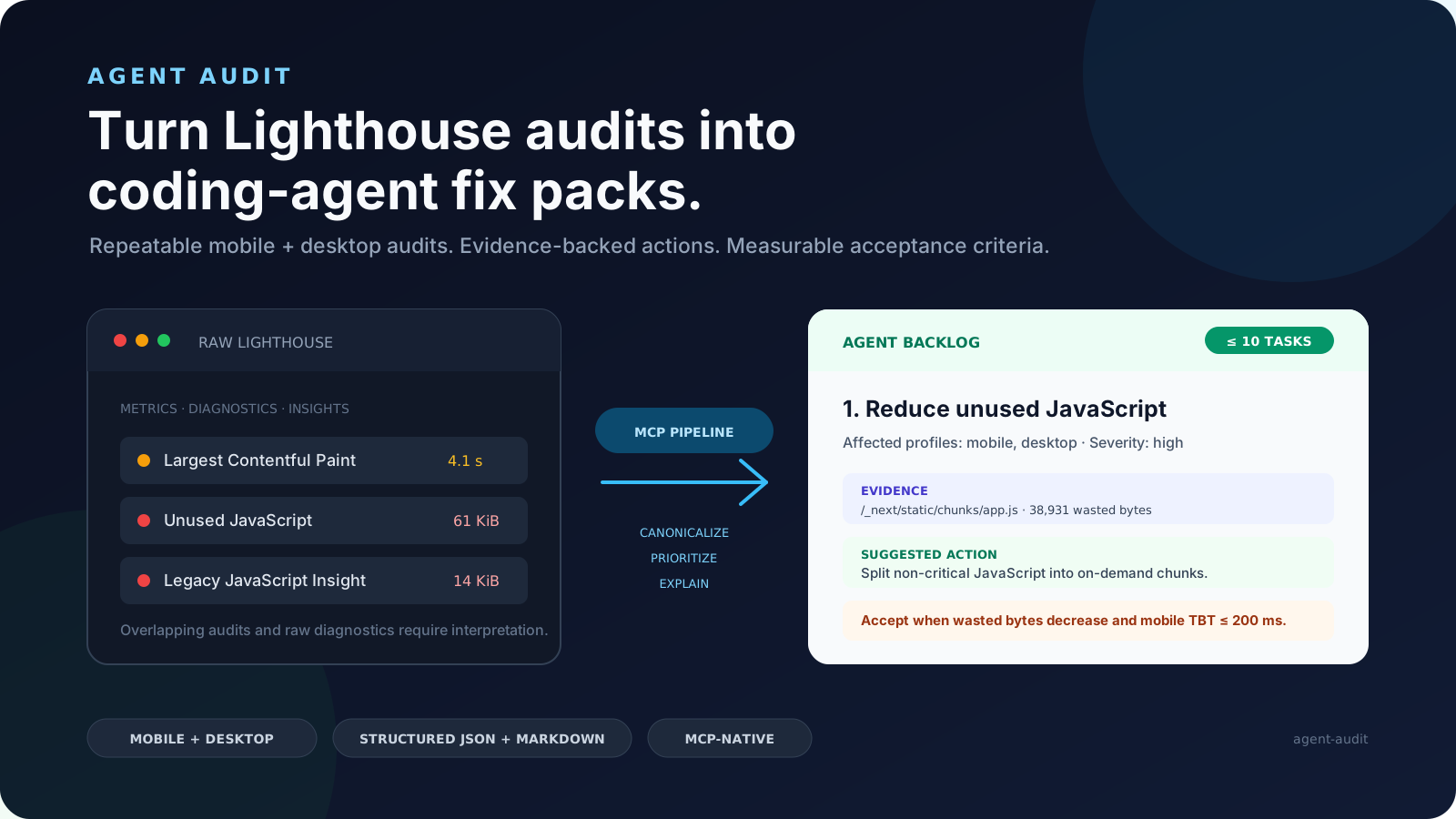
Agent Audit runs Lighthouse against any URL and converts the output into structured fix packs your coding agent can execute. Each fix pack includes the failing audit evidence, CSS selectors to locate the issue in your repo, implementation steps, and acceptance criteria to verify
Details
- Author
- fullstackdegen
- Downloads
- 402
- Categories
- AI
Jump to
- Runs Lighthouse audits for Performance, Accessibility, and SEO
- Generates structured fix packs with evidence and instructions
- Includes repo search hints to locate issues in codebase
- Tests LLM visibility and llms.txt readiness
- Checks links, images, alt text, and optimization

Setting up with Highlight
This MCP is not yet compatible with Highlight’s one-click setup. However, you can still use it with Highlight by following these steps:
- Download and install Highlight from highlightai.com/download
- Navigate to the plugins tab and select "Add Custom Plugin"
-
Configure the plugin with the settings below
Plugin Name
Agent AuditCommand (node, npx, python, etc.)Please refer to the README for specific instructions on how to obtain API keys or other required environment variables.
- Enable "Start Automatically" if you want the plugin to start when Highlight launches





From the repository
Install via the MCP add command: claude mcp add agent-audit -- npx -y @fullstackdegen/agent-audit. After setup, provide a URL to audit to receive a structured fix pack.
analyze_website_performance
Runs reliable mobile and desktop Lighthouse audits and returns an implementation-ready structured report with equivalent Markdown.
Claude Desktop / Cursor
Paste into your MCP client config file to install this server.
{
    "mcpServers": {
        "agent audit": {
            "agent-audit": {
                "command": "npx",
                "args": [
                    "-y",
                    "@fullstackdegen/agent-audit"
                ]
            }
        }
    }
}McpServers
{
    "agent-audit": {
        "command": "npx",
        "args": [
            "-y",
            "@fullstackdegen/agent-audit"
        ]
    }
}
What it does
Agent Audit runs Lighthouse against any URL and converts the output into structured fix packs your coding agent can execute — instead of a raw performance report. Each fix pack includes: - The failing audit evidence (CSS selectors, URLs) - Repo search hints to locate the issue in your codebase - Step-by-step implementation instructions - Acceptance criteria to verify the fix by re-running the auditWhat it audits
- Performance — FCP, LCP, CLS, TBT (mobile + desktop, 3-run medians) - Accessibility — WCAG issues with failing element selectors - Technical SEO — canonical, robots, metadata, JSON-LD, Open Graph - LLM visibility — AI crawler signals, llms.txt readiness - Links & images — broken links, missing alt text, image optimizationSetup
```bash claude mcp add agent-audit -- npx -y @fullstackdegen/agent-auditSign in to leave a review
Use Google, GitHub, or an email account so ratings stay tied to real people.
No reviews posted yet.



