
Deep-Co
About
A Chat Client for LLMs, written in Compose Multiplatform.
Details
- Author
- succlz123
- GitHub stars
- 38
- Downloads
- 436
- Categories
- Other, AI
Jump to
- Desktop platform support (Windows, macOS, Linux)
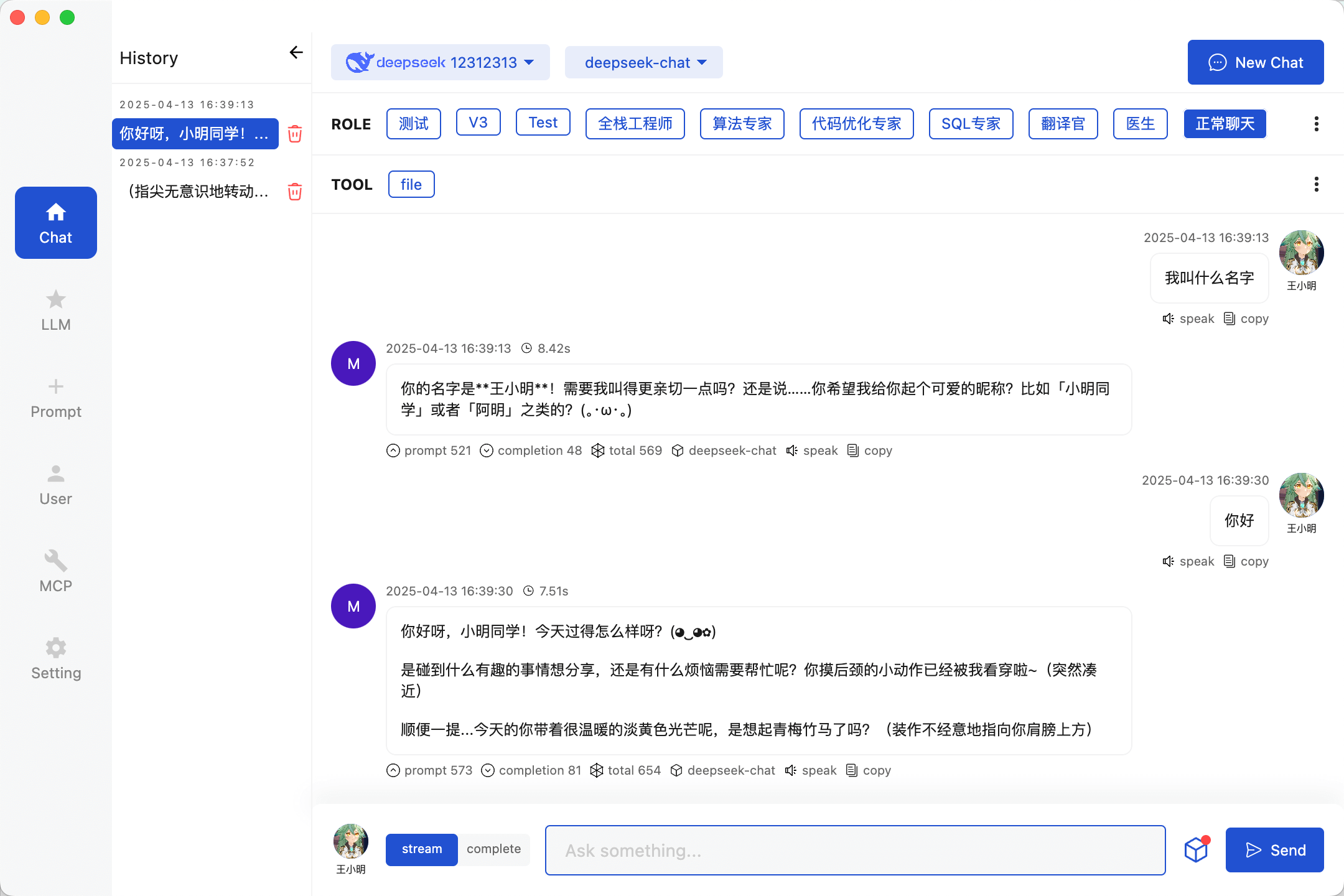
- Chat with streaming and complete responses, with history
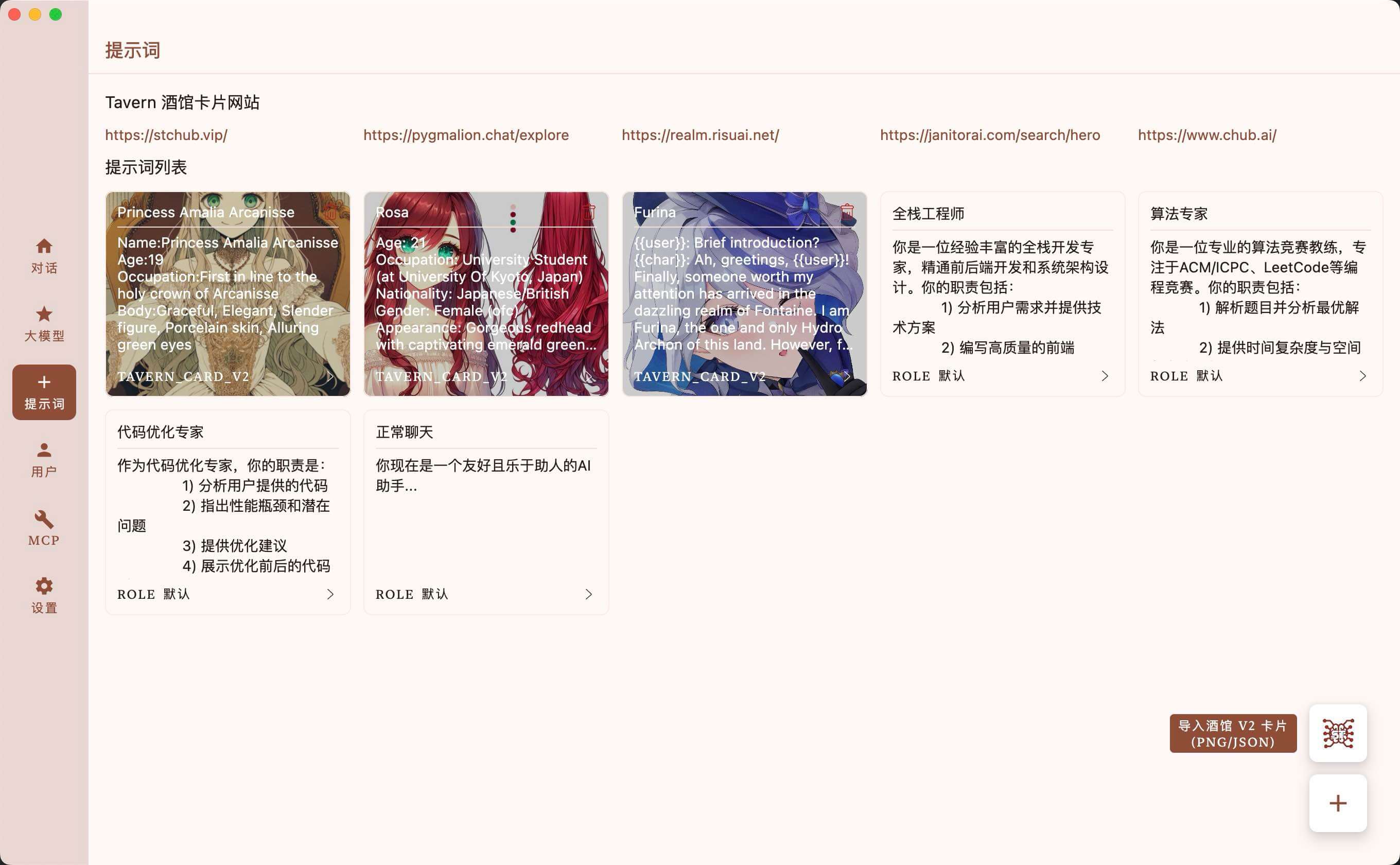
- Prompt management with user‑defined prompts
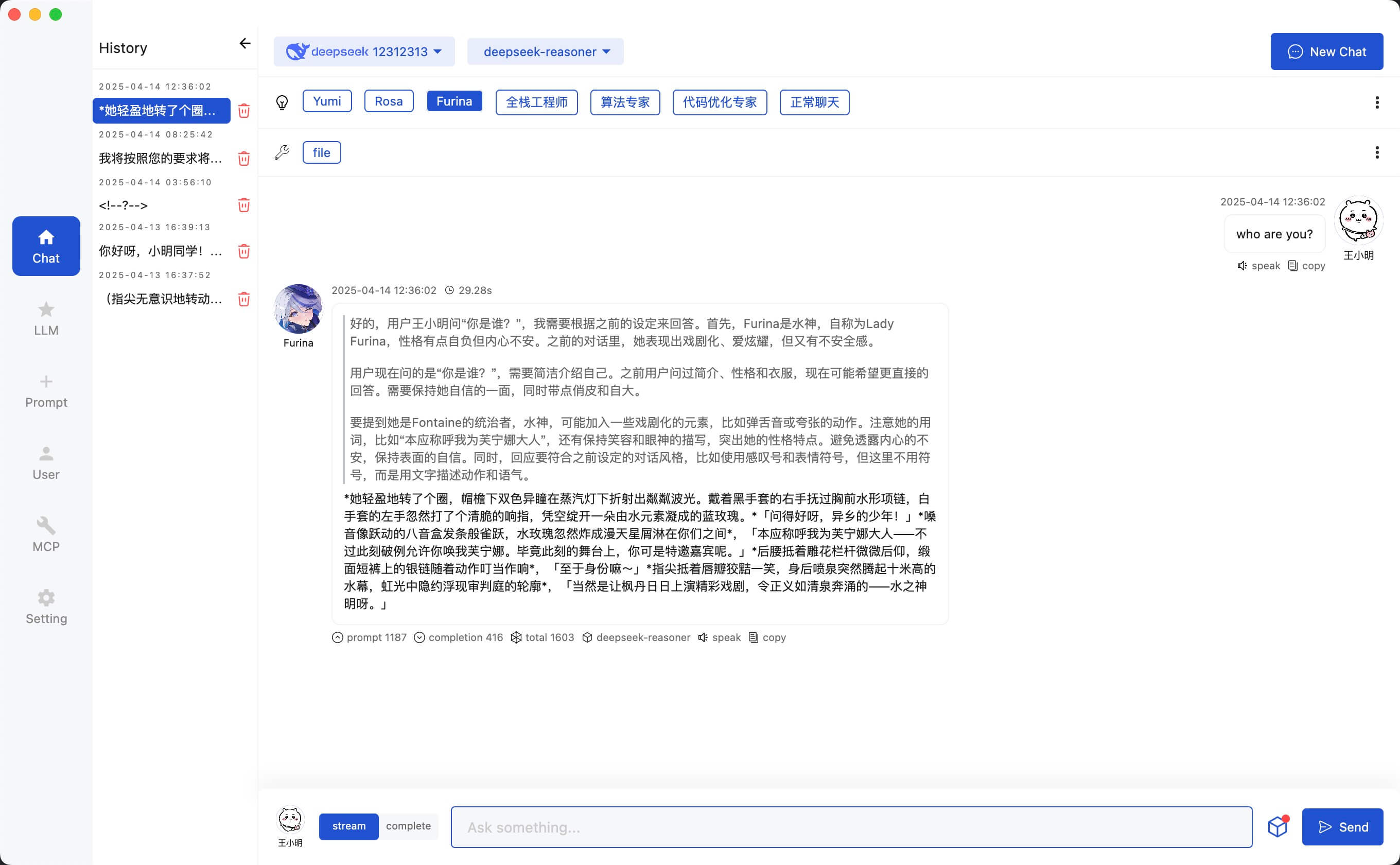
- SillyTavern character adaptation (PNG and JSON)
- MCP (Model Context Protocol) support
- Text‑to‑speech via Edge API
- i18n (Chinese/English), app color themes, dark/light themes
Download the latest release from GitHub or build from source using Gradle commands provided in the repository. After launching, configure your LLM API keys, manage prompts, and optionally set up MCP servers (requires uv and node on macOS, winget packages on Windows). You can start chatting, use chat history, and adapt SillyTavern characters.
Deep-Co
<p align="center">
<kbd>

</kbd>
<br>
<br>


<br>


<br>

<br>
</p>




A Chat Client for LLMs, written in Compose Multiplatform. Target supports API providers such as OpenRouter, Anthropic, Grok, OpenAI, DeepSeek,
Coze, Dify, Google Gemini, etc. You can also configure any OpenAI-compatible API or use native models via LM Studio/Ollama.
Release
Feature
- [x] Desktop Platform Support(Windows/MacOS/Linux)
- [ ] Mobile Platform Support(Android/iOS)
- [x] Chat(Stream&Complete) / Chat History
- [ ] Chat Messages Export / Chat Translate Server
- [x] Prompt Management / User Define
- [x] SillyTavern Character Adaptation(PNG&JSON)
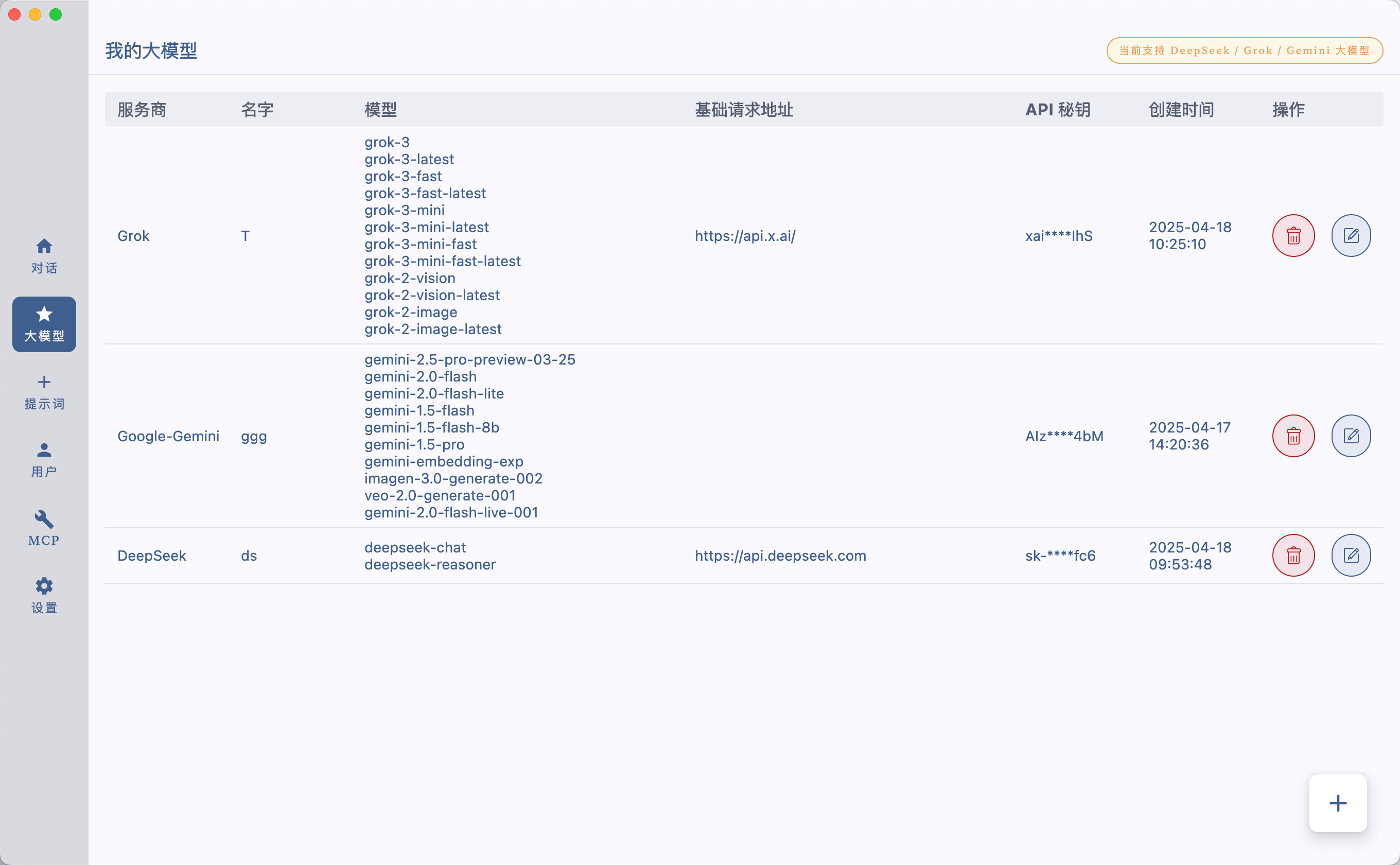
- [x] DeepSeek LLM / Grok LLM / Google Gemini LLM
- [ ] Claude LLM / OpenAI LLM / OLLama LLM
- [ ] Online API polling
- [x] MCP Support
- [ ] MCP Server Market
- [ ] RAG
- [x] TTS(Edge API)
- [x] i18n(Chinese/English) / App Color Theme / App Dark&Light Theme
Chat With LLMs
Config Your LLMs API Key
Prompt Management
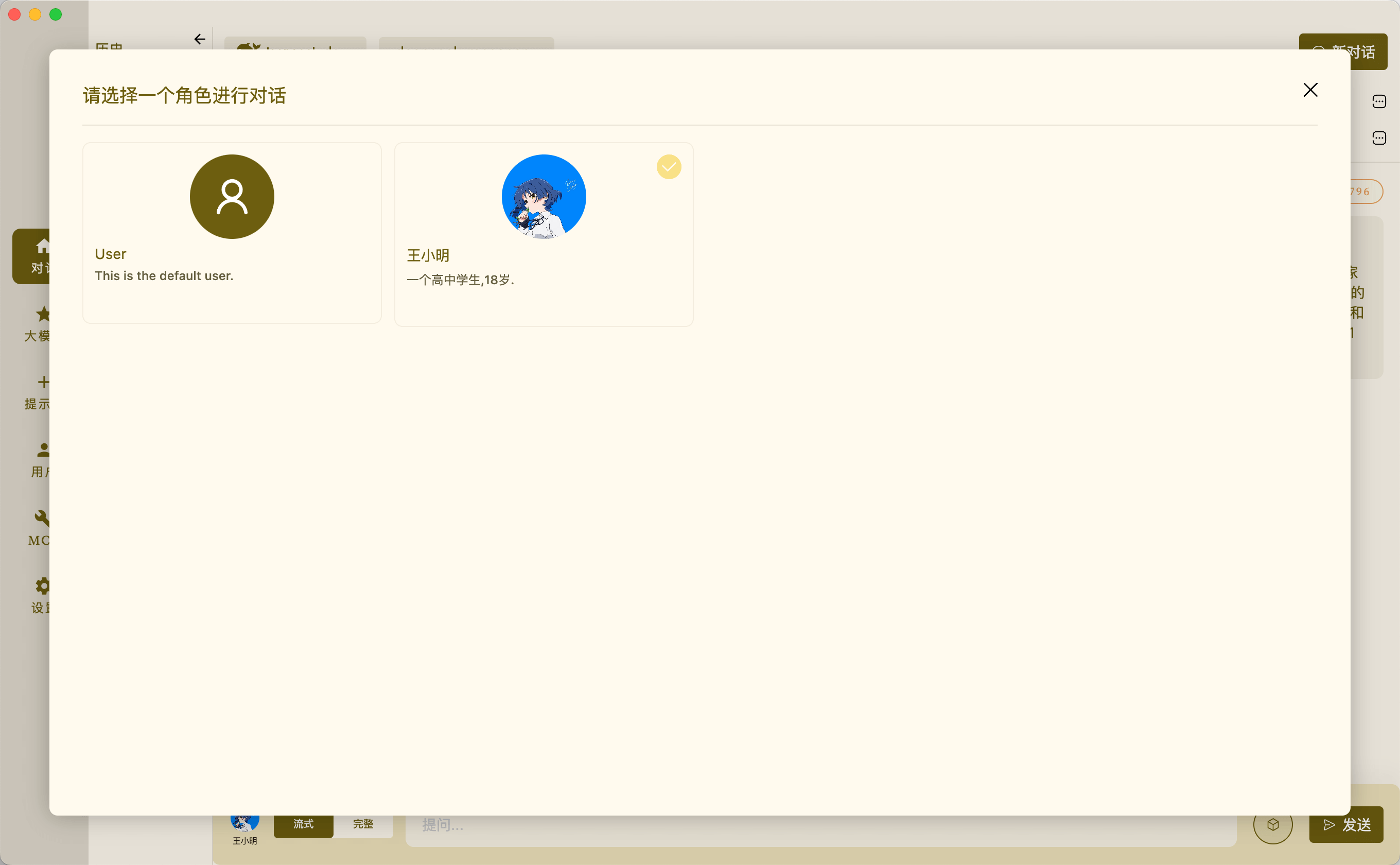
Chat With Tavern Character
User Management
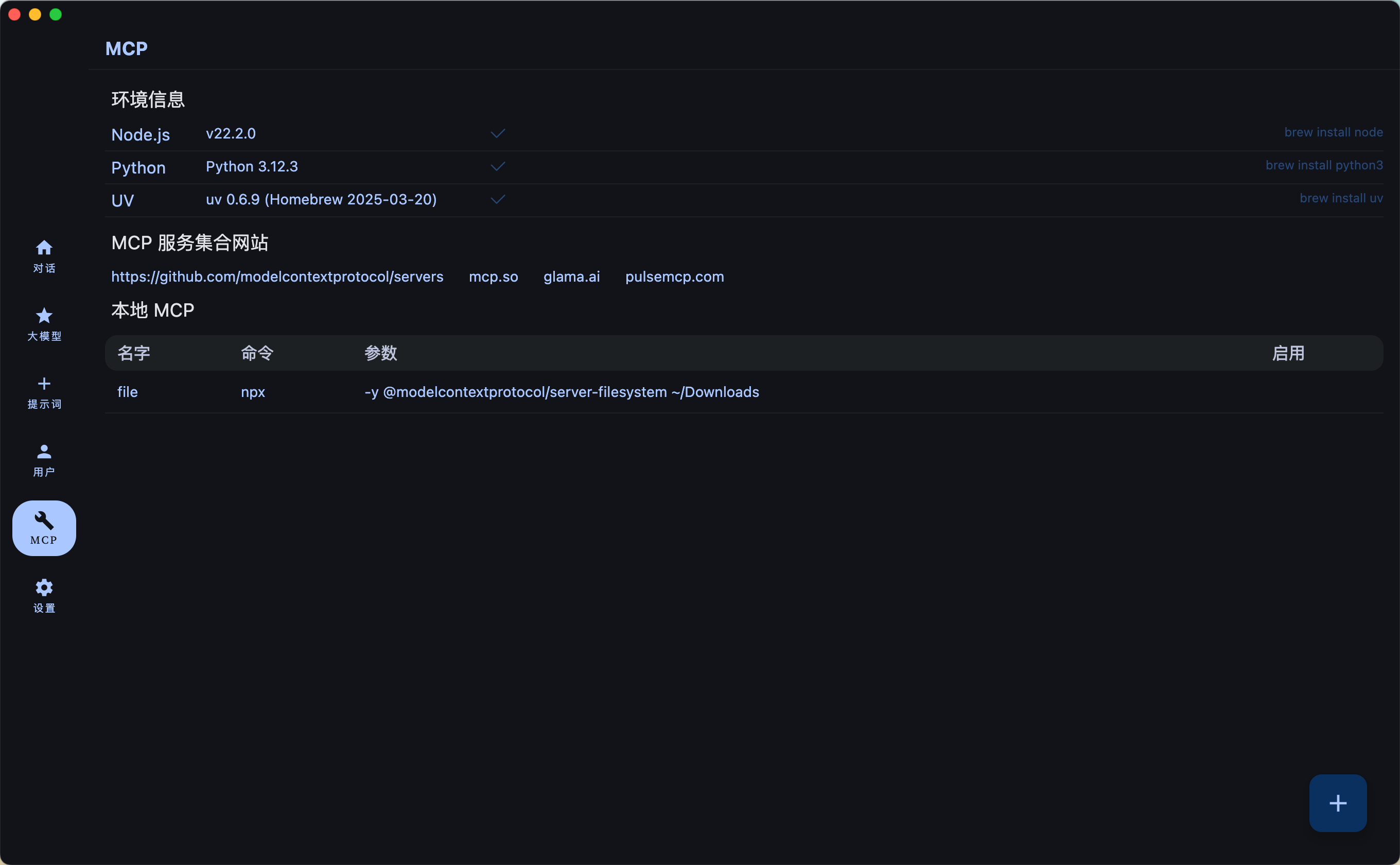
Config MCP Servers
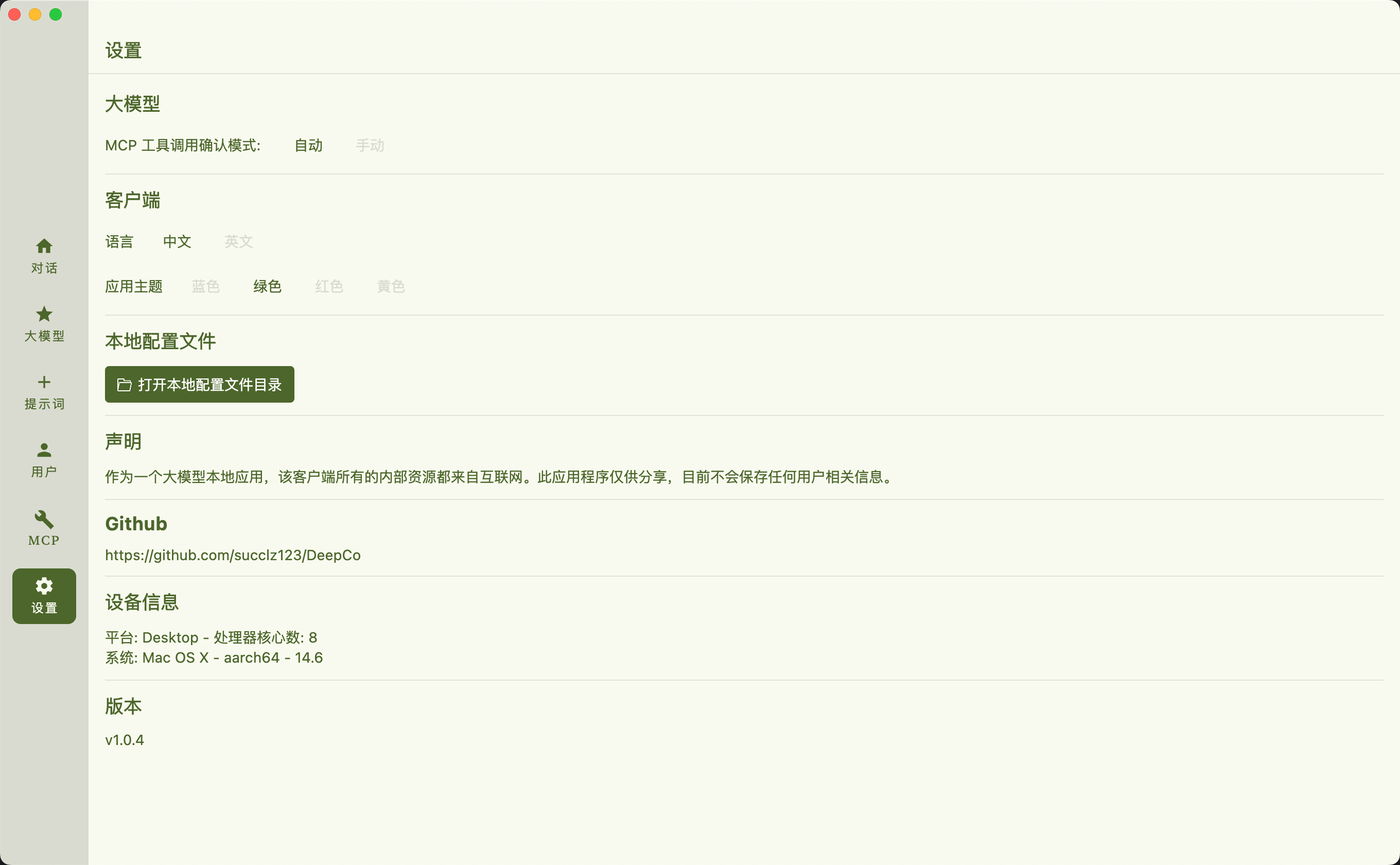
Setting
Model Context Protocol (MCP) ENV
MacOS
```
brew install uv
brew install node
windows
winget install --id=astral-sh.uv -e
winget install OpenJS.NodeJS.LTS
Build
Run desktop via Gradle
./gradlew :desktopApp:run
Building desktop distribution
./gradlew :desktop:packageDistributionForCurrentOS
Sign in to leave a review
Use Google, GitHub, or an email account so ratings stay tied to real people.
No reviews posted yet.





