
Windsurf
MCP Client
Featured Verified
- IDE & Code Editors
- macOS
- Windows
- Linux
- #ide
- #cascade
- #agent
- #mcp
Agentic IDE with Cascade — connect MCP servers for tools, docs, and live project context.
About
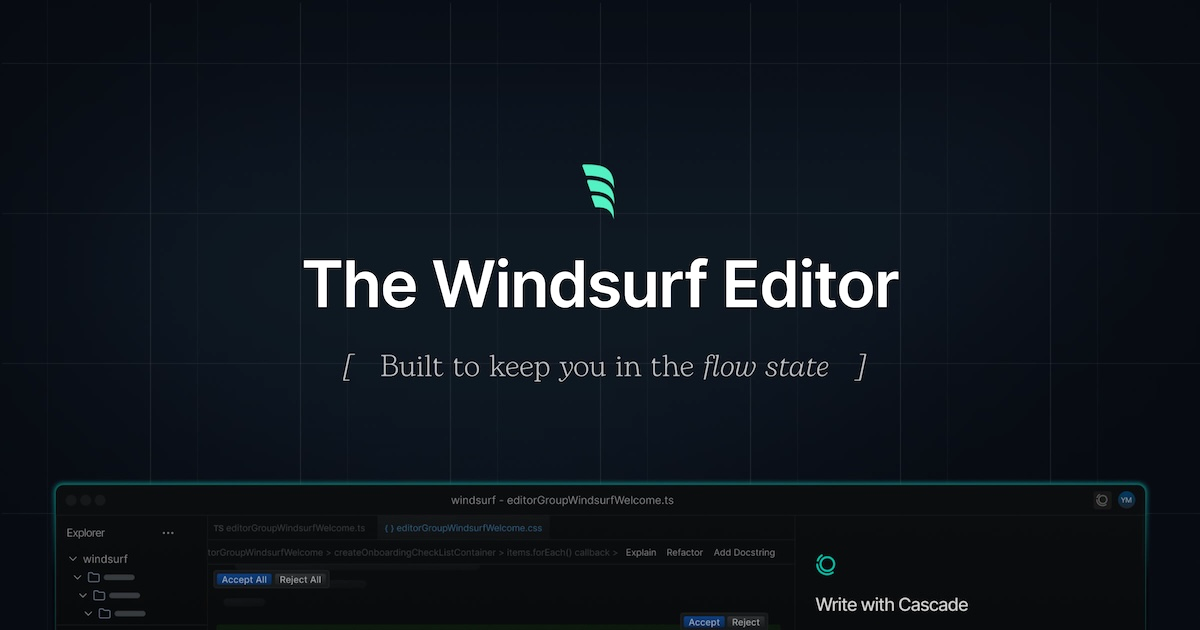
Windsurf (formerly Codeium’s Windsurf Editor) is an agentic IDE designed to keep you in flow. Cascade can collaborate like a copilot or take multi-step actions as an agent — and MCP servers plug those actions into real tools and data.
Add filesystem, browser, GitHub, databases, and more so Cascade can read, write, and verify work against live systems.
Highlights
- Cascade agent with MCP tool access
- Flow-oriented editing with deep codebase awareness
- JSON MCP config for local and remote servers
- Familiar VS Code–style extensions and workflow
Details
- Author
- Codeium / Cognition
- Category
- IDE & Code Editors
- Platforms
- macOS, Windows, Linux
- Website
- windsurf.com
- Docs
- Official docs
- Config path
~/.codeium/windsurf/mcp_config.json
Add MCP servers in Windsurf
Config file: ~/.codeium/windsurf/mcp_config.json
- Open Windsurf Settings / Preferences
- Open Cascade → MCP (or Integrations → MCP)
- Add a server or edit the MCP JSON config
- Restart Cascade if tools do not appear immediately
Note: Windsurf expects an `mcpServers` map similar to Cursor and Claude Desktop.
Example MCP config
{
  "mcpServers": {
    "filesystem": {
      "command": "npx",
      "args": ["-y", "@modelcontextprotocol/server-filesystem", "/path/to/allowed"]
    }
  }
}
Looking for servers to connect? Browse MCP servers for Windsurf


