Tanzu Platform Chat: AI Chat Client for Cloud Foundry
- agent-framework
Tanzu Platform Chat
About
What is Tanzu Platform Chat: AI Chat Client for Cloud Foundry?
Tanzu Platform Chat (cf-mcp-client) is a Spring chatbot application built with Spring AI, designed to be deployed to Cloud Foundry and consume platform AI services. It works with Large Language Models (LLMs), Vector Databases, and Model Context Protocol (MCP) agents.
How to use Tanzu Platform Chat: AI Chat Client for Cloud Foundry?
Deploy the pre‑built Spring application to Cloud Foundry using mvn clean package and cf push. Bind available AI services (e.g., GenAI‑based LLMs, embedding models, Postgres vector databases, or an MCP server) with cf bind-service and restart the application with cf restart ai-tool-chat. For vector database support, upload a PDF via the document tool; the chatbot will then answer queries about the file.
Key features of Tanzu Platform Chat: AI Chat Client for Cloud Foundry
- Deployed and run on Cloud Foundry with cf push.
- Integrates with GenAI‑compatible LLM service instances.
- Supports binding to vector databases (Postgres with embedding models).
- Uses Model Context Protocol (MCP) agents via user‑provided services.
- Persists chat memory across restarts when bound to a vector DB and embedding model.
- Accepts PDF document uploads for contextual question‑answering.
Use cases of Tanzu Platform Chat: AI Chat Client for Cloud Foundry
- Provide a conversational AI interface that uses Cloud Foundry’s GenAI tile for LLM responses.
- Enable document‑based Q&A by uploading PDFs and querying them via a vector database.
- Extend AI capabilities by connecting to external tools through MCP agents.
- Maintain conversation history across application restarts and scaling events.
FAQ from Tanzu Platform Chat: AI Chat Client for Cloud Foundry
What platforms or cloud environments does it require?
The application is designed exclusively for Cloud Foundry environments that offer the GenAI tile or other LLM services. It also works with standard Postgres databases and user‑provided MCP servers.
How do I bind an LLM to the chatbot?
Create a GenAI service instance (e.g., cf create-service genai [plan-name] chat-llm), bind it with cf bind-service ai-tool-chat chat-llm, then restart the application.
Can I add vector database support?
Yes. Bind an embedding model service and a Postgres instance, then restart. After binding, you can upload a PDF via the document tool to enable document‑based queries.
How do I connect an MCP agent?
Create a user‑provided service with the endpoint URL (cf cups mcp-server -p '{"mcpServiceURL":"https://your-mcp-server.example.com"}'), bind it, and restart. The LLM will then be able to invoke the agent’s capabilities.
Does the chatbot remember previous conversations?
If both a vector database and an embedding model are bound, chat memory persists across application restarts and scaling.
Details
- Author
- cpage-pivotal
- GitHub stars
- 10
- Category
- agent-framework
- Repository
- cpage-pivotal/cf-mcp-client
Tanzu Platform Chat: AI Chat Client for Cloud Foundry
Overview
Tanzu Platform Chat (cf-mcp-client) is a Spring chatbot application that can be deployed to Cloud Foundry and consume platform AI services. It's built with Spring AI and works with LLMs, Vector Databases, and Model Context Protocol Agents.
Prerequisites
- Java 21 or higher
- e.g. using sdkman sdk install java 21.0.7-oracle
- Maven 3.8+
- e.g. using sdkman sdk install maven
- Access to a Cloud Foundry Foundation with the GenAI tile or other LLM services
- Developer access to your Cloud Foundry environment
Deploying to Cloud Foundry
Preparing the Application
1. Build the application package:
mvn clean package
2. Push the application to Cloud Foundry:
cf push
Binding to Large Language Models (LLM's)
1. Create a service instance that provides chat LLM capabilities:
cf create-service genai [plan-name] chat-llm
2. Bind the service to your application:
cf bind-service ai-tool-chat chat-llm
3. Restart your application to apply the binding:
cf restart ai-tool-chat
Now your chatbot will use the LLM to respond to chat requests.
Binding to Vector Databases
1. Create a service instance that provides embedding LLM capabilities
cf create-service genai [plan-name] embeddings-llm
2. Create a Postgres service instance to use as a vector database
cf create-service postgres on-demand-postgres-db vector-db
3. Bind the services to your application
cf bind-service ai-tool-chat embeddings-llm
cf bind-service ai-tool-chat vector-db
4. Restart your application to apply the binding:
cf restart ai-tool-chat
5. Click on the document tool on the right-side of the screen, and upload a .PDF File
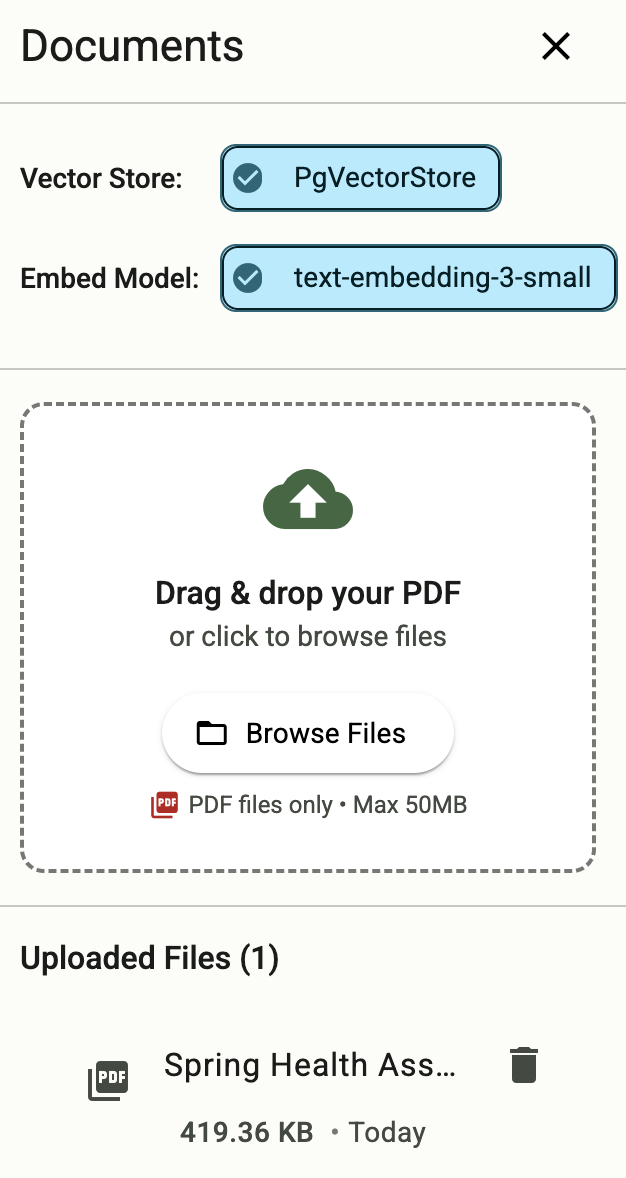
Now your chatbot will respond to queries about the uploaded document

Binding to MCP Agents
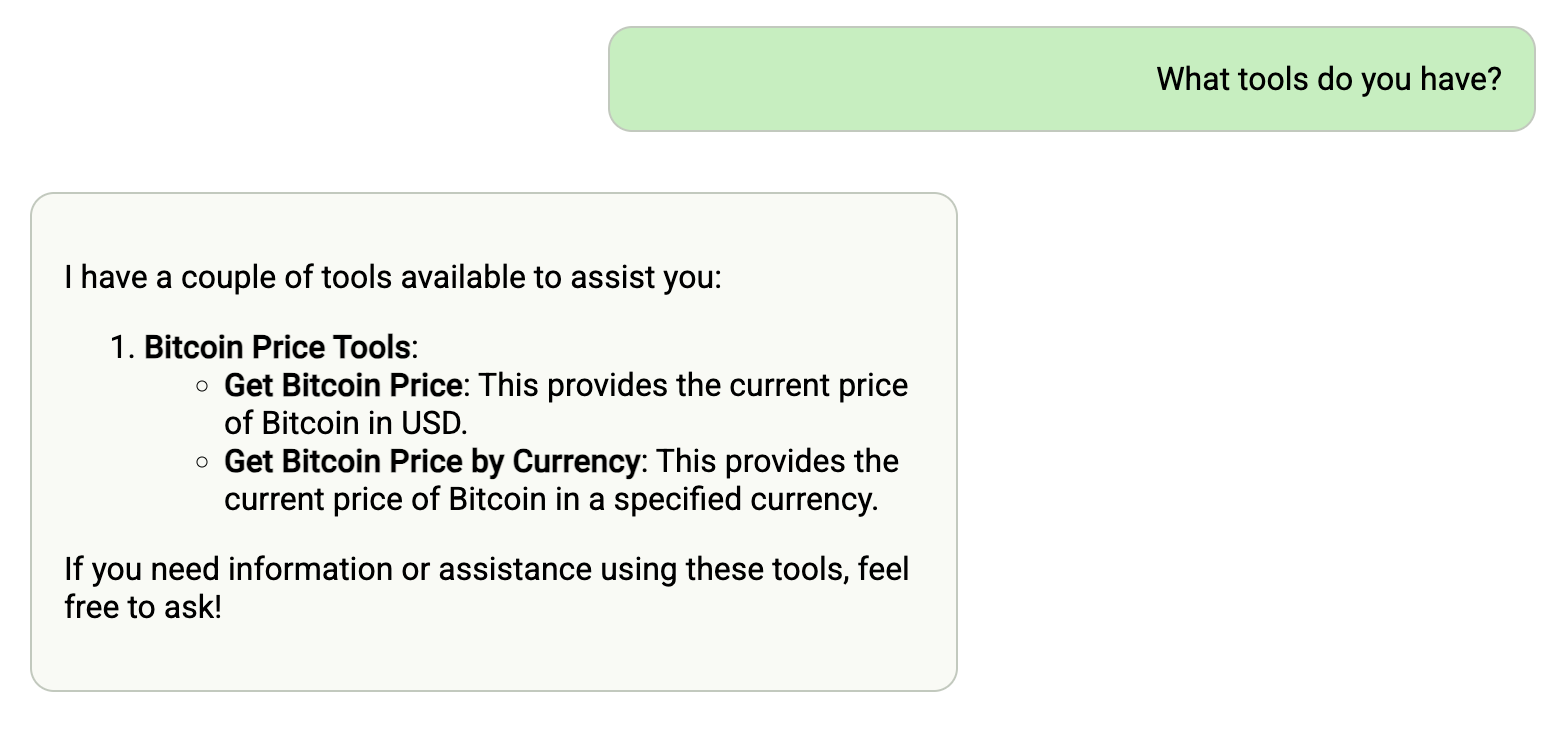
Model Context Protocol (MCP) servers are lightweight programs that expose specific capabilities to AI models through a standardized interface. These servers act as bridges between LLMs and external tools, data sources, or services, allowing your AI application to perform actions like searching databases, accessing files, or calling external APIs without complex custom integrations.
1. Create a user-provided service that provides the URL for an existing MCP server:
cf cups mcp-server -p '{"mcpServiceURL":"https://your-mcp-server.example.com"}'
2. Bind the MCP service to your application:
cf bind-service ai-tool-chat mcp-server
3. Restart your application:
cf restart ai-tool-chat
Your chatbot will now register with the MCP agent, and the LLM will be able to invoke the agent's capabilities when responding to chat requests.
Using a Vector Store for Conversation Memory
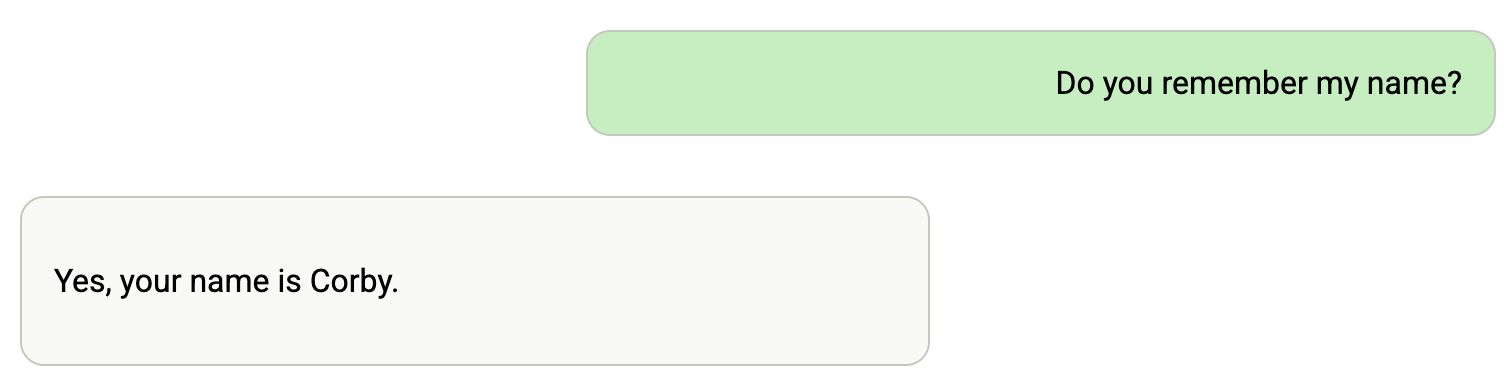
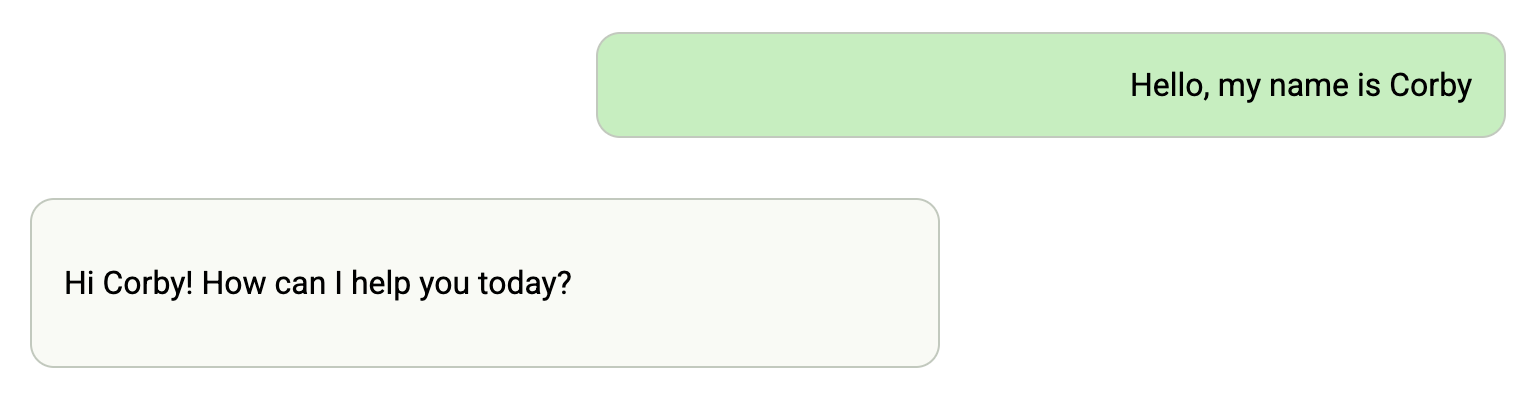
If you are bound to a vector database and an embedding model, then your chat memory will persist across application restarts and scaling.
1. Follow the instructions above in Binding to Vector Databases