
AINGDESK
- other
AingDesk是一款简单好用的AI助手,支持知识库、模型API、分享、联网搜索、智能体,它还在飞快成长中。 AingDesk is a simple and easy-to-use AI assistant that supports knowledge bases, model APIs, sharing, internet search, and intelligent agents. It is still growing rapidly.
About
What is AINGDESK?
AINGDESK is an easy-to-use AI assistant that supports local AI models, mainstream model APIs, knowledge bases, sharing, web search, and intelligent agents. It runs as a desktop client on macOS and Windows, and can also be deployed as a server via Docker.
How to use AINGDESK?
Download the client from the official website or GitHub release for macOS or Windows. For server deployment, use docker run or docker compose as provided in the installation instructions. After setup, you can configure local models, API endpoints, knowledge bases, and MCP clients
Details
- Author
- aingdesk
- Category
- other
- Repository
- aingdesk/aingdesk
AingDesk





简体中文 | Official Website | Documentation
AingDesk是一款简单好用的AI助手,支持知识库、模型API、分享、联网搜索、智能体,它还在飞快成长中。
AingDesk is an easy-to-use AI assistant that supports knowledge bases, model APIs, sharing, web search, and intelligent agents. It's rapidly growing and improving.
🚀 One-sentence Introduction
A user-friendly AI assistant software that supports local AI models, APIs, and knowledge base setup.
✅ Core Features
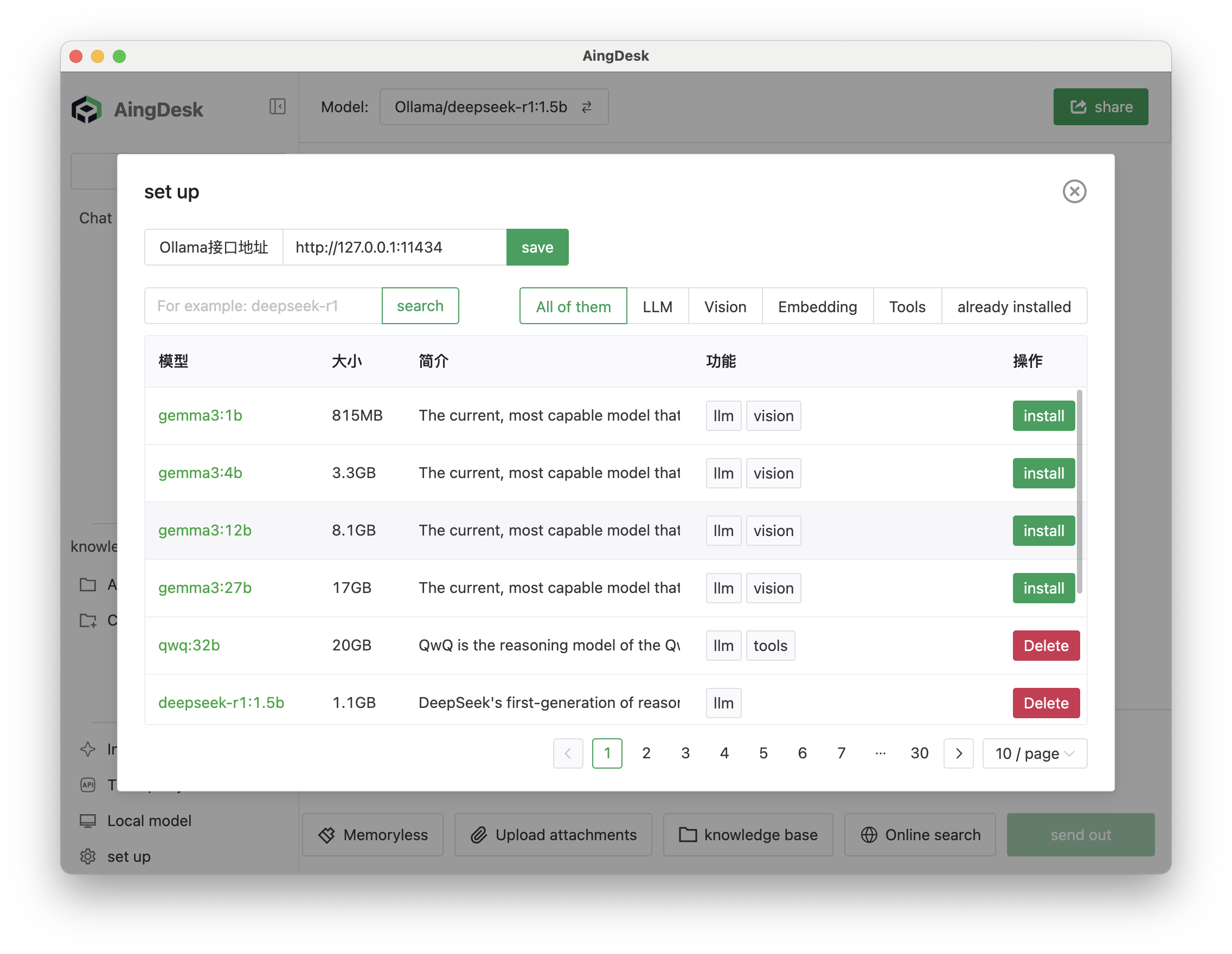
- One-click deployment of local AI models and mainstream model APIs
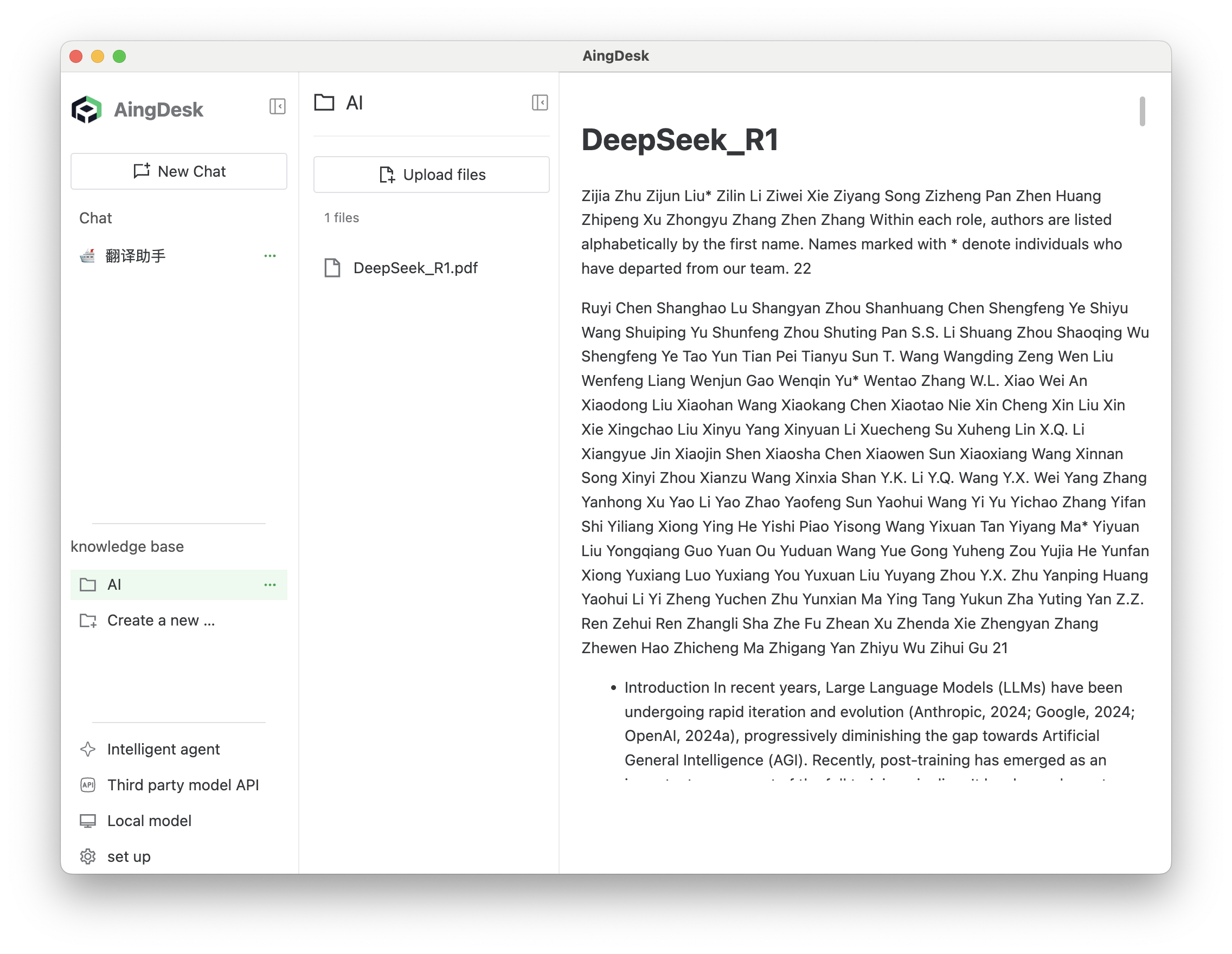
- Local knowledge base
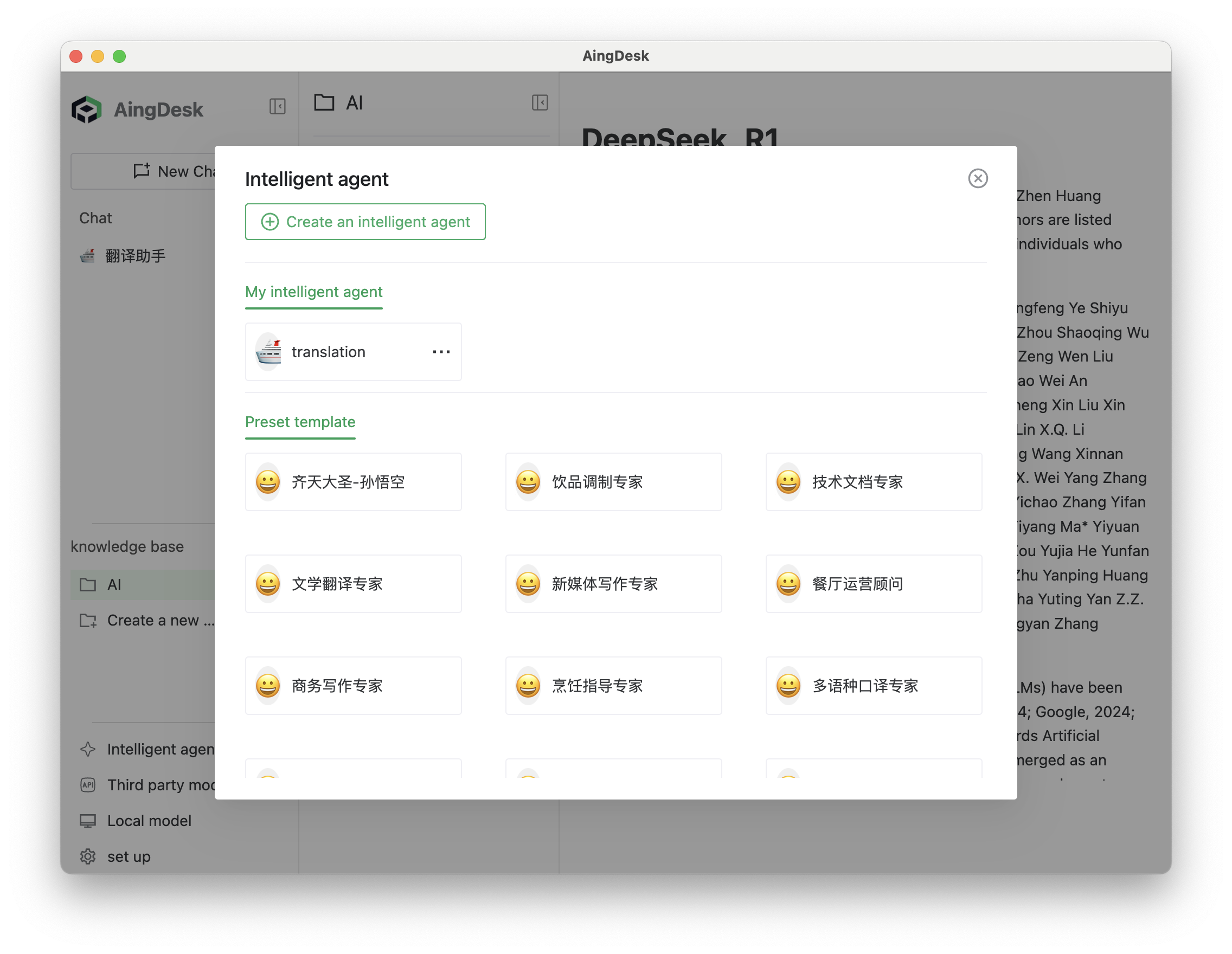
- Intelligent agent creation
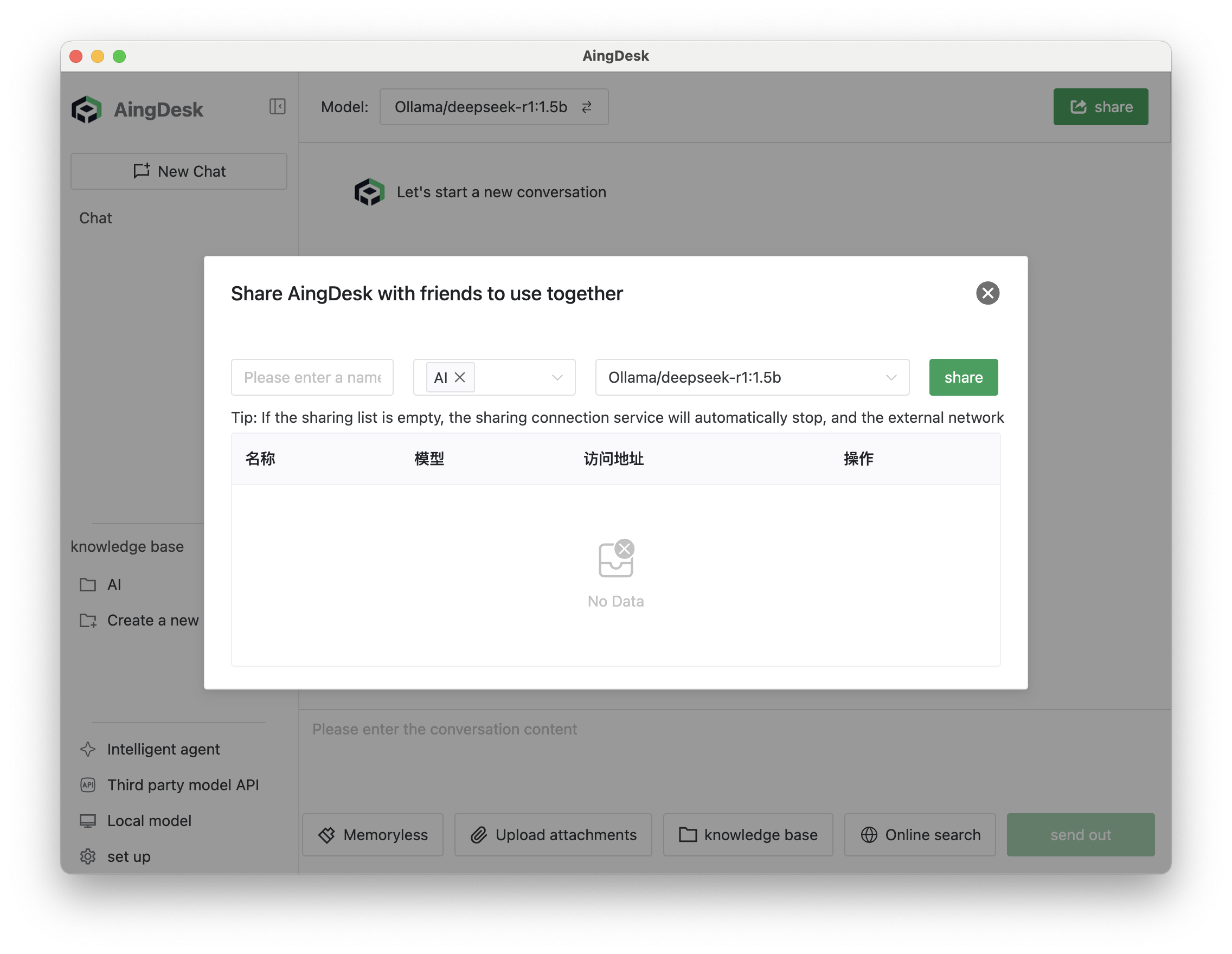
- Can be shared online for others to use
- Supports web search
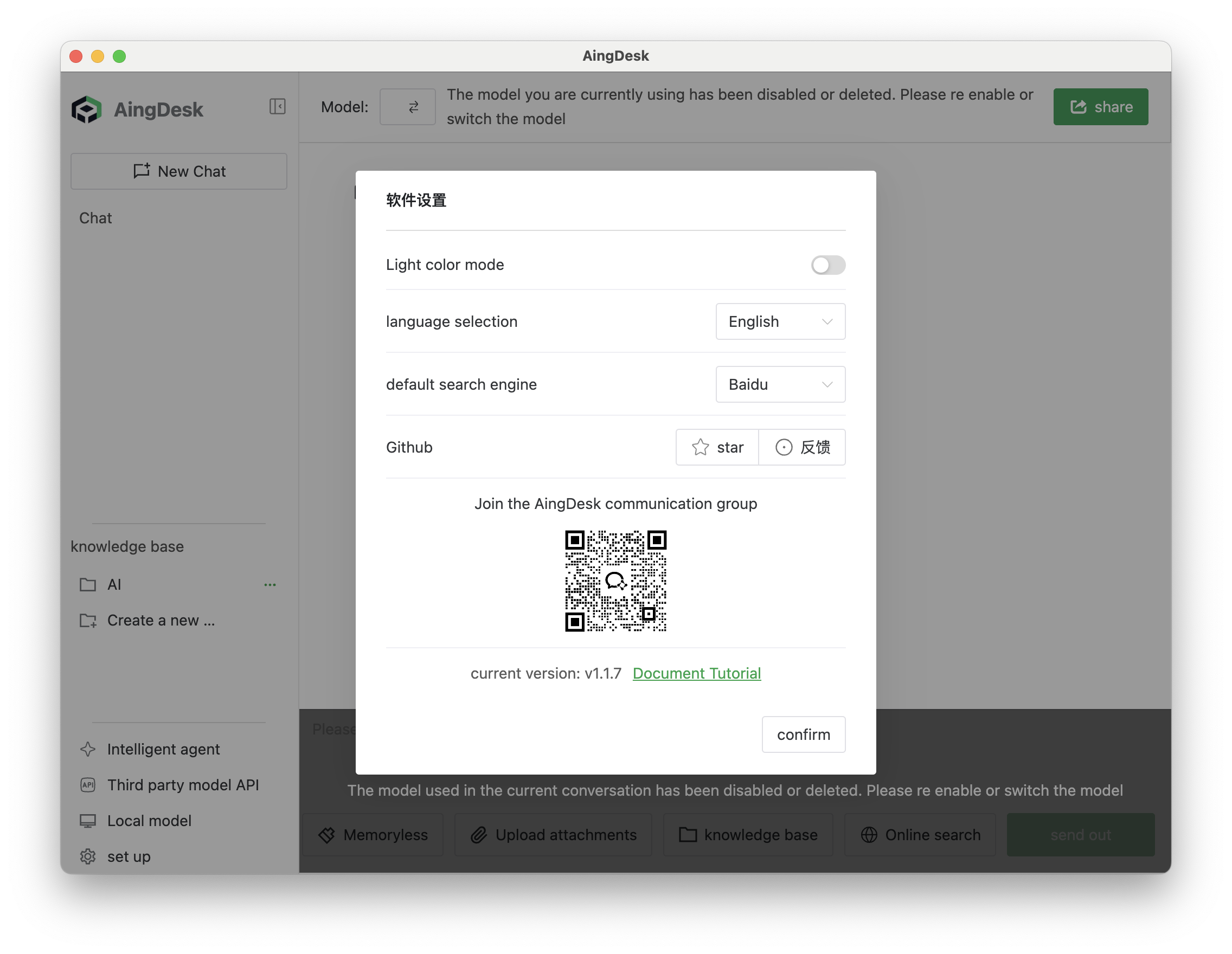
- Supports server-side deployment
- MCP Client
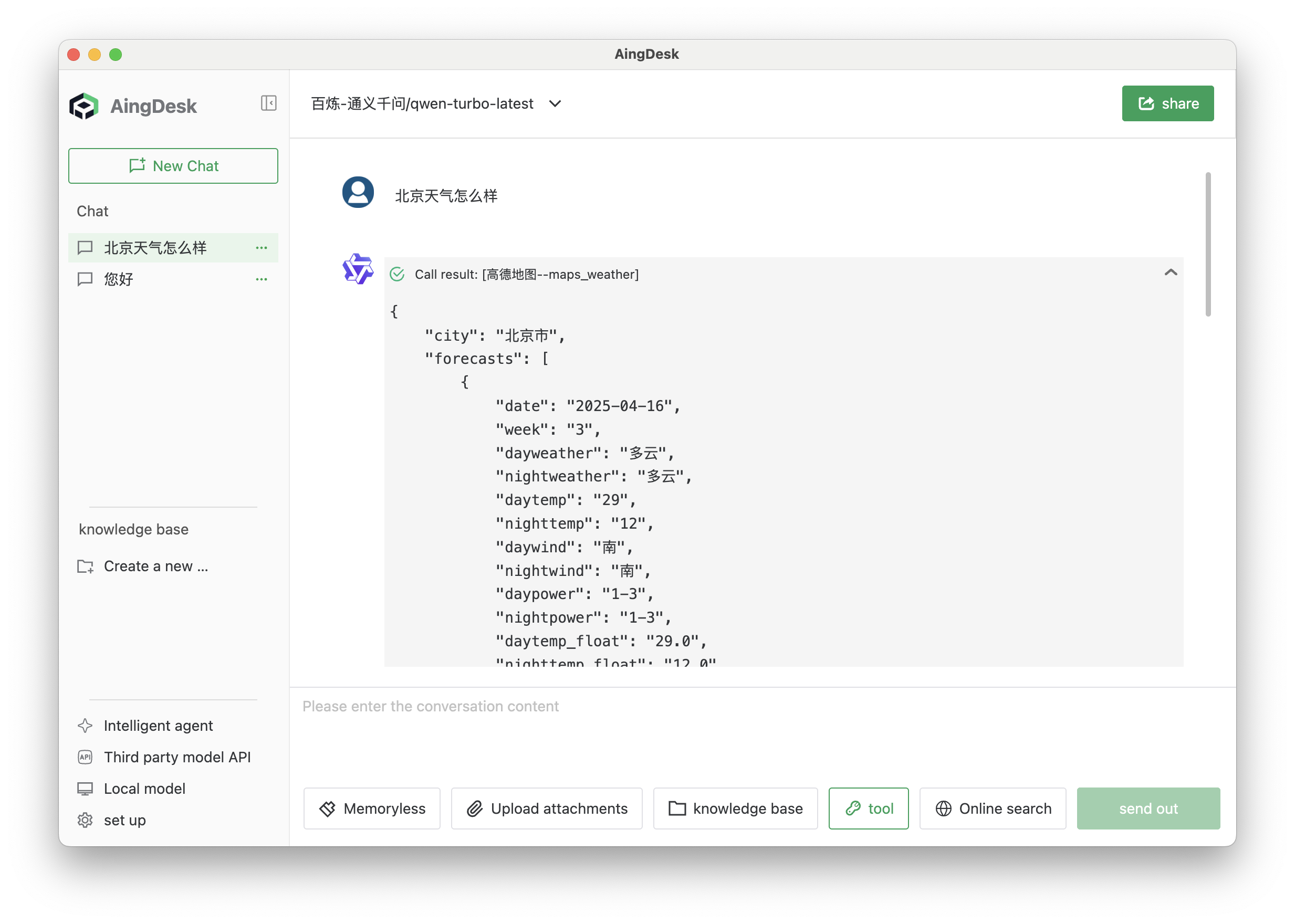
- Simultaneous conversations with multiple models in a single session (coming soon)
✨ Product Highlights
- Simple and easy to use, beginner-friendly for AI newcomers📥 Quick Installation
Client Version(MacOS, Windows)
- Download from official website
- Download from CNB
- Download from Github
Server Version
Docker Run
``bash
docker run -d \
--name node \
-v $(pwd)/data:/aingdesk/data \
-v $(pwd)/uploads:/aingdesk/uploads \
-v $(pwd)/logs:/aingdesk/logs \
-p 7071:7071 \
-w /aingdesk \
aingdesk/aingdesk
Docker Compose
bash
mkdir -p aingdesk
cd aingdesk
wget https://cnb.cool/aingdesk/AingDesk/-/git/raw/server/docker-compose.yml
Run
docker compose up -d
or
docker-compose up -d
``










